

Launcher+
Launcher+ screenshots (8)

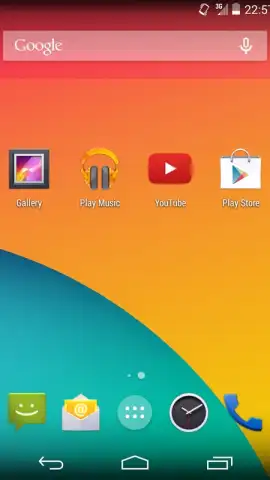
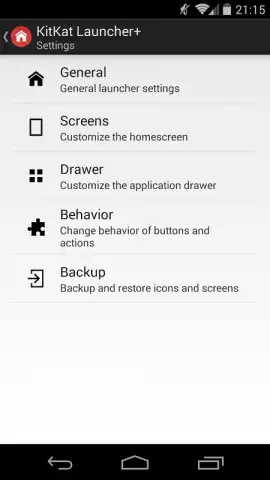
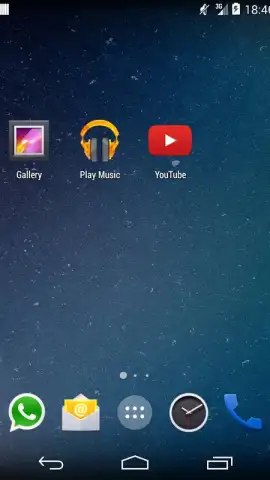
Description Launcher+
A Launcher That Prioritizes Function Over Form
Launcher+ provides a utilitarian approach to Android home screen customization, moving away from purely aesthetic widgets to focus on rapid information access and application management. It functions as an overlay system designed for users who value efficiency and a clutter-free interface, consolidating frequent actions and data points into a single, accessible panel. The core proposition is reducing the number of taps and swipes required to perform daily tasks, from contacting a person to checking calendar events.
Core Mechanics and Tools
The application operates as a persistent sidebar or accessible overlay that can be summoned from any screen within the operating system. Its primary function is to aggregate and display dynamic content from other applications and system functions without requiring the user to open them individually. This includes direct access to contacts with calling or messaging shortcuts, a compact view of upcoming calendar appointments, and toggles for system settings like Wi-Fi and Bluetooth. The launcher integrates with core Android intents, allowing it to fetch and display this information in real-time with minimal performance overhead. Users can customize which modules appear and in what order, tailoring the information stream to their specific workflow needs.
Key Operational Advantages
- Persistent Contextual Access: The overlay remains available system-wide, providing instant shortcuts and information without interrupting the current task or application in use.
- Minimalist Resource Footprint: Designed with efficiency in mind, it utilizes minimal system memory and battery, ensuring background operation does not degrade device performance.
- High Customization Utility: Offers granular control over the information panels and shortcut layouts, enabling a purely functional setup that bypasses unnecessary graphical elements.
We suggest trying Launcher+ if your primary goal is to streamline device interaction through a productivity-focused lens.
Download mobile app now
Requires an internet connection for certain features. The app may contain in-app purchases.


