

MaaS360 MDM for Android
MaaS360 MDM for Android screenshots (6)
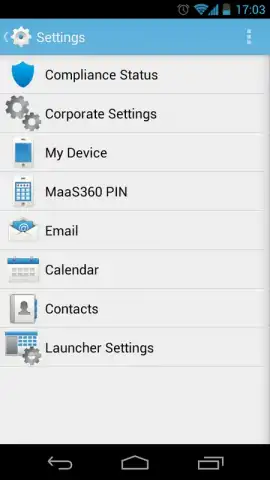
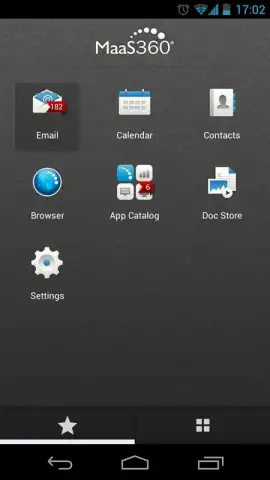
Description MaaS360 MDM for Android
Managing corporate-owned and employee-owned Android devices across a distributed workforce presents a significant operational challenge. Security policies must be enforced, applications need to be distributed securely, and device compliance must be monitored continuously, all without creating excessive overhead for IT administrators or hindering employee productivity. A centralized management solution is not a luxury but a necessity for modern business mobility.
Core Management & Security Features
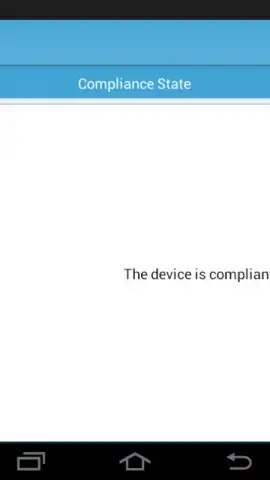
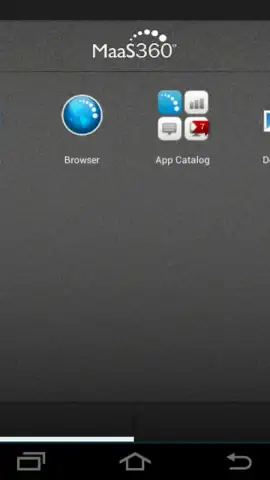
MaaS360 MDM for Android provides a unified endpoint management platform designed for IT departments to oversee Android fleets. The console allows for the remote configuration of devices, enforcing passcode policies, encryption standards, and network settings. Applications can be pushed to devices silently through a dedicated enterprise app catalog, ensuring users have the correct tools. A key function is containerization, which separates corporate data and applications into a secure workspace on the device, keeping it isolated from personal content. This enables secure access to internal resources and allows for selective wipes of corporate data without affecting the user's personal information. Compliance monitoring is automated, with alerts and reports generated for devices that fall out of policy, enabling proactive remediation.
Operational Advantages for Administrators
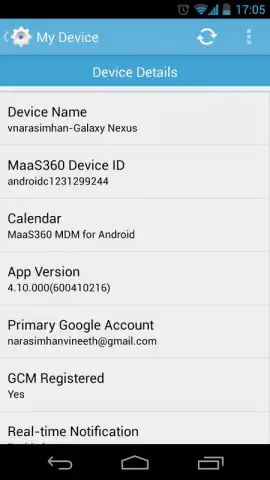
The platform emphasizes administrative efficiency through a cloud-based console that is accessible from any web browser, eliminating the need for on-premise infrastructure. Deployment is streamlined with multiple enrollment options, including QR code scans for bulk provisioning. The system supports detailed asset management, providing visibility into device models, OS versions, and installed applications. For troubleshooting, remote control and view capabilities allow support staff to assist users directly. The interface is logically organized, presenting critical alerts, dashboards, and task workflows in a single pane of glass, reducing the time required for daily management tasks and security audits.
- Secure Application Distribution: Deploy and manage business apps through a private enterprise catalog.
- Corporate Data Containerization: Isolate work profiles to protect sensitive company information.
- Automated Policy Enforcement: Configure and apply security templates for passwords and encryption.
- Real-Time Compliance Monitoring: Receive instant alerts for policy violations or non-compliant devices.
- Remote Troubleshooting Tools: Utilize remote lock, wipe, and view functions for support.
We suggest trying MaaS360 MDM for Android to evaluate its comprehensive device management capabilities for your organization's mobile fleet.
Requires an internet connection for full functionality. This application is intended for enterprise management as part of a MaaS360 subscription service.
 GooglePlay


