
Marantz Remote App
Marantz Remote App screenshots (19)
Description Marantz Remote App
Struggling with a Universal Remote? Your Marantz System Deserves a Dedicated Control Hub
Universal remotes promise convenience but often deliver a frustrating, watered-down experience for high-fidelity components. They lack the granular control and system-specific intelligence required to truly manage a sophisticated Marantz audio-video setup. The Marantz Remote App for Android addresses this disconnect directly, transforming your smartphone or tablet into a purpose-built command center. It is not a generic controller but a dedicated interface that speaks your Marantz product's language, offering deep, manufacturer-approved access to functions that generic solutions gloss over. This review examines whether this official application delivers the precision and integration necessary to justify retiring your physical remote for daily operations.
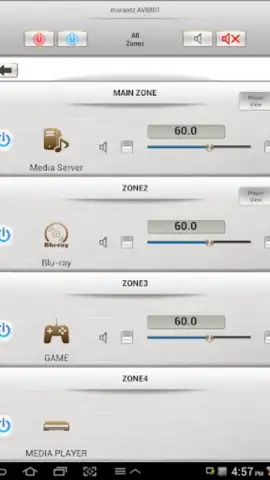
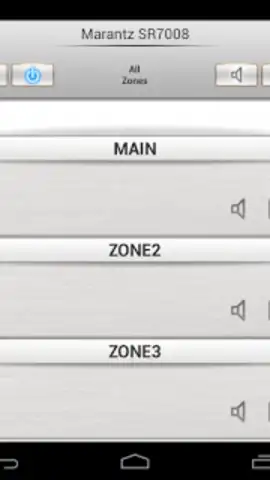
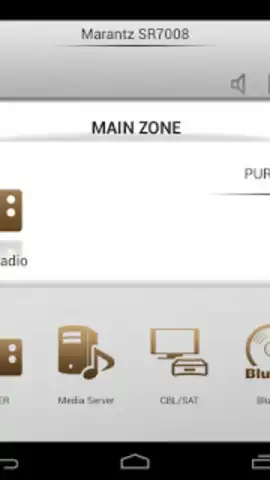
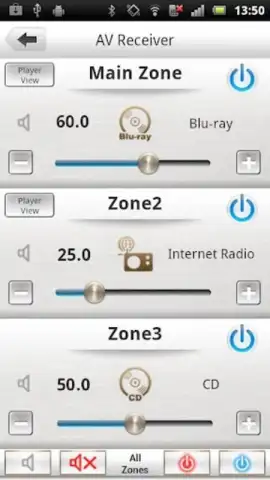
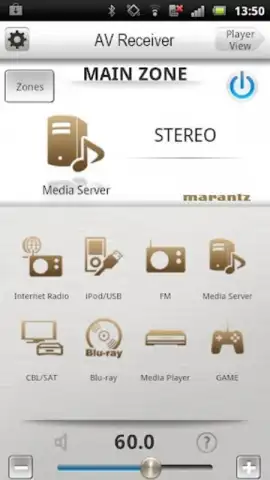
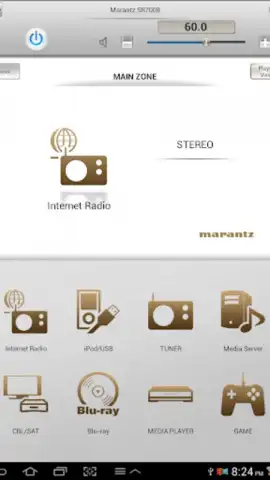
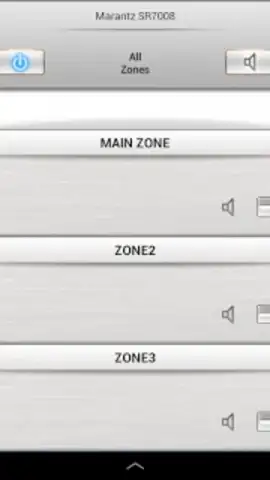
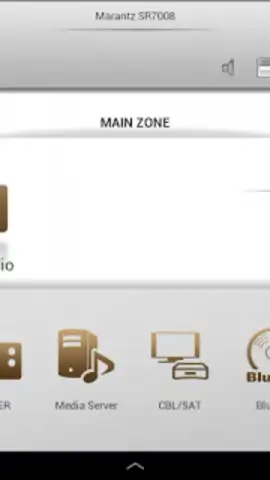
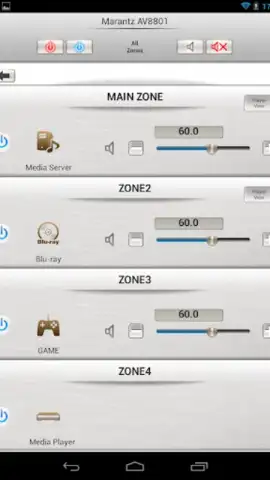
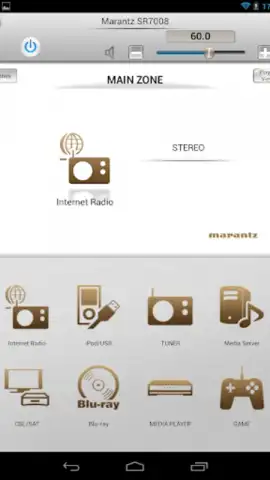
The core functionality revolves around direct IP-based network control, which provides a more responsive and feature-rich experience than basic IR blaster apps. Upon launching, the app performs a network discovery to locate your compatible Marantz AV receiver, network player, or Blu-ray player. The main control screen is highly configurable; you can pin frequently used commands—like power, master volume, input selection, and surround sound modes (Dolby Atmos, DTS:X, etc.)—to a customizable home panel for one-tap access. A significant advantage is the Single Page Multi Zone Control feature for supported multi-zone AV receivers. This consolidates management of your main zone and secondary zones onto a single screen, allowing you to adjust source, volume, and power for different rooms without navigating through layered menus on the device's front panel.
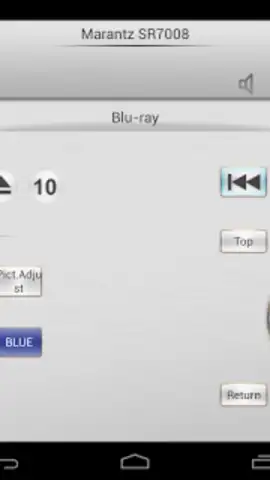
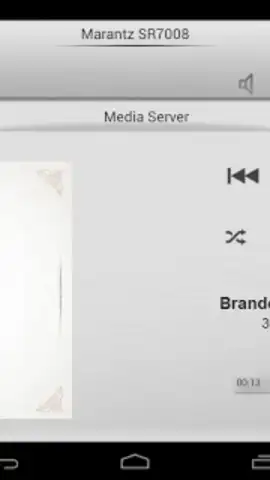
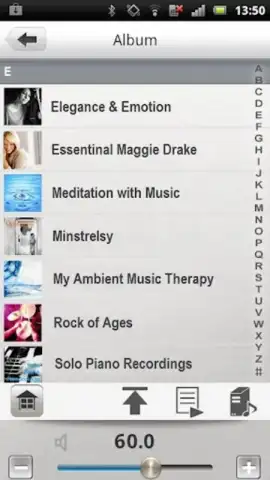
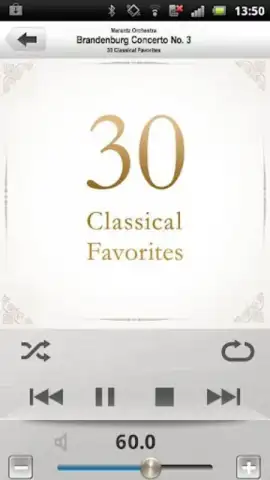
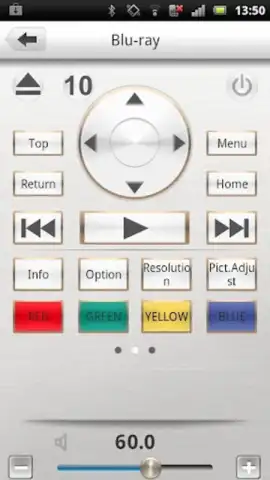
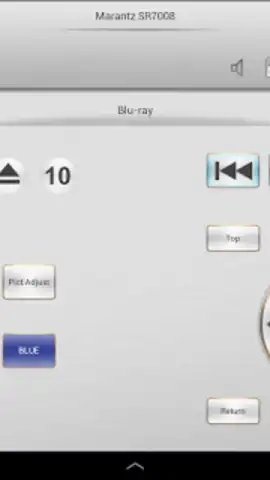
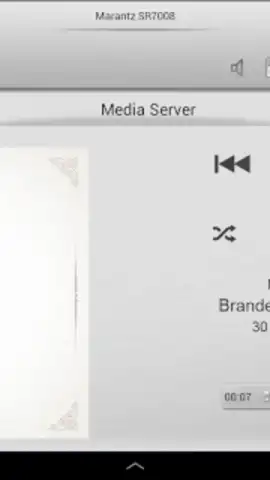
For media management, the app provides a competent interface for browsing networked music libraries and internet radio stations. It supports thumbnail previews, efficient search filters, and playlist management, turning your device into a handheld media library navigator. Specific advanced features include direct FM frequency tuning for receivers with tuners, output level limiters for setting maximum volume ceilings, and control over slide show transitions when displaying photos via a connected player. The application also extends control to compatible Marantz Blu-ray players when they are connected to and managed through a supported AV receiver, creating a unified control chain. For optimal performance, it is critical to ensure your Marantz component has its network control settings (often labeled IP Control or Network Standby) set to "Always On" and is running the latest firmware.
- Unified Multi-Zone Management: Control source, volume, and power for all audio zones from a single, consolidated interface screen.
- Fully Customizable Dashboard: Personalize the main screen with assignable shortcut buttons for your most-used device functions.
- Advanced Playback and Tuning: Manage playlists, browse libraries with thumbnails, and access direct FM tuning and internet radio presets.
- Extended System Integration: Operate compatible Marantz Blu-ray players through your AV receiver for streamlined system control.
- Precision Audio Controls: Adjust surround sound modes, set permanent volume limits, and fine-tune audio inputs seamlessly.
This is not a generic remote emulator; it's the definitive control upgrade for your Marantz ecosystem. For a limited time, new users can experience seamless integration and download the app directly as the exclusive control solution recommended by Marantz engineers. Download the Marantz Remote App now and transform your Android device into a high-precision remote today.
Internet required. IAP available.


