

Master-Design
Master-Design screenshots (9)
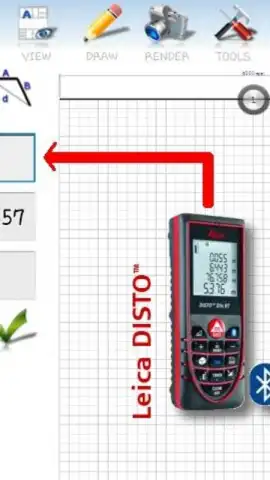
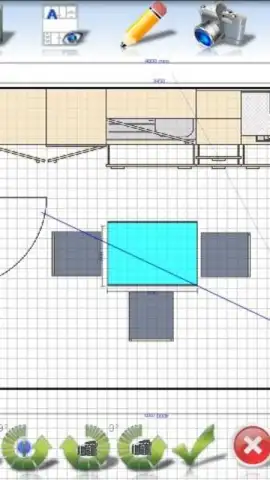
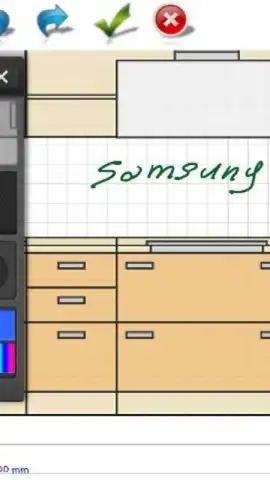
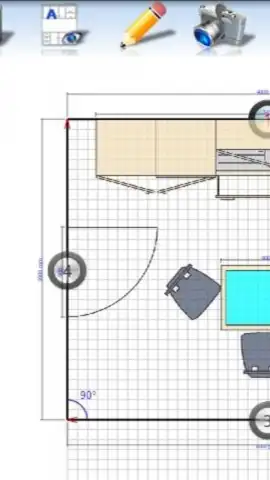
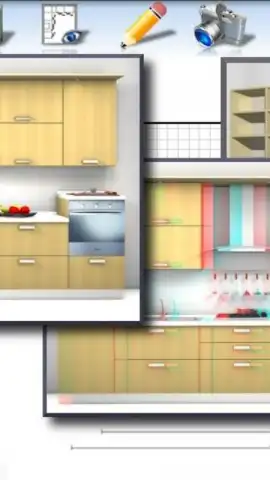
Description Master-Design
Struggling to bring your creative visions to life without complex software? Master-Design provides the essential toolkit for digital art and graphic design directly on your mobile device.
Core Functionality & Tools
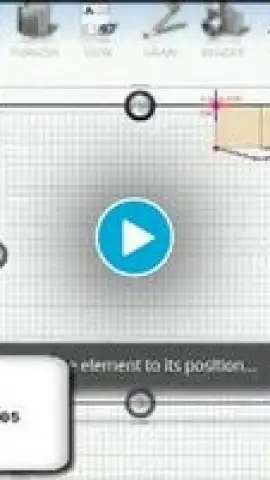
This application serves as a mobile studio for creating and editing digital artwork. It offers a layered canvas system, allowing for non-destructive editing and complex compositions. Users can access a variety of virtual brushes, including pencils, inks, and airbrushes, each with customizable size, opacity, and flow settings. The toolset is rounded out with shape tools, advanced text editors with font libraries, and a comprehensive color picker with support for palettes and gradients.
Key Features & Advantages
The interface is designed for precision on a touchscreen, featuring customizable quick-access toolbars and pressure-sensitive stylus support. All projects are auto-saved and can be exported in multiple high-resolution formats, including PNG and JPEG, suitable for both digital sharing and print. The app operates efficiently, maintaining performance even with multiple layers and high-detail brushes on capable devices.
- Create intricate artwork using a full suite of customizable digital brushes and pens.
- Build complex compositions with a powerful, non-destructive layer system.
- Import images to use as references or base layers for editing and tracing.
- Export your finished designs in high-resolution formats for any use case.
- Utilize an intuitive, customizable UI optimized for tablet and phone screens.
Download Master-Design now and turn your device into a portable design studio.
Heads up: you'll need wifi for initial download and some asset imports. Some advanced brush packs and premium templates are extra.


