

Max Launcher
Max Launcher screenshots (8)
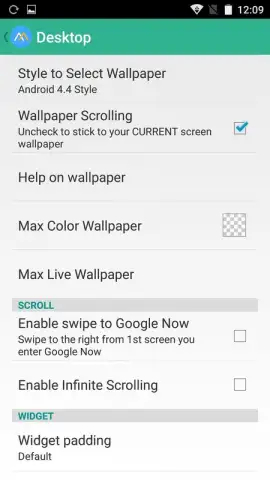
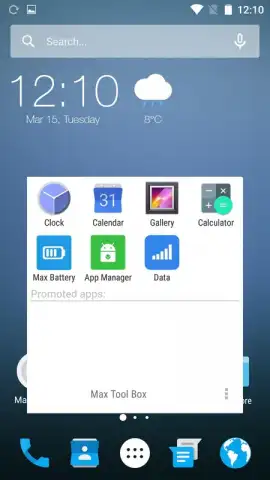
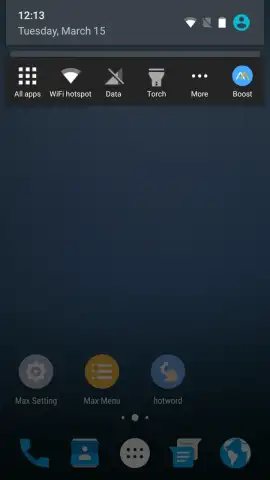
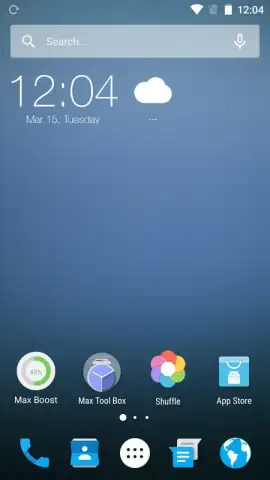
Description Max Launcher
A Comprehensive Launcher That Replaces the Default Android Interface
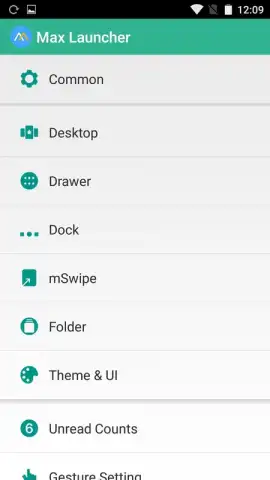
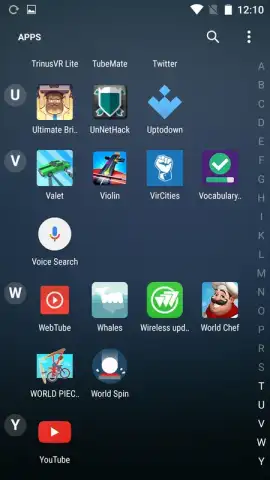
Max Launcher - Marshmallow 6 is a customization tool designed to modify the visual and functional layer of the Android operating system. It operates by substituting the standard home screen, app drawer, and system navigation elements with a fully configurable alternative. The core proposition is extensive user control over aesthetics and interaction mechanics, moving beyond static themes to include dynamic gesture-based commands.
Functional and Aesthetic Customization Capabilities
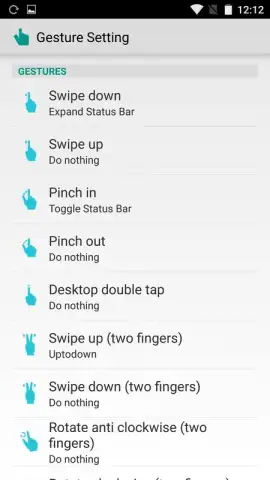
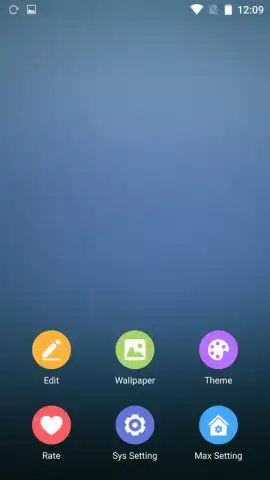
The application provides a dual-focus framework, addressing both visual personalization and operational efficiency. The primary interface presents a clean, material-design-inspired layout that serves as a base for modifications. Users integrate visual packs, which include coordinated icon sets and wallpapers, directly from a dedicated in-app catalog. This catalog is updated periodically, offering both free and premium asset packages. On the functional side, the launcher introduces a gesture-control system that maps specific on-screen finger motions to launch applications or trigger system actions, effectively creating shortcuts that are not dependent on visible screen elements.
Detailed Feature Breakdown
The launcher's feature set is built around three core pillars of customization and performance.
- Advanced Gesture Navigation System: Configure over a dozen distinct multi-touch gestures, such as a two-finger upward swipe or a pinching motion, to instantly open designated apps like Twitter or access system settings menus directly from the home screen.
- Integrated Visual Asset Library: Access and apply complete theme packs, individual high-resolution wallpapers, and unified icon sets from a curated store within the launcher, eliminating the need to use separate customization applications.
- Ad-Free Experience with Turbo Optimization: The operational environment is maintained without display advertisements, and includes background performance optimizations aimed at maintaining smooth animation transitions and reducing UI latency during use.
Download the Max Launcher - Marshmallow 6 mobile app now to completely overhaul your device's interface and navigation. Install it immediately to unlock a higher level of Android personalization.
Disclaimer: This application requires an active internet connection for downloading themes and accessing online features. It may contain in-app purchases for premium content. Data usage charges may apply. Use of this launcher replaces your default home screen; system stability can vary by device model and Android version. Please review the app permissions before installation.


