

Maxthon5 Browser - fast and notes
Maxthon5 Browser - fast and notes screenshots (8)


Description Maxthon5 Browser - fast and notes
A Browser That Unifies Your Digital Workflow Across Every Screen
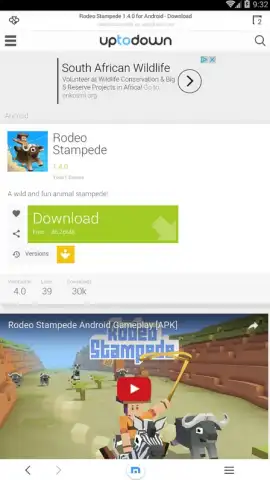
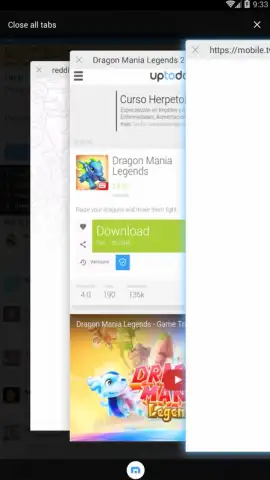
Maxthon5 Browser - Fast and Notes represents a significant evolution in mobile browsing, moving beyond simple page rendering to become a centralized hub for web activity and information management. This latest version, 5.0.7.3043 from Maxthon Browser, is engineered around a core principle of seamless continuity. Its most defining technical achievement is the creation of a private, unified cloud that actively synchronizes your browsing session, history, and data in real-time between your Android device and your desktop computer. This eliminates the traditional friction of switching devices, allowing you to begin researching on a phone and effortlessly continue writing or compiling notes on a laptop without manually transferring tabs or links.
Feature Analysis: Beyond Basic Navigation
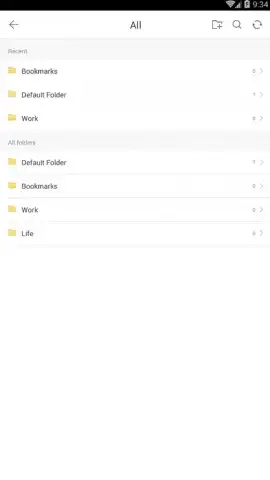
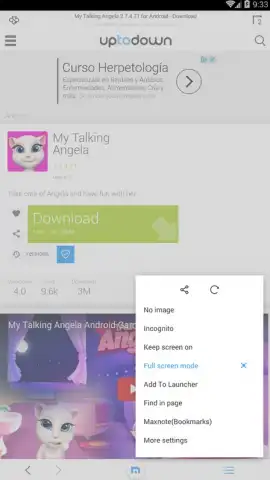
The application integrates several powerful utilities directly into the browsing core, transforming it from a passive viewer into an active productivity tool. The built-in ad blocker is configured to operate silently and efficiently, stripping away intrusive pop-ups, auto-play video ads, and tracking scripts at the network level, which directly contributes to faster page load times and reduced data consumption. The newly implemented Maxnote feature functions as a native web clipper and note-taking suite, enabling users to capture text, images, or entire web pages with a single tap and organize them within the browser's ecosystem, reducing reliance on disparate third-party applications.
Security and convenience are merged through the Passkeeper system. This is not a simple password cache; it is a dedicated password generator and vault that creates strong, unique credentials for each site you visit and manages their secure storage. The system then provides automatic form-filling, so logins are executed securely without the need to recall or manually type passwords, significantly enhancing security posture against phishing and credential reuse attacks. The underlying "Turbo" mode optimizes data compression and connection routing, aiming to deliver a consistently responsive browsing experience even on slower or congested networks.
- Cross-Device Cloud Synchronization
- Integrated Ad and Pop-Up Blocker
- Maxnote Web Clipper and Notepad
- Secure Passkeeper Password Manager
We suggest trying Maxthon5 Browser - Fast and Notes if your daily routine involves constant switching between mobile and desktop, and you seek a more integrated, less cluttered approach to managing online research, notes, and logins. Consider downloading it to experience a consolidated workflow.
Internet required. IAP available.



