

MEGA
MEGA screenshots (16)

Description MEGA
Never Lose a File Again: The Official MEGA Cloud Storage App for Android
Tired of juggling multiple cloud services, hitting storage limits, or worrying about losing precious photos and documents? Your search for a powerful, integrated storage solution ends here. MEGA, the official mobile app from the developers of the renowned platform, transforms your Android device into a seamless gateway to secure, expansive cloud storage. This isn't just a backup tool; it's a complete file management ecosystem designed for the modern user who demands both robust security and effortless accessibility. Experience the freedom of having your entire digital life synchronized, shareable, and protected from a single, intuitive application.
Core Functionality and User Experience
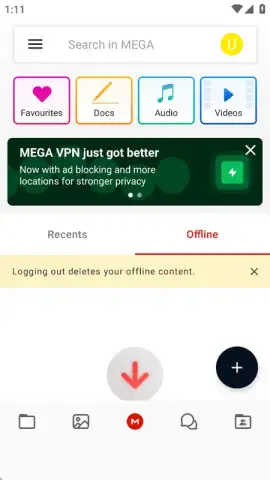
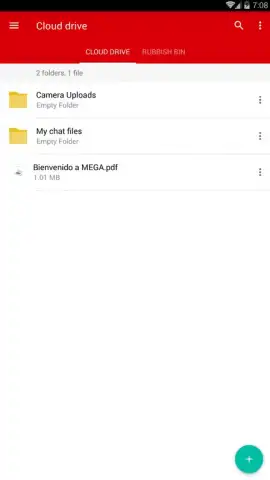
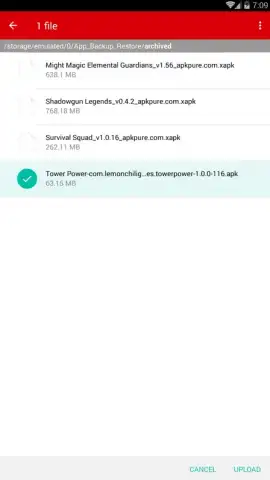
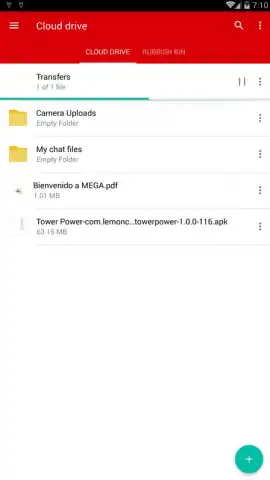
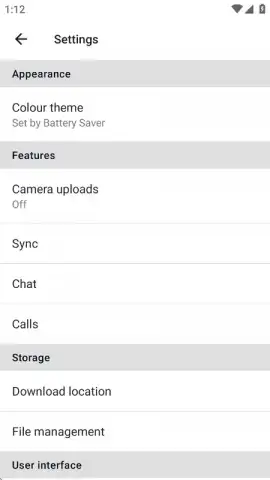
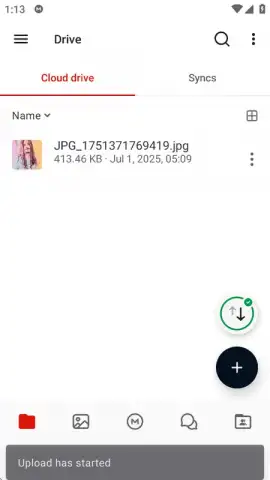
The MEGA app delivers enterprise-grade cloud storage capabilities directly to your pocket. The process begins with a swift account creation, requiring only your email and a strong password—a critical step, as this password is your sole key to the encrypted vault, emphasizing the platform's commitment to user-controlled security. Once inside, the interface allows for direct uploads of any file type from your device, including bulk photo and video backup through automated gallery synchronization. The integrated download manager handles files from MEGA links with no quota restrictions, enabling wireless saving of content directly to your local storage. For advanced users, the app provides access to supplementary tools like MEGA VPN for encrypted browsing and MEGA PASS for password management, creating a comprehensive digital security suite.
Key Features and Tools
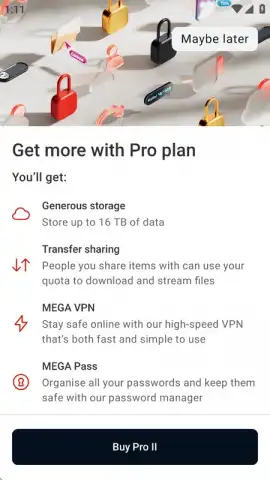
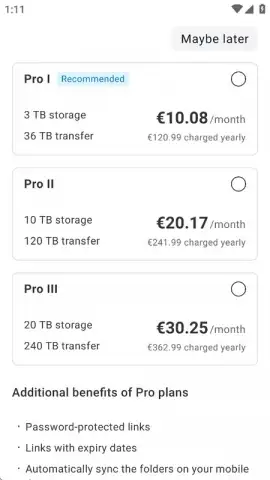
- Massive Free & Pro Storage Tiers: Start with a generous 20GB of free, encrypted cloud storage. Upgrade to Pro plans for capacities scaling up to 16TB, meeting needs from personal use to large-scale collaboration.
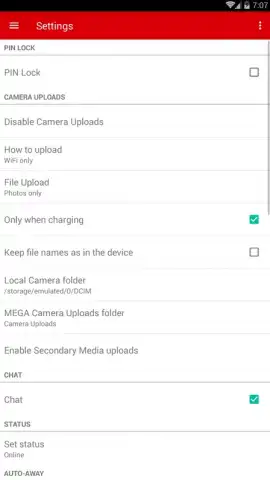
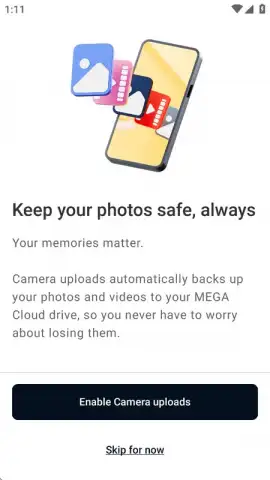
- Automatic Photo & Video Backup: Enable continuous sync to securely back up your camera roll. This creates an instant, shareable cloud copy of every memory, safeguarding against device loss or damage.
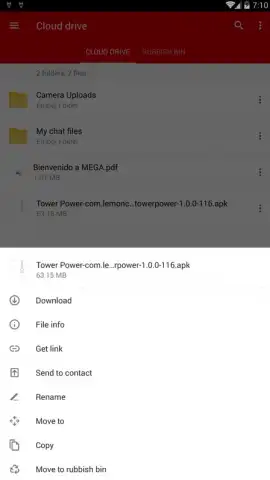
- Unlimited Download Quota & Sharing: Download any file from MEGA links without limits through the app. Share your own files via secure, controlled links that draw from your personal transfer allowance, not a restrictive daily cap.
Optimized Performance and Security
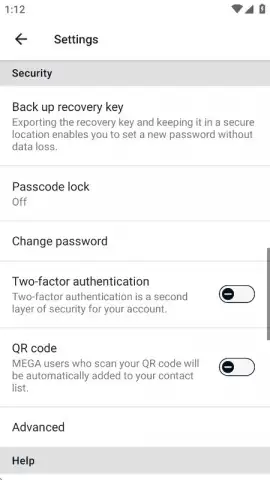
Performance is a cornerstone of the MEGA experience. The app utilizes end-to-end encryption by default, meaning your data is scrambled before it ever leaves your device, ensuring privacy even from the service provider. File transfers are optimized for speed, leveraging efficient protocols to handle large uploads and downloads smoothly. The absence of advertisements in the interface guarantees an uninterrupted workflow, while the optional Turbo mode and Pro subscriptions further enhance transfer rates and provide priority support. This focus on clean, fast, and secure operation makes it an indispensable tool for professionals, students, and anyone who values their digital assets.
Your Centralized File Command Center
Ultimately, the MEGA app for Android eliminates the friction of file management. It consolidates backup, sharing, downloading, and security into one powerful hub. Whether you're archiving important documents, collaborating on project files, building a personal media library, or simply ensuring your photos are safe, this app provides the reliable infrastructure. The transition from free to paid plans is seamless, offering clear value through expanded storage and premium features like the integrated VPN. For existing MEGA users, the app is non-negotiable; for newcomers, it represents a top-tier entry point into secure cloud storage.
Download the MEGA mobile app now! This is a limited-time opportunity for new users to secure their expansive free 20GB storage tier—an exclusive offer that establishes your private, encrypted cloud vault today. Don't miss your chance to future-proof your digital life.
Disclaimer: The MEGA application requires a stable internet connection for core functionality, including file synchronization and backup. The app offers in-app purchases for Pro subscription plans, which provide additional storage space and premium features. Data transmission is subject to your local network conditions and data plan.
 GooglePlay


