

Microsoft Authenticator
Microsoft Authenticator screenshots (18)
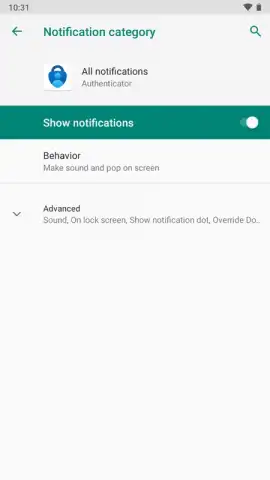
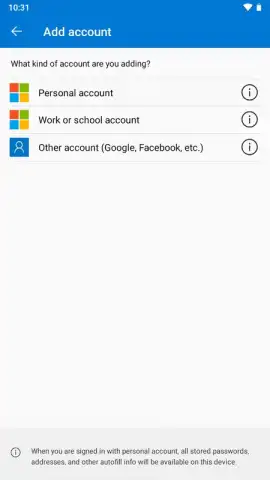
Description Microsoft Authenticator
Tired of Password Headaches and Security Worries?
Remembering dozens of complex passwords for every website and app is a constant battle. You know reusing the same password is a risk, but creating and recalling a unique one for every service feels impossible. The anxiety of a potential data breach, where one compromised password unlocks your entire digital life, is a real concern. What if there was a simpler, more secure way to access everything, turning your phone into the single key for your online world?
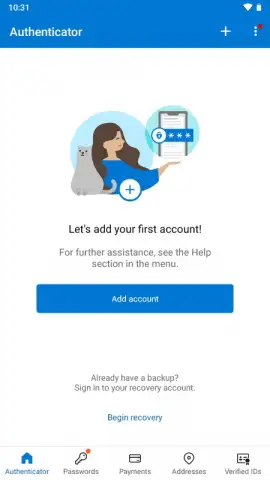
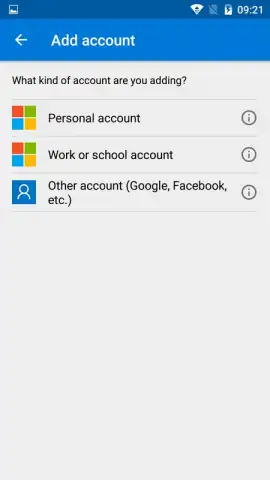
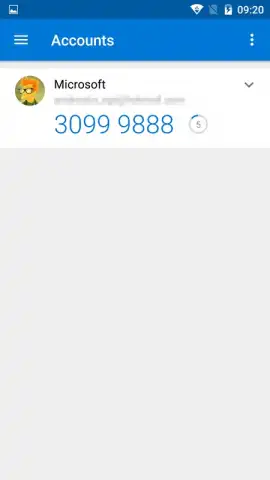
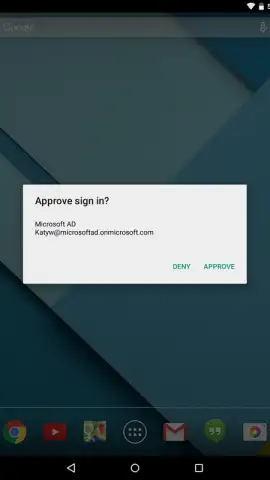
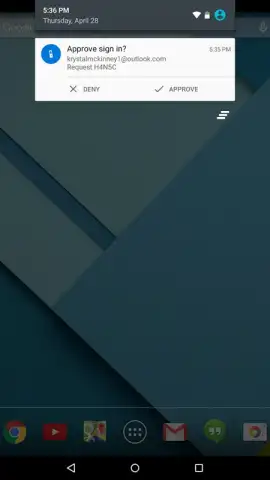
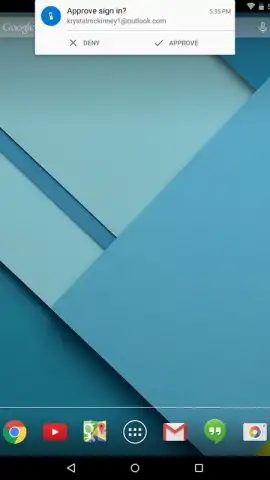
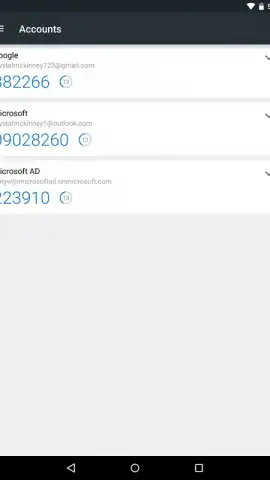
Microsoft Authenticator transforms your Android device into a powerful security hub. This official two-factor authentication (2FA) app generates secure, one-time codes for thousands of websites and services, adding a critical second layer of protection beyond just a password. Even if a password is leaked, your accounts remain secure because access requires the unique, time-sensitive code from your phone. The app syncs seamlessly with your Microsoft account—be it from Outlook, Hotmail, Skype, or MSN—providing a central dashboard for your digital identity. You can effortlessly manage both personal and work accounts within the same app, switching between them with a single tap. The process is elegantly simple: when enabling 2FA on a supported service, you scan a QR code to pair it with Authenticator. From then on, logging in just requires opening the app to retrieve the current six-digit code. Each code refreshes every 30 seconds, ensuring dynamic security that static passwords can never offer.
The core experience is built on providing robust security without complexity. The app operates entirely offline for code generation, using a standardized algorithm that stays in sync with your services, so you can sign in even without an internet connection. It actively helps you move away from weak, recycled passwords by making strong, unique passwords viable, as you no longer need to memorize them. The interface is clean, intuitive, and completely free from advertisements, offering a focused and uninterrupted security experience.
- Fortify Logins with 2FA/TFA: Add a vital second step to your sign-in process for thousands of apps and websites, blocking unauthorized access even if your password is known.
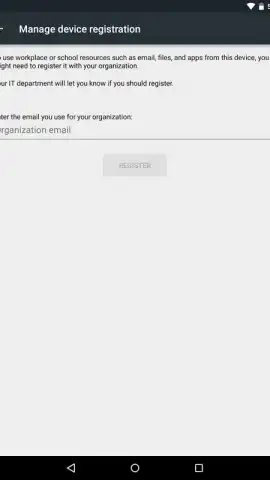
- Centralized Microsoft Account Management: Use your existing Microsoft account as the foundation, easily adding and managing other personal, work, or school accounts in one secure place.
- Offline Code Generation: Generate secure login codes at any time, anywhere, without needing a mobile data or Wi-Fi connection at the moment of use.
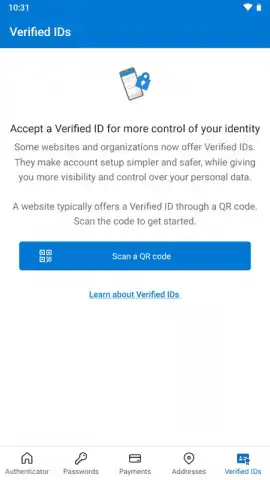
- QR Code Pairing for Easy Setup: Link new services to the app in seconds by simply scanning a QR code provided by the website during 2FA setup.
- Time-Based, Dynamic Codes: Utilize codes that automatically change every 30 seconds, providing a moving target that is virtually impossible for attackers to replicate.
- Streamlined Account Switching: Toggle swiftly between different accounts you’ve added, whether for personal use or business, from a single, unified application.
- Eliminate Password Reuse: Enable the use of strong, unique passwords for every account without the burden of remembering them, drastically reducing your risk from data breaches.
- Ad-Free, Focused Security: Enjoy a clean, professional interface dedicated solely to protecting your accounts, with no distractions or advertisements.
Claim your digital peace of mind and transform your phone into a vault key. Download Microsoft Authenticator now and start securing your online life today.
Disclaimer: An internet connection may be required for initial setup and account management. The app itself is free to download and use.
 GooglePlay


