

Microsoft Excel
Microsoft Excel screenshots (10)
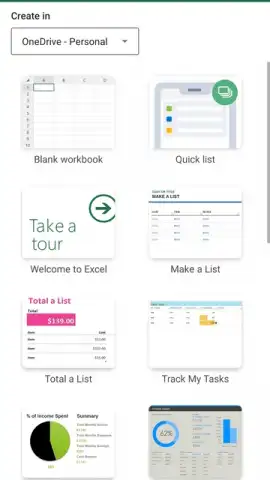
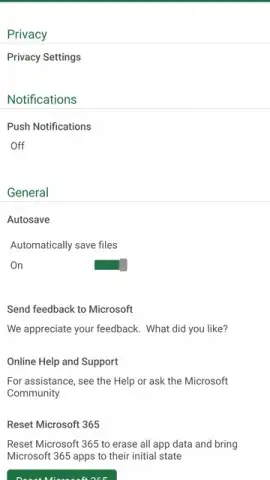
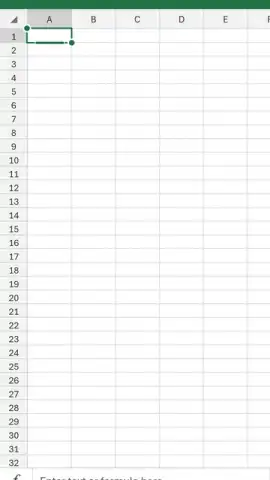


Description Microsoft Excel
What does it take to bring the full analytical power of a desktop spreadsheet to a mobile device? The Microsoft Excel app for Android delivers the complete, official Microsoft 365 engine, transforming your phone or tablet into a legitimate platform for data creation, complex analysis, and professional reporting. This is not a simplified viewer; it is the definitive spreadsheet tool, engineered to maintain absolute fidelity with its desktop counterpart while offering tailored mobile controls for on-the-go productivity.
Core Functionality and Mobile Integration
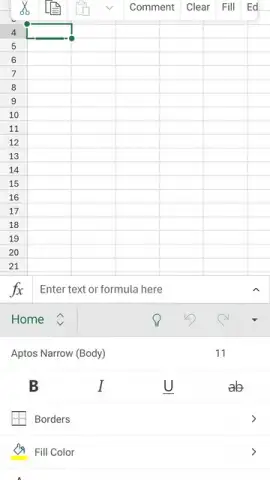
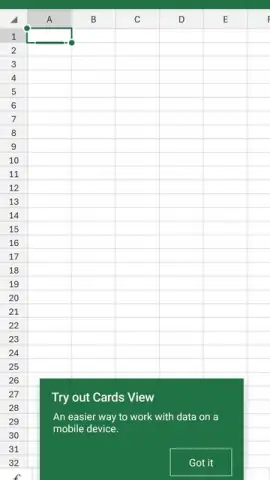
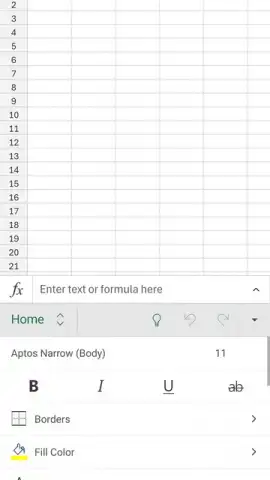
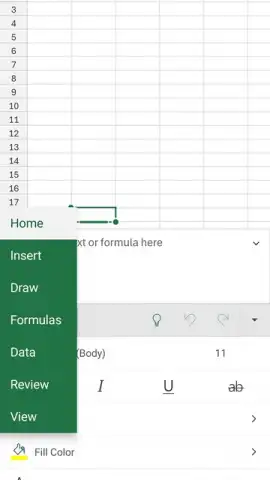
The application provides the entire suite of tools expected from Excel. Users can construct and edit spreadsheets utilizing the full library of functions, including logical, financial, statistical, and lookup formulas. Advanced features like pivot tables for data summarization, conditional formatting for visual analysis, and data validation for input control are fully operational. The interface is optimized for touch, with a ribbon menu that provides access to formatting options, chart insertion tools, and sheet protection settings. Documents retain complete integrity when moved between platforms, ensuring that a workbook started on a PC can be edited seamlessly on Android without loss of formulas, styles, or embedded objects.
File Format Support and Cross-Platform Compatibility
A primary technical consideration for any mobile office suite is format handling. This app maintains comprehensive support for industry-standard file types, including the modern .xlsx and legacy .xls formats, as well as .csv and plain text files. It correctly renders documents protected with passwords and files originating from other spreadsheet software. This eliminates compatibility concerns when receiving attachments from colleagues or accessing archival data, as all cell data, formulas, and structural formatting are preserved upon opening.
Real-Time Collaboration and Co-Authoring Features
The app is integrated into the Microsoft 365 cloud ecosystem, enabling sophisticated multi-user workflows. Teams can co-edit the same workbook simultaneously, with changes syncing in real time. Collaboration tools extend to in-cell commenting for contextual feedback and the ability to @mention collaborators to draw attention. The version history feature allows users to track changes over time and restore previous iterations of the document if needed, providing a robust framework for team-based data management and review cycles directly from a mobile device.
The feature set is defined by its depth and professional orientation:
- Execute complex financial, logical, and statistical formulas with full function library support.
- Create and modify pivot tables, charts, and apply conditional formatting rules on mobile.
- Open and edit all standard formats including XLSX, XLS, CSV with perfect fidelity.
- Co-author documents in real time with live edits, comments, and @mentions.
- Access and sync work seamlessly across devices via integrated cloud storage.
We suggest trying Microsoft Excel for Android if your work requires reliable, full-featured spreadsheet access away from your desk. Consider downloading it to handle data analysis and reporting tasks directly from your mobile device.
Download the Microsoft Excel mobile app now.
Heads up: you'll need wifi or mobile data for real-time collaboration and cloud syncing. A Microsoft 365 subscription is required to unlock all premium creation and editing features.
 GooglePlay


