

Microsoft Family Safety
Microsoft Family Safety screenshots (8)


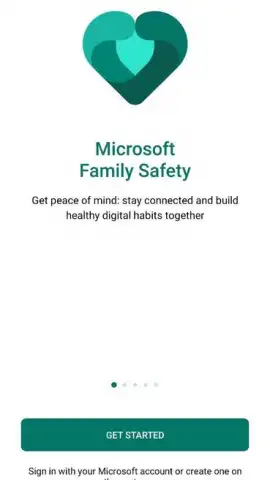

Description Microsoft Family Safety
A Modern Solution for Managing Your Family's Digital Life
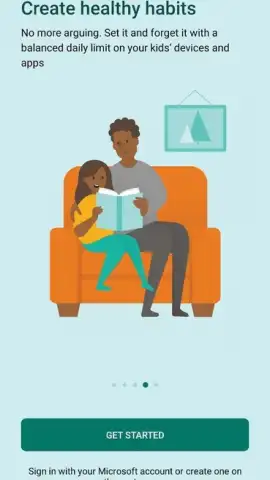
Imagine a single dashboard that gives you visibility and control over your children's screen time, app usage, and even their physical whereabouts. Microsoft Family Safety transforms your phone into a comprehensive digital management hub, designed to help families establish healthy boundaries in an increasingly connected world. This tool goes beyond simple timers, offering a centralized system to guide your children toward balanced tech habits while providing you with essential peace of mind.
Core Functionality for Proactive Parenting
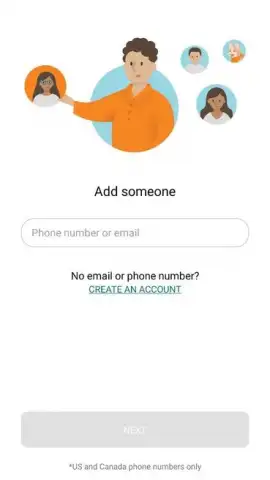
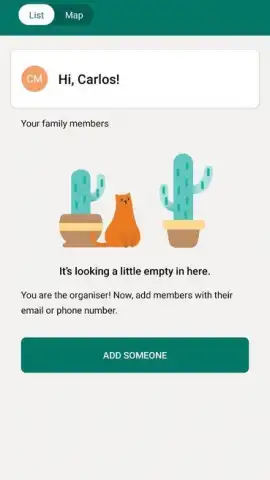
The application operates by creating individual profiles for each child, linking their Windows, Xbox, and Android devices to your parental account. This centralized management allows for the enforcement of consistent rules across all platforms. You configure access permissions, set daily limits, and monitor activity from one location. The system requires location permissions on your children's devices to unlock its full suite of safety features, enabling real-time location checks and providing detailed activity reports that break down usage by application and game.
Detailed Feature Overview
- Set precise screen time limits for specific apps, games, and overall device use, including Xbox Live, to prevent excessive gaming sessions.
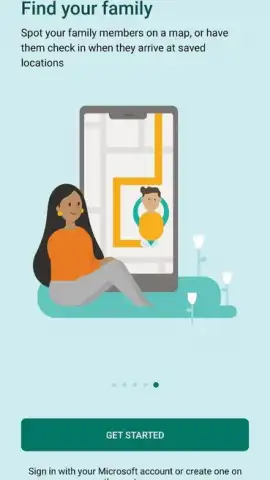
- Review location history and check real-time whereabouts on a map through individual child profiles that track each family member's device.
- Filter content and manage spending by controlling access to websites and apps, and setting purchase approval requirements for stores like Microsoft Store.
The platform’s strength lies in its detailed reporting and granular controls. You receive weekly activity summaries via email, highlighting each child's digital habits, which facilitates informed conversations about online safety. By defining what is accessible and for how long, you actively shape your family's digital environment, moving from reactive monitoring to proactive habit-building. This structured approach is designed to protect younger users from the addictive nature of unrestricted technology without resorting to complete disconnection.
Download the Microsoft Family Safety mobile app now and take immediate control of your family's digital well-being!
Heads up: you'll need wifi for most features. Some cool stuff is extra.
 GooglePlay


