

Microsoft Launcher
Microsoft Launcher screenshots (27)

Description Microsoft Launcher
Your Android, Reimagined by Microsoft
Tired of the same old home screen that came with your phone? What if your entire Android experience could be more personal, more productive, and seamlessly connected to the rest of your digital life? That’s the promise of Microsoft Launcher, and it delivers by transforming your device into a powerful, uniquely yours command center. This isn’t just another theme pack; it’s a complete overhaul of how you interact with your phone, built with the polish and integration you’d expect from Microsoft.
A Deeply Personal Canvas Awaits
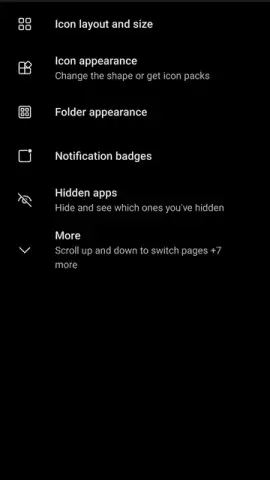
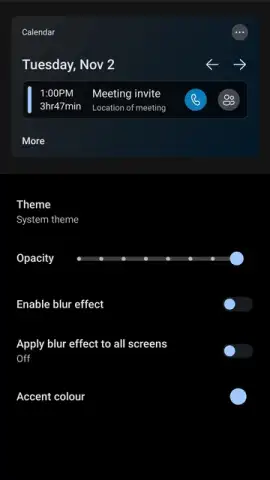
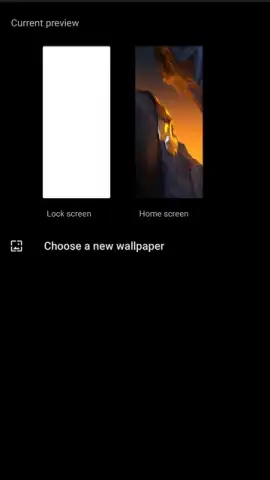
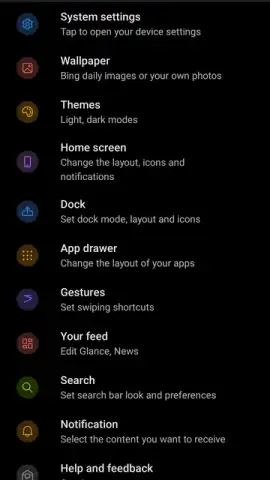
Your home screen should feel like home. Microsoft Launcher hands you the keys to customize every single element. Swap out icons for a cohesive look, apply beautiful themes, or set your favorite personal photo as wallpaper. But the magic really begins with the dynamic Bing daily wallpapers, which refresh your backdrop with a stunning new image every single day, offering a constant dose of inspiration. Prefer a darker, more battery-friendly aesthetic? The intelligent dark theme automatically switches on to match your system settings. And if you use a tablet or frequently dock your phone, you’ll appreciate the flawless landscape mode support—a feature many launchers completely overlook.
Your Information, Curated and Instant
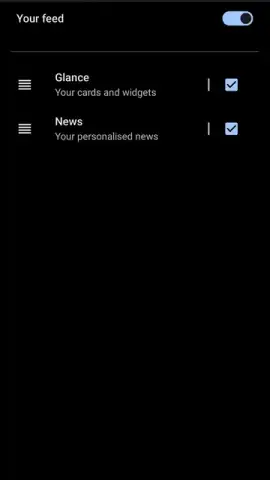
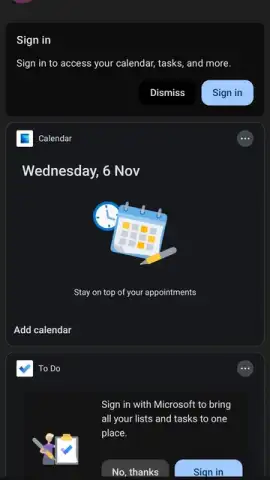
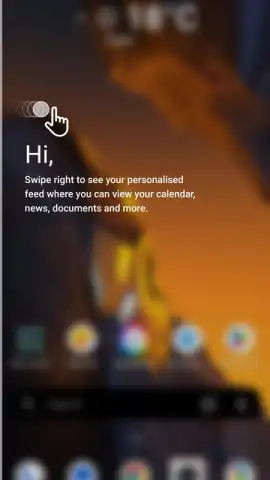
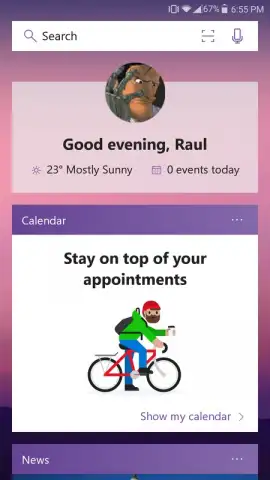
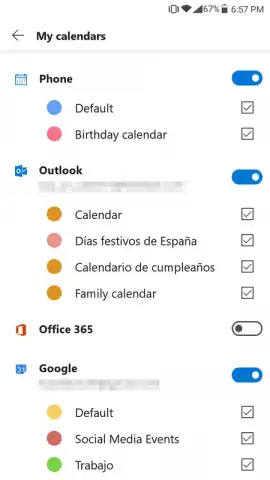
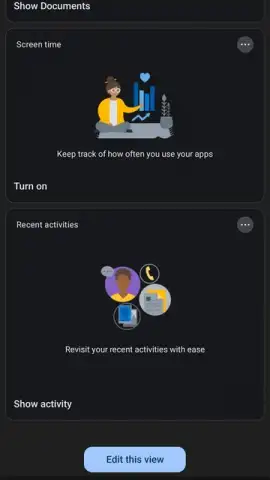
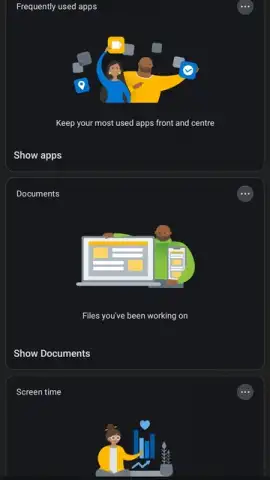
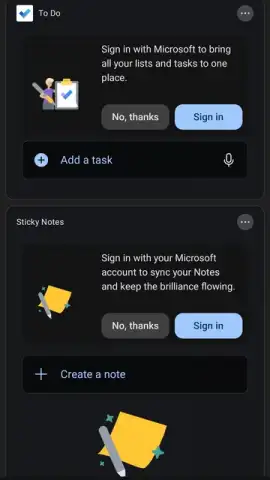
Swipe right from your main screen, and you enter your personal feed. This isn’t a cluttered social media stream; it’s a smart, contextual dashboard designed for efficiency. Imagine having your upcoming calendar appointments, recent news tailored to your interests, sticky notes, and to-do list all in one glance, without ever opening separate apps. It learns what you care about and surfaces what you need, precisely when you need it. Sign in with your Microsoft account, and this becomes your lifeline: your calendar and notes sync instantly, giving you access to your PC’s information right from your pocket.
Total Control at Your Fingertips
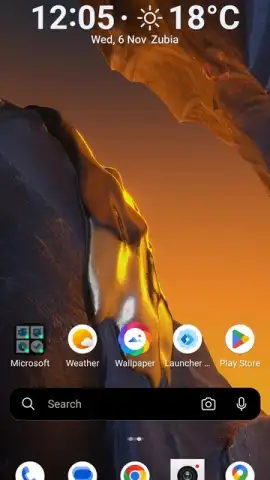
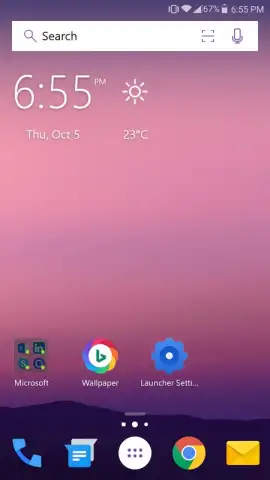
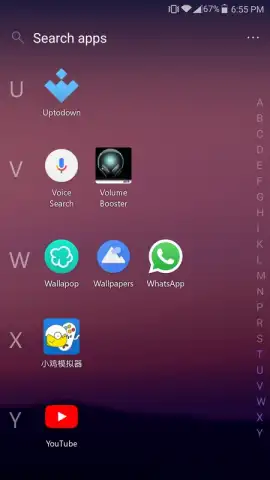
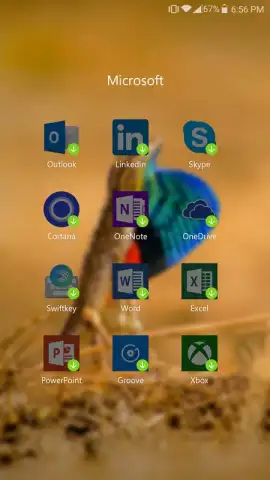
Microsoft Launcher believes you should arrange your digital workspace exactly how you want it. The default setup is clean and informative, showing essential Microsoft apps, the time, weather, and your location. But that’s just the starting point. You have the freedom to add as many widgets as you desire for at-a-glance information, from email previews to fitness stats. Accessing all your installed apps is a breeze, keeping your home screens beautifully minimalist while maintaining full functionality.
Navigate with Intuitive Gestures
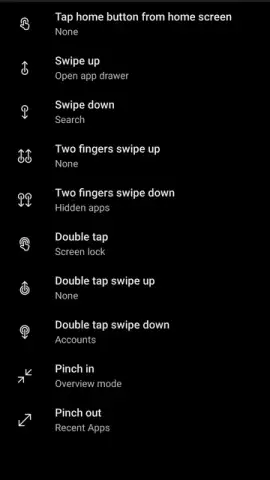
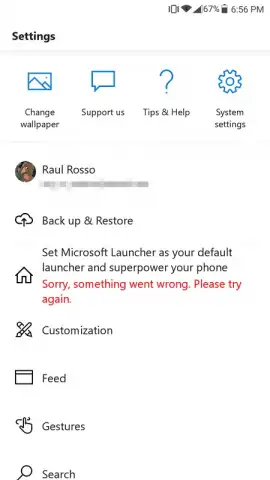
Unlock a new layer of speed with fully customizable gestures. Assign specific swipes or pinches to trigger your most-used actions. A quick swipe down could open your notification panel, while a double-tap might launch the camera or bring up a universal search bar. These gestures make navigating your phone feel fluid and instinctive, saving you countless taps and seconds throughout your day.
- Fully Customizable Interface: Change icons, themes, wallpapers (including daily Bing images), and enable an adaptive dark theme. Perfect support for both portrait and landscape orientations.
- Smart Personalized Feed: A swipe-right dashboard aggregating your news, calendar, notes, and tasks. Syncs with your Microsoft account for cross-device continuity.
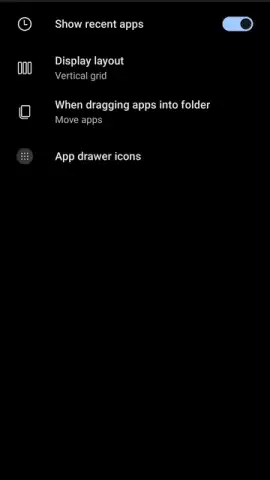
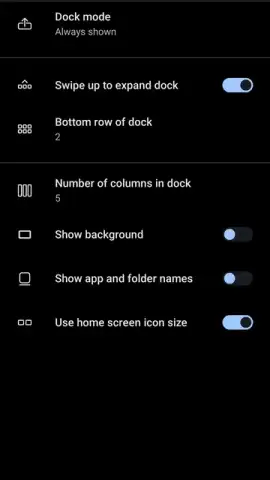
- Advanced Home Screen Management: Place widgets freely, customize app layouts, and easily access your entire app drawer. The top info bar provides immediate weather and time updates.
- Custom Gesture Controls: Program swipe up, down, pinch, and other gestures to launch apps, search, or toggle settings for faster navigation.
- Ad-Free Premium Experience: Enjoy a clean, focused interface powered by Microsoft’s technology without disruptive advertisements.
Consider downloading Microsoft Launcher to experience an Android interface that is both powerfully productive and intimately personal. It bridges the gap between your phone and your workflow like no other launcher can.
Download Microsoft Launcher now and redesign your mobile experience from the ground up.
Internet required. IAP available.
 GooglePlay


