
Microsoft OneDrive
Microsoft OneDrive screenshots (26)
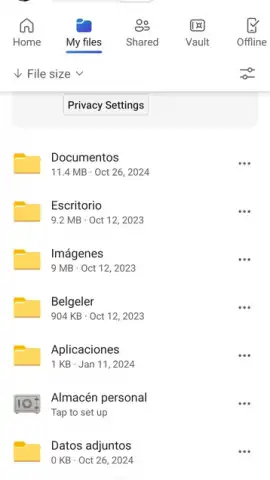
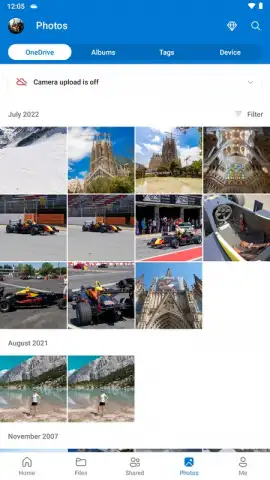
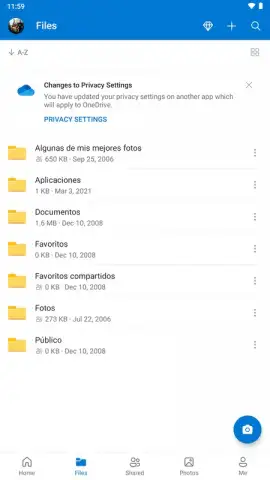
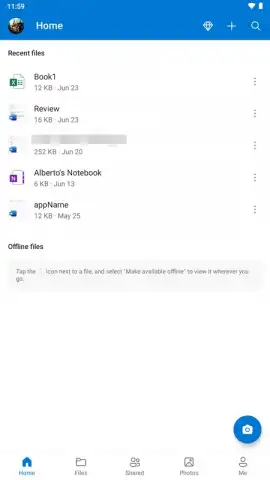





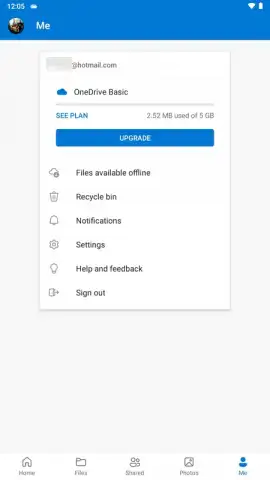
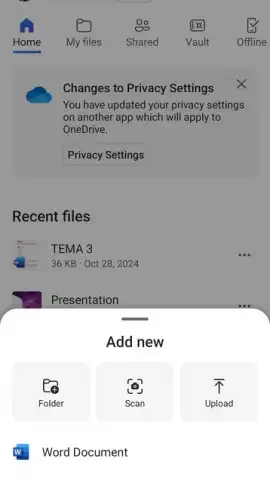
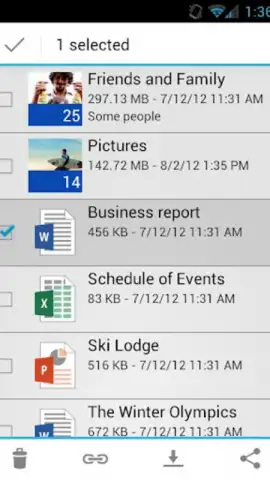
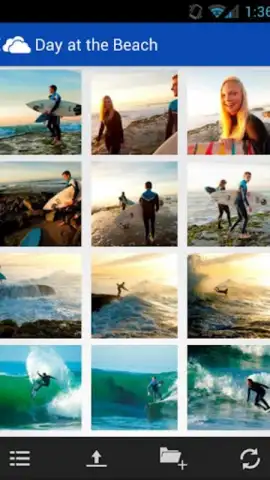

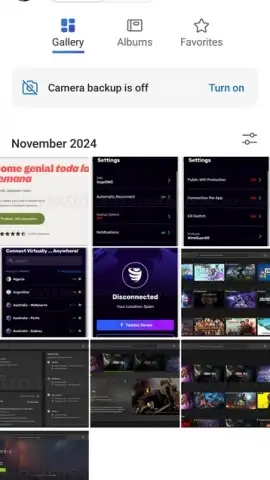
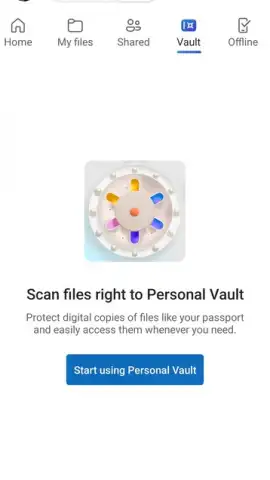
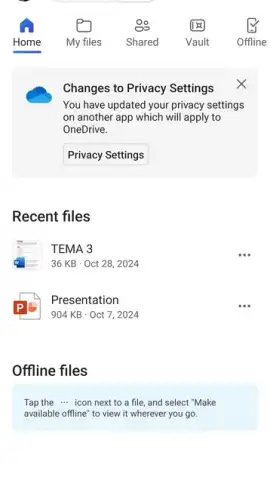

Description Microsoft OneDrive
Never Lose a File Again: Your Digital Life, Organized and Everywhere
Imagine this: you're about to board a flight, and you need that critical presentation. Your laptop is in your checked bag. A wave of panic hits. Or, you're trying to show vacation photos to friends, but they're trapped on your old computer at home. This fragmentation of your digital life—photos on your phone, documents on your desktop, notes scattered everywhere—creates daily friction and risk. What if every file you owned was not only safe but also instantly available on any screen you pick up? That seamless, secure access is no longer a luxury; it's the foundation of modern productivity and peace of mind. The solution transforms how you interact with your most important data, moving it from isolated devices into a unified, intelligent cloud space that works tirelessly in the background for you.
Your Unified Cloud Command Center
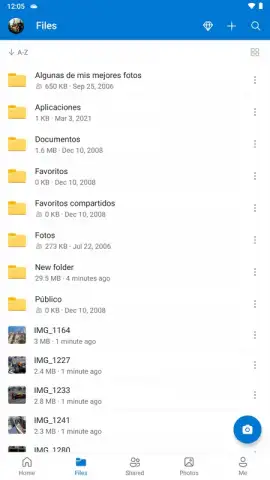
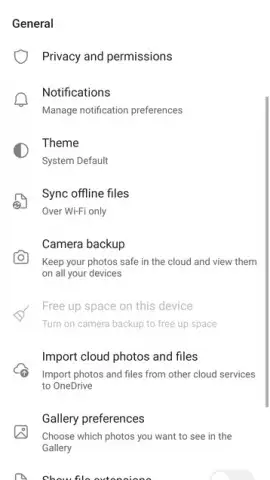
This platform acts as your personal cloud command center, deeply integrated into the ecosystem you likely already use. The experience begins with generous free storage, giving you ample space to start consolidating your digital world without an immediate financial decision. The true power, however, lies in the deep synchronization. Every photo you take on your Android phone can be set to upload automatically, creating a live, rolling backup of your memories the moment they are captured. This means losing or breaking your device doesn't equate to losing your life's pictures.
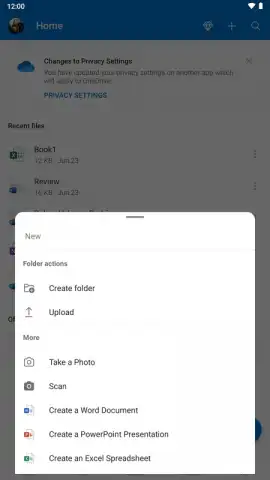
For work and personal documents, the integration is seamless. You can create or edit a document in a mobile office suite, and that updated file is instantly ready on your Windows PC. This eliminates the need for manual emailing, USB drives, or confusing version histories. The application includes a built-in document scanner, turning your smartphone's camera into a portable digitization tool. Receipts, whiteboards, paper contracts—all can be captured as searchable PDFs and filed directly into your organized cloud folders, turning physical clutter into manageable digital files.
A critical feature for modern mobility is robust offline access. You can select essential files and folders to be available on your device without an internet connection. You can review, edit, and annotate during a commute or flight, and all changes are silently synchronized the moment you reconnect. Access is streamlined through your existing account credentials, using your email or phone number, tying your cloud storage directly to your digital identity for a consistent experience across the web, mobile, and desktop.
Core Features at a Glance
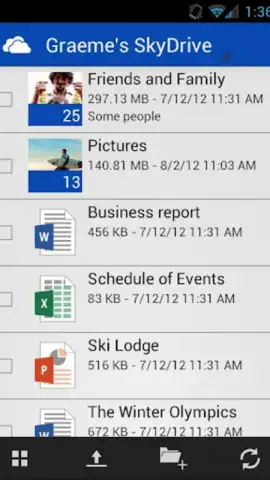
- Generous Free Tier & Cross-Platform Access: Start with substantial free cloud storage that works seamlessly across Android and Windows devices, providing a unified file system in the sky.
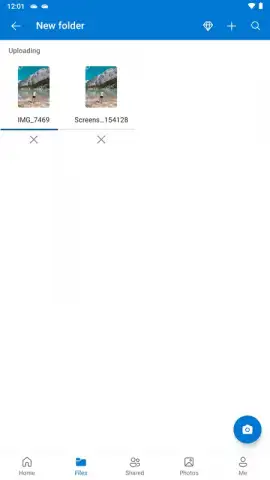
- Automatic Camera Upload & Backup: Configure once to automatically save every photo and video from your mobile device to the cloud, safeguarding memories against device loss or failure.
- Deep Integration with Productivity Suite: Enjoy mobile-optimized versions of key productivity applications, with all work automatically saved and synced to your cloud account.
- Integrated Document Scanner: Instantly digitize physical documents, receipts, and notes into organized PDFs stored directly in your cloud folders using your device's camera.
- Powerful Offline Mode: Mark files for offline access to view, edit, and work from anywhere; changes sync automatically once an internet connection is restored.
- Universal File Compatibility: Store and sync any file type, from documents and spreadsheets to creative projects and archives, with no format restrictions.
- Streamlined Secure Access: Log in quickly with your existing account credentials, ensuring your data remains protected and accessible only to you.
Download the Mobile App Now
Stop letting your files control you. This is your moment to centralize your digital life with a service built for reliability and scale. For a limited time, new users can secure their exclusive access to the free storage tier and begin automating their backup and sync setup. This offer underscores a commitment to getting your data organized today. Don't wait for a lost file or a dead battery to remind you what's at stake—transform your accessibility and security right now.
Download Microsoft OneDrive today and claim your unified, secure cloud storage.
Disclaimer: The application requires an internet connection for initial setup, synchronization, and full functionality. Some features, including expanded storage capacities, are offered through optional in-app purchases. Standard data charges may apply.
 GooglePlay


