

Microsoft Remote Desktop Beta
Microsoft Remote Desktop Beta screenshots (15)


Description Microsoft Remote Desktop Beta
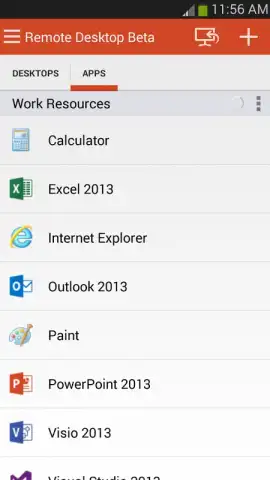
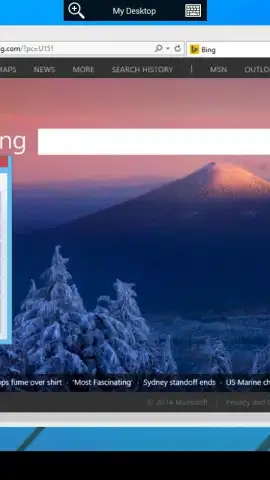
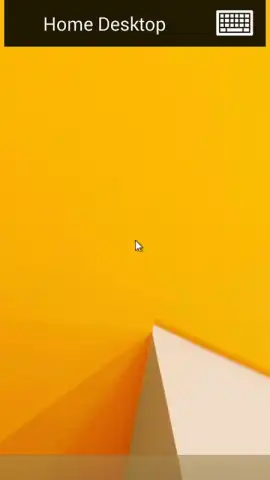
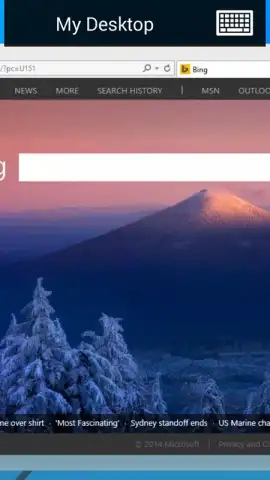
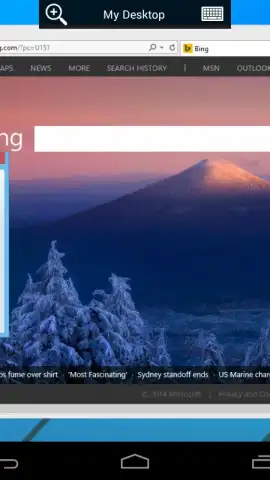
Imagine you're on a train, and a critical file is on your office desktop. A decade ago, this meant delay. Today, it necessitates a tool that bridges distances with the fidelity of being there. The Microsoft Remote Desktop Beta app functions as that direct conduit, transforming your mobile device into a terminal for a remote Windows PC or server. This is not a simplified viewer but a full-featured client built on Microsoft's proprietary protocols, designed for professionals who require administrative control, developers needing a specific environment, or any user accessing a centralized workstation. The setup is initiated on the host PC using a downloadable RD assistant, which configures the system for external access, establishing a secure pipeline to your digital workspace.
Core Functionality and Protocol Analysis
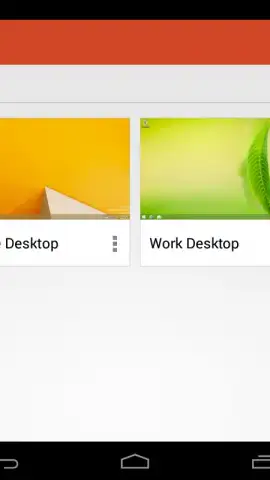
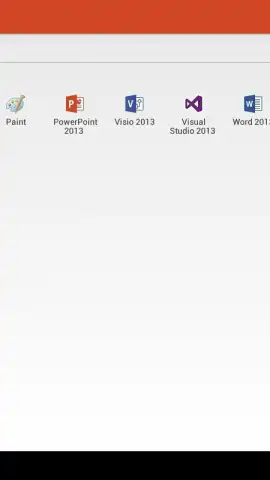
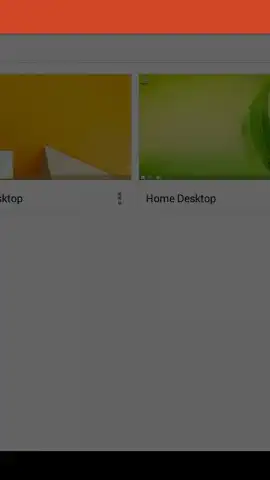
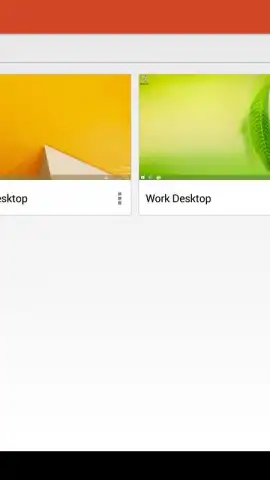
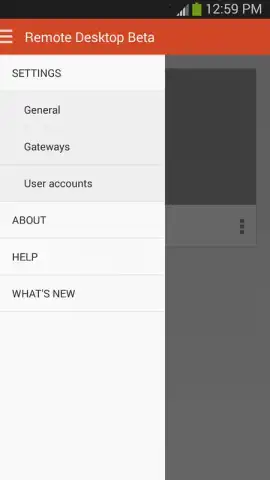
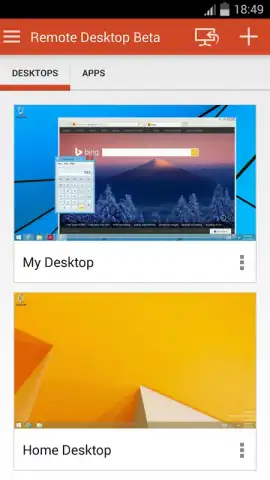
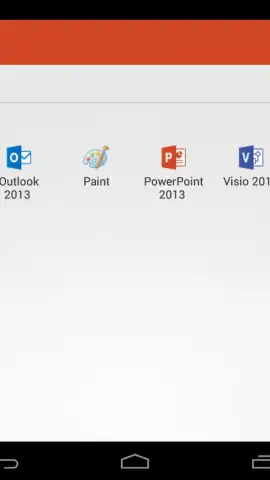
The application operates using the advanced Remote Desktop Protocol (RDP) and RemoteFX technology, which are engineered for high-performance remote sessions. This foundation supports a rich multi-touch experience that translates Windows-specific gestures—like pinch-to-zoom and right-click via long press—onto a mobile interface, making navigation of a desktop OS surprisingly intuitive on a touchscreen. Connection management is centralized within a connection center, allowing users to organize and access multiple saved desktops and remote resources efficiently. For enterprise or complex network scenarios, access can be routed through a Remote Desktop Gateway, providing a secure method to reach internal network resources without the need for a VPN, by acting as an intermediary broker that encrypts and manages the session traffic.
Security and Performance Specifications
Security is architected at the network level. The app employs Network Level Authentication (NLA) to verify user credentials before a full remote session is even established, significantly reducing the attack surface and protecting against certain types of brute-force attacks. This means authentication happens prior to the loading of the full graphical interface, adding a critical layer of protection for confidential data. For media and application performance, the client handles audio and video redirection effectively. This allows users to play media files stored on the remote PC through their local device's speakers and engage in video conferences hosted on the remote machine, with the audio stream transmitted in real-time, minimizing lag for a seamless multimedia experience.
- Secure remote access via advanced RDP and RemoteFX protocols for a high-fidelity desktop experience.
- Centralized connection management for organizing multiple PCs, apps, and gateways in one interface.
- Enterprise-grade security through Network Level Authentication (NLA) verifying users before session start.
- Full multi-touch support with native Windows gesture translation for intuitive touch-based control.
- High-quality audio and video redirection enabling virtual meetings and multimedia playback.
This tool provides a comprehensive remote access solution, merging operational necessity with robust security and media support. Download the Microsoft Remote Desktop Beta now to command your desktop from anywhere—do not wait to unlock this essential professional capability.
Heads up: you'll need a stable Wi-Fi or cellular data connection for optimal performance. Configuring your PC for remote access requires the Windows Professional, Enterprise, or Server edition.


