
Miracast Shortcut
Miracast Shortcut screenshots (7)
Description Miracast Shortcut
Ever Wished Your Phone's Screen Could Just Appear on Your TV?
You find the perfect video on your phone, but squinting at that small screen with friends or family just doesn't cut it. You know your TV has Miracast, but digging through endless device settings to find the connection menu feels like a tech scavenger hunt every single time. That moment of wanting to share is lost in a maze of menus. What if you could bypass all that and cast your screen in literally two taps?
Your One-Tap Gateway to the Big Screen
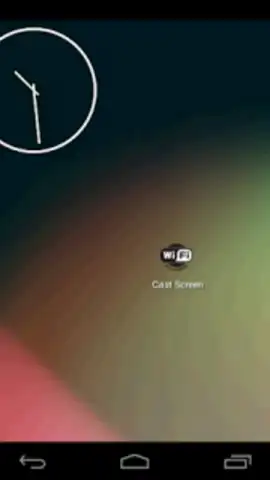
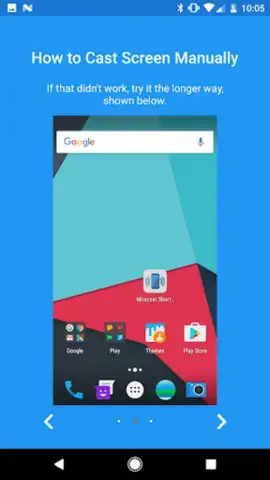
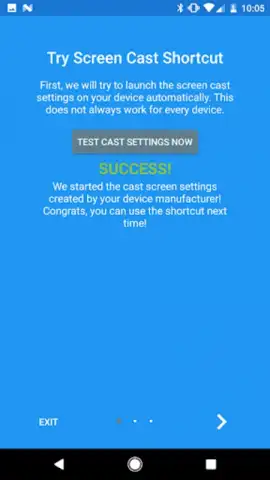
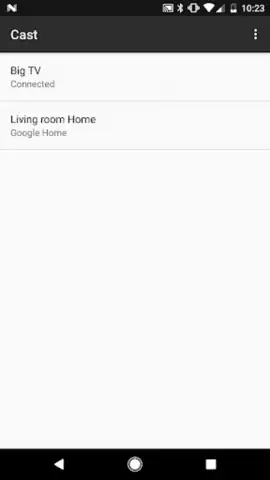
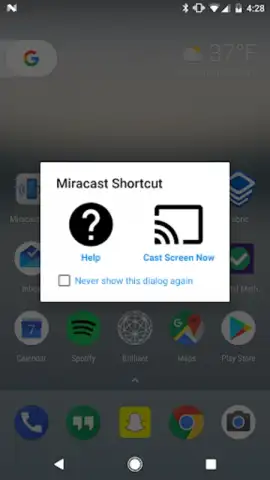
Miracast Shortcut is designed to eliminate the friction between your Android device and your Miracast-compatible TV, monitor, or projector. It places a direct shortcut to your device's built-in wireless display function right on your home screen or in your notification shade. No more wandering through Settings > Connected Devices > Connection Preferences. The app acts as a smart activator, leveraging your phone's native capability to find and connect to available displays instantly. You get a streamlined, no-fuss interface that shows you all compatible devices in your vicinity, allowing you to connect and start mirroring your screen, videos, presentations, or games in seconds.
Why This Becomes Your Go-To Tool
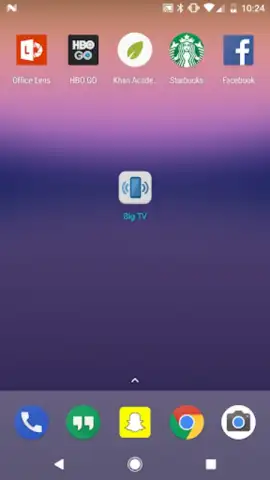
- Instant Access: Place a widget directly on your home screen. One tap launches you directly into the wireless display selection menu, skipping at least four layers of system settings.
- Universal Compatibility: Works with any Miracast-enabled receiver, including smart TVs from Samsung, LG, Sony, as well as Microsoft Wireless Display Adapters and many more.
- Lightweight & Efficient: The app is tiny, uses minimal battery, and doesn't run in the background. It simply creates a faster pathway to a function your phone already has.
- Clean & Simple Interface: No confusing options or cluttered menus. Just a clear list of available devices and a connect button. It’s functionality distilled to its purest form.
- Game Changer for Presentations & Media: Perfect for sharing vacation photos with the family, streaming a show not available on your smart TV's apps, or mirroring a presentation from your phone to a conference room display without any cables.
Stop Searching and Start Sharing Today
Why waste another minute buried in settings when the solution is this simple? Transform your phone into a true remote display powerhouse and reclaim those moments of instant sharing. Exclusive early access ensures a seamless, ad-free experience for new users.
Download Miracast Shortcut now and cast to your TV faster than you can find the remote!
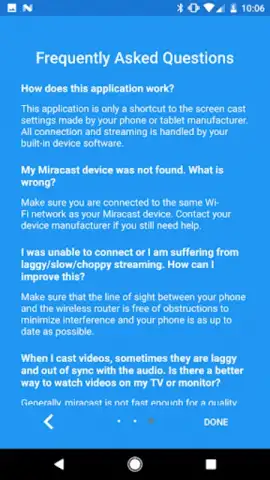
Heads up: You'll need a stable Wi-Fi connection and a Miracast-compatible display device for screen mirroring to work. This app requires and activates your phone's built-in wireless display feature; it does not create its own streaming signal. Some advanced display settings are managed by your Android system.
 GooglePlay


