

ML Manager
ML Manager screenshots (9)
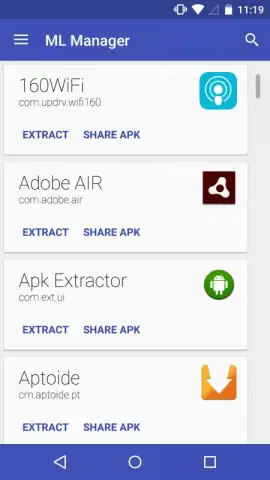
Description ML Manager
Your Android App Library, Mastered and Simplified
Ever feel like your phone's app drawer is a digital black hole? You download something useful, but a week later, it's vanished into a maze of folders, forcing you to search endlessly or just give up. Managing applications shouldn't be a chore—it should be a seamless extension of how you use your device. That’s the exact problem ML Manager solves, transforming app management from a frustrating task into an intuitive, powerful, and downright satisfying experience. Imagine having a personal librarian for every app on your Android, organizing, securing, and sharing them at your command.
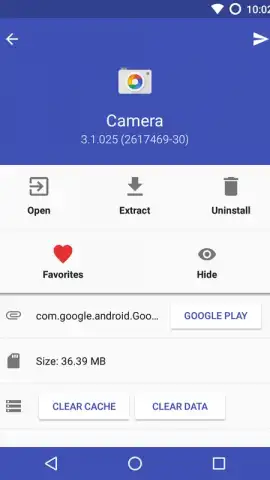
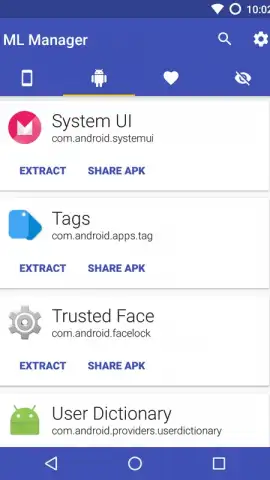
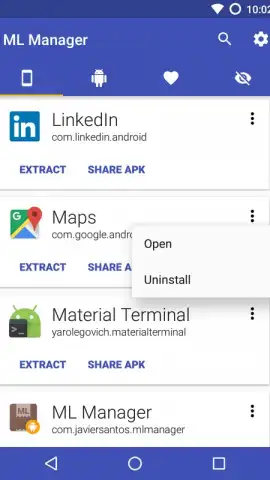
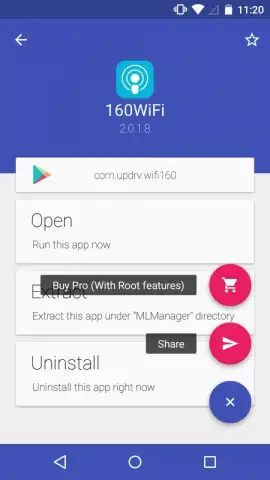
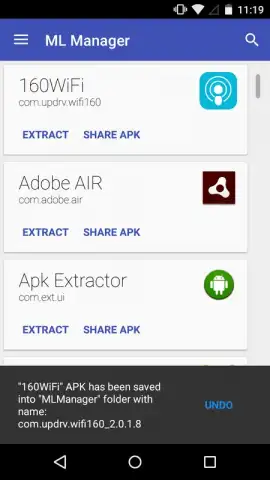
This isn't just another utility; it's your command center for everything installed on your phone. The moment you open ML Manager, you're greeted by a clean, logical interface that feels familiar instantly. Every tool is right where you expect it to be, eliminating any learning curve. You’ll experience the relief of finally having total visibility and control over your app ecosystem, from hidden system tools to your favorite games. The core magic lies in its ability to extract any app as a standalone APK file. Think of it as creating a perfect backup copy. Whether you want to reinstall an app without visiting the store, share it directly with a friend via a simple link, or save a version before an update, you have the power. Just a few taps and the APK is ready—share it through messaging, email, or cloud storage, and the recipient can install it instantly.
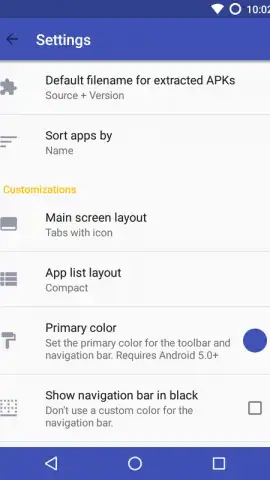
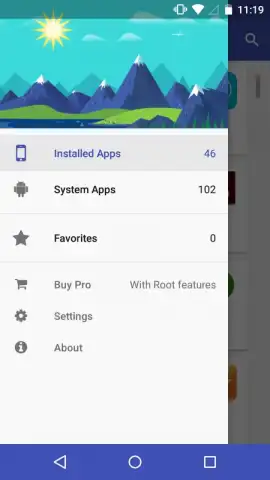
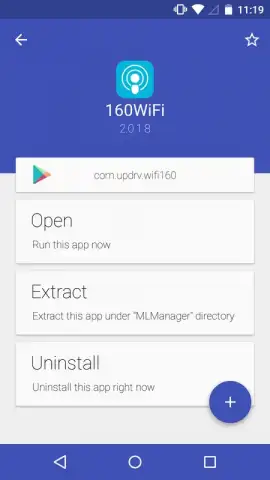
But the functionality goes far beyond simple extraction. ML Manager understands that your digital space should be personalized. You can create custom bookmarks for your most-used applications, building a lightning-fast access panel that bypasses all the clutter. No more scrolling through pages of icons. Furthermore, you gain deep insights with detailed information panels for every app, showing you exactly what permissions it uses, how much space it consumes, and when it was last updated. This empowers you to make informed decisions about what stays on your device, helping you optimize performance and security.
- Extract and backup any app as APK
- Share apps instantly via direct links
- Bookmark favorites for quick access
- View detailed app info and permissions
Stop wrestling with a disorganized app collection. Take definitive control of your Android device’s software landscape today. ML Manager delivers professional-grade management tools wrapped in a beautifully simple design that anyone can use. Transform your phone from a cluttered device into a finely tuned instrument.
Download ML Manager now and experience perfectly organized app control!
Disclaimer: This application requires an active internet connection for certain sharing features. The app may contain in-app purchases for advanced functionality. Use in accordance with your device's terms and conditions. Data charges may apply. Requires Android OS. Some features may require specific permissions to function correctly.
 GooglePlay


