
MOBILedit! Connector
MOBILedit! Connector screenshots (2)
Description MOBILedit! Connector
Looking for a seamless way to manage and transfer media between your mobile device and computer?
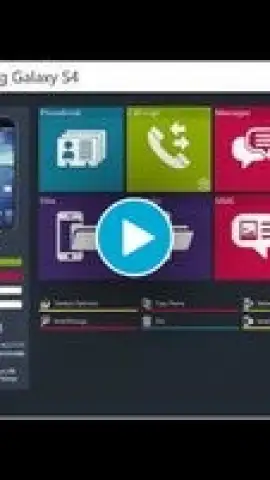
MOBILedit! Connector establishes a direct, wireless bridge for accessing your phone's storage from a PC or Mac. The app enables you to browse, stream, and organize videos, photos, and music files without the need for cables or complex cloud uploads. It supports direct playback of various video formats on your computer, turning your device into a portable media server. The interface provides clear folder navigation and allows for quick file transfers in either direction, streamlining your media workflow.
Core Functionality
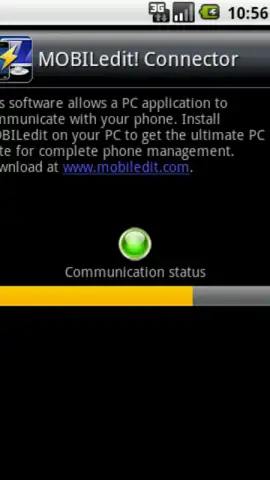
The application operates by creating a private connection over your local Wi-Fi network. Once paired with the desktop client, your device's storage appears as a network drive on your computer. This setup allows for real-time file management and media access.
- Wireless File Browsing & Transfer: Navigate your phone's directories from your computer to copy, move, or delete files without physical tethering.
- Direct Video Streaming: Play videos stored on your phone directly through media players on your PC or Mac, supporting common formats for instant viewing.
- Cross-Platform Media Management: Organize your entire photo, music, and video libraries between Android and desktop systems through a single, unified interface.
We suggest trying MOBILedit! Connector to eliminate cable clutter and manage your media library with greater efficiency. Download the mobile app now to begin.
Note: A stable Wi-Fi connection is required for operation. Functionality requires the corresponding MOBILedit! desktop software. Please be aware that some features or transfer limits may be subject to in-app purchases.


