

Mobizen Screen Recorder
Mobizen Screen Recorder screenshots (6)
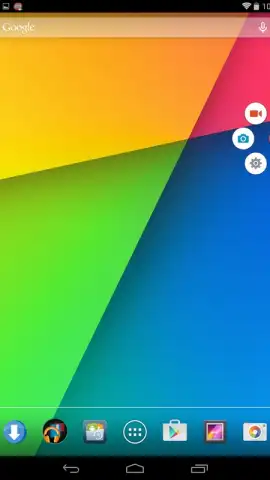
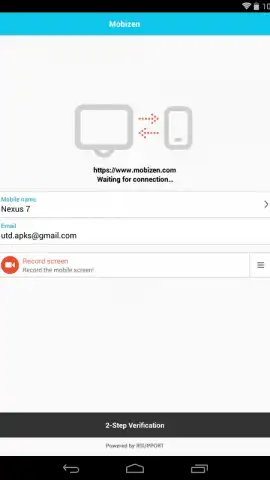
Description Mobizen Screen Recorder
Ever Wished Your Computer Screen Could Mirror Your Android Life?
Juggling between your phone and computer disrupts your workflow. You find a perfect moment in a mobile game, need to demonstrate an app bug for work, or simply want to manage your phone's files from the comfort of your larger desktop monitor. Switching devices breaks your concentration and adds unnecessary steps. What if you could seamlessly bridge that gap, bringing your entire Android experience directly to your computer screen with crystal clarity and full control? That precise solution is what this powerful utility delivers, transforming how you interact with your mobile device for productivity, content creation, and management.
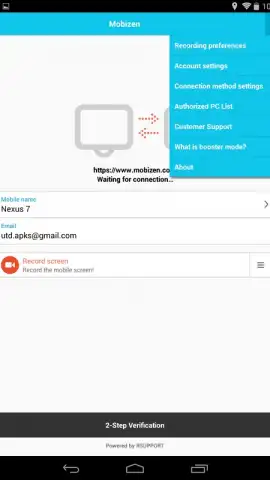
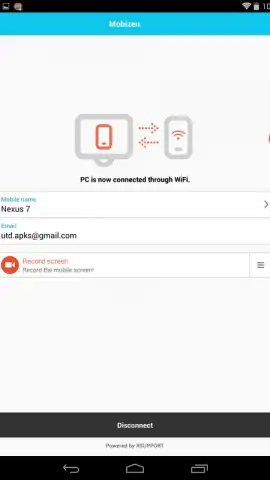
This tool is far more than a simple mirror. It establishes a robust, high-fidelity connection that turns your computer into a command center for your Android smartphone or tablet. Every tap, swipe, and notification appears in real-time on your desktop, eliminating the need to constantly look down at your handheld device. Beyond mere display, the application empowers you to capture and record anything happening on-screen with professional-grade flexibility. You can create flawless screenshots or produce high-definition video recordings stored directly on your Android, with fully customizable resolution, bitrate, and frame rate settings to match your specific needs, whether for a polished tutorial or a smooth gameplay video.
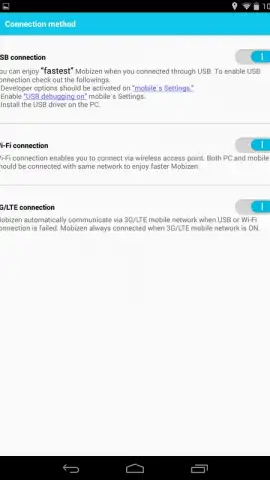
A significant advantage is the complete absence of intrusive advertisements, providing an uninterrupted and clean user experience. This is enhanced by performance optimization features that ensure a smooth, lag-free connection between your devices. The functionality extends deep into file management, allowing you to browse, organize, and transfer files between your computer and Android with drag-and-drop simplicity. View your entire photo gallery on the big screen, delete unwanted items, or transfer documents and media from your computer's hard drive directly to your mobile device—all without touching a USB cable.
Despite this extensive feature set, the application is designed for immediate use. The interface is intuitively simple, prioritizing user-friendliness without sacrificing power. You won't need to consult complicated manuals or watch lengthy tutorials; the connection process is straightforward, and the controls become second nature almost instantly.
- High-Definition Screen Mirroring: Stream your Android display to your computer in real time with exceptional quality and minimal latency.
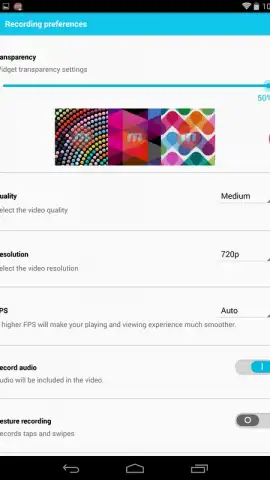
- Advanced Recording Studio: Capture screenshots and record video with customizable resolution, frame rate, and quality settings.
- Ad-Free, Turbo Performance: Enjoy an uninterrupted experience with optimized connectivity for a smooth, stable mirroring session.
- Integrated File Commander: Manage your Android files directly from your computer—browse photos, delete files, and transfer documents effortlessly.
- Intuitive, Zero-Learning-Curve Design: Start mirroring and recording immediately thanks to a clean, logical, and user-friendly interface.
Download the mobile app now to unlock exclusive, ad-free access and transform your computer into the ultimate Android dashboard. This limited offer for new users provides full functionality to revolutionize your workflow today!
A stable internet connection is required for screen mirroring functionality. The app is free to use with premium features potentially available via in-app purchases.
 GooglePlay


