
Move to iOS
Move to iOS screenshots (7)
Description Move to iOS
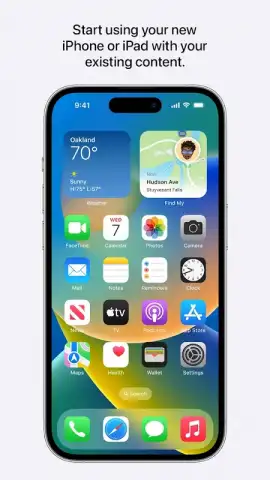
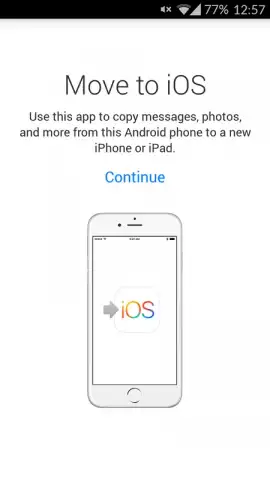
Switching from an Android device to an iPhone or iPad marks a significant upgrade, yet the prospect of manually transferring years of personal data can be daunting. Move to iOS, the official application developed by Apple, is engineered to eliminate this friction entirely. It establishes a direct, private connection between your old Android phone and your new Apple device, automating the migration of your essential digital life. This process is designed to be initiated during the initial setup of your new iPhone or iPad, guiding you step-by-step to ensure a clean transition without the need for intermediary cloud backups or manual file management. The application handles the complex data conversion and transfer in the background, allowing you to focus on the experience of your new device from the moment you power it on.
Core Functionality and Secure Transfer Protocol
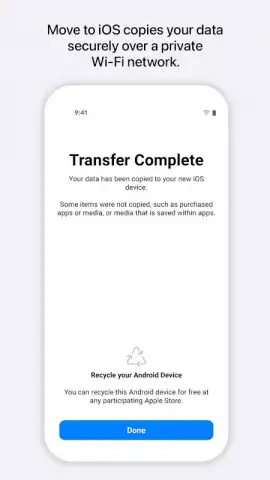
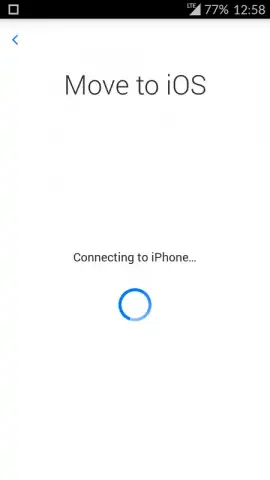
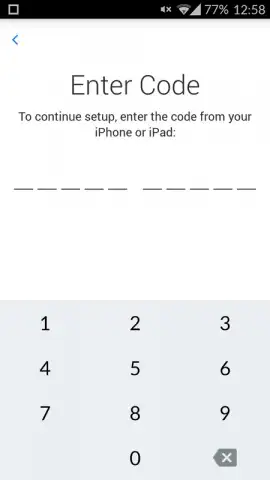
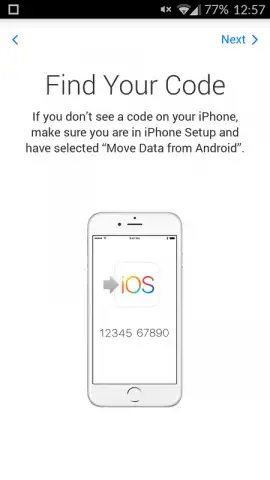
The application operates by creating a temporary, encrypted peer-to-peer Wi-Fi network between your Android device and your new iPhone or iPad. This dedicated channel ensures that all transferred data is protected from interception during the migration process. You begin by entering a unique, one-time security code provided by your iOS device, which pairs the two gadgets and initiates the secure transfer session. The system is built to move a comprehensive suite of data types that are fundamental to the user experience, automatically reformatting information like contacts and calendar entries to be fully compatible with iOS frameworks. This technical approach guarantees that your messages, media files, and account settings are not just copied, but properly integrated into their new environment.
Selective Data Migration and Content Management
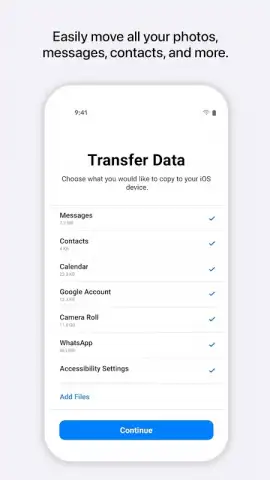
A defining feature of Move to iOS is the granular control it provides over the transfer. Prior to finalizing the migration, the application presents a detailed checklist on your Android screen. This interface allows you to select specific categories of content for transfer, such as contacts, message history, photo albums, and mail accounts. Crucially, it also includes the ability to transfer your WhatsApp chat history and media, a process it manages directly. Furthermore, the tool can suggest and queue for download the iOS versions of free apps you owned on Android, which will appear on your new iPhone's home screen after setup. This selective process ensures your new device is populated only with the content and applications you deem necessary, avoiding clutter and preserving storage space.
- Encrypted direct Wi-Fi transfer
- Migrates WhatsApp chats and media
- Suggests equivalent iOS apps
- Selective data category checklist
- Integrates during iOS device setup
- Converts data formats automatically
Begin your iOS experience with all your essential information perfectly in place. Download the Move to iOS app now to execute a seamless, secure, and organized transition to your new Apple device.
Internet required for app suggestions. Data transfer requires both devices nearby.
 GooglePlay


