

MP3 Recorder
MP3 Recorder screenshots (16)


Description MP3 Recorder
Imagine needing to capture a fleeting idea, a spontaneous melody, or the precise details of an important conversation. Your smartphone is always at hand, but the default recording tools often lack the fidelity and control required for serious audio capture. MP3 Recorder by Smart Mobile Tools transforms your device into a versatile, studio-grade audio recorder, balancing professional-grade functionality with an interface designed for daily use. This application moves beyond basic recording, offering a suite of tools that cater to students, journalists, musicians, and professionals who demand clarity and organization from their audio files.
Core Functionality and Recording Modes
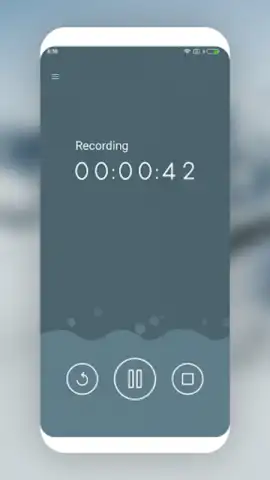
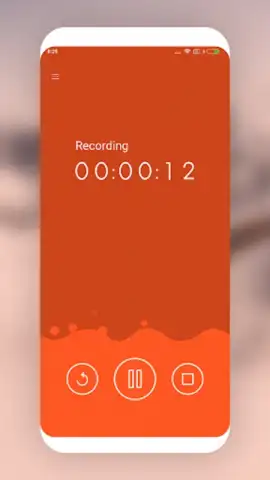
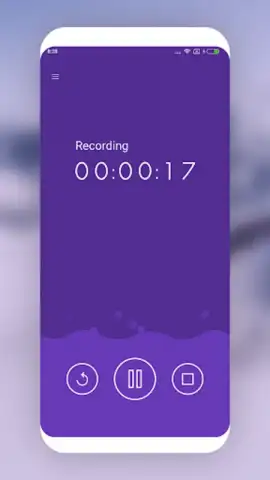
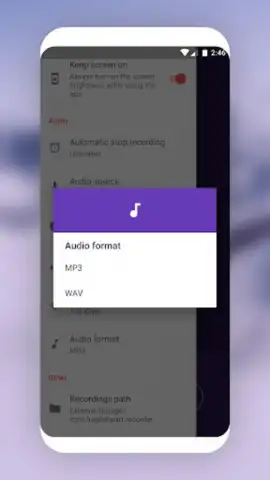
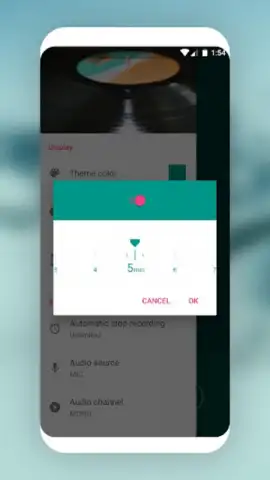
The application’s foundation is its dual-format recording engine. Users can select between the highly compressed, space-efficient MP3 format, ideal for lengthy lectures or voice memos, and the uncompressed, broadcast-quality WAV format for musical recordings or archival purposes where every sonic detail is critical. The recording interface itself is deceptively simple, featuring a one-touch record button complemented by pause and resume functions, allowing for seamless editing during the capture process. A configurable recording timer adds a layer of automation, enabling users to set a precise duration for the session to end without manual intervention. During operation, visual feedback is provided through a real-time waveform display or an alternative bubble visualization mode, offering both a technical and an intuitive representation of the audio input.
Advanced Configuration and Audio Management
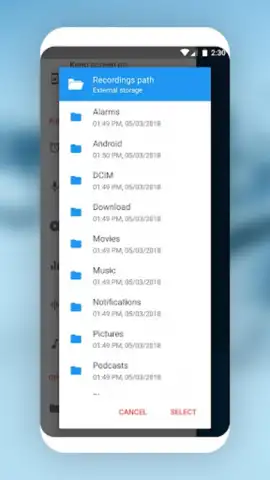
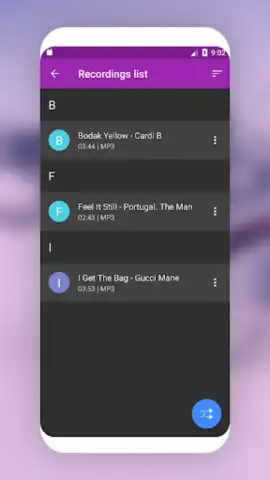
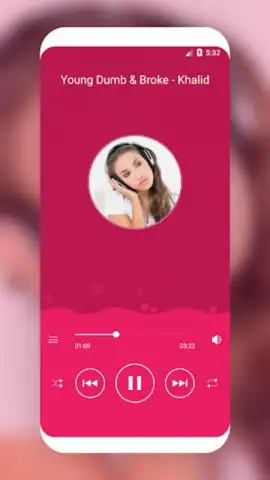
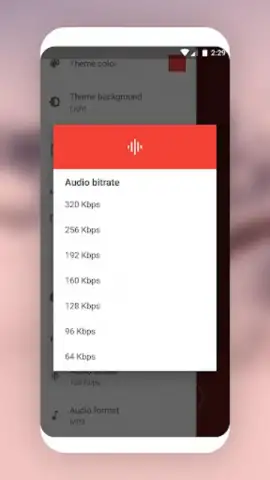
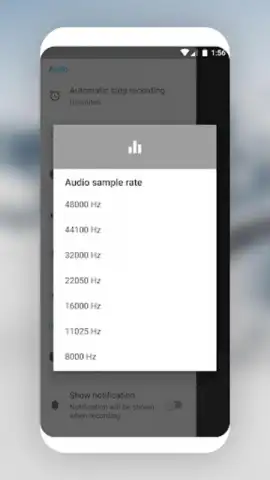
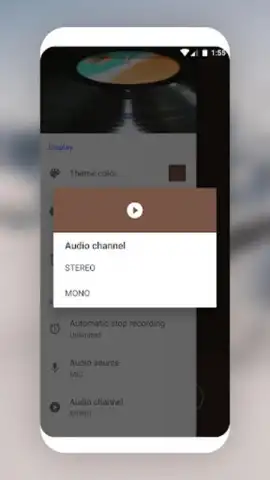
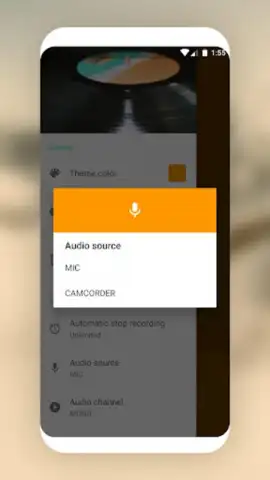
Where MP3 Recorder truly distinguishes itself is in its depth of customization. The settings panel provides granular control over the audio input source, allowing selection between the device’s primary microphone, the video camera microphone, or other available inputs. Users can fine-tune the recording quality by adjusting the sample rate and bitrate, effectively balancing file size against audio fidelity. Practical features like screen wake lock ensure the device does not sleep during long recordings. Post-recording, the built-in file manager supports sorting by date, name, or duration, and includes tools for renaming files and basic editing. An integrated music player allows for immediate playback and playlist creation, turning the app into a self-contained audio workstation. For sharing, recordings can be exported directly to social platforms, cloud storage services, or other applications on your device.
Key Features at a Glance
- High-Fidelity Dual Format Recording: Capture audio in standard MP3 or lossless WAV quality with adjustable bitrate and sample rate controls.
- Professional Recording Tools: Utilize a pause/resume function, a recording timer, and visualizers like waveform and bubble mode for real-time monitoring.
- Comprehensive File Management: Edit, rename, categorize, and play back recordings within the app, then share them effortlessly to cloud services or social media.
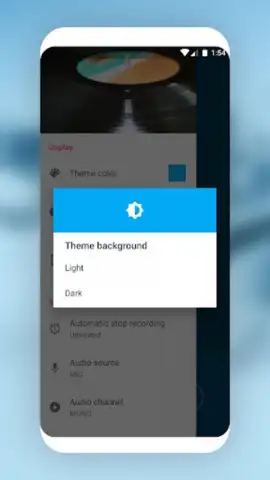
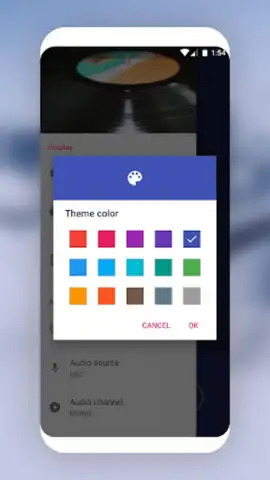
The application’s design is completed with support for multiple system languages and a selection of customizable color themes, allowing the interface to adapt to user preference. For an ad-free experience with enhanced capabilities, an optional Turbo upgrade is available. We suggest trying MP3 Recorder to experience a significant upgrade in mobile audio capture and management. Consider downloading it today to handle any recording scenario with confidence and precision.
Download the MP3 Recorder mobile app now.
A functional internet connection may be required for certain sharing features. The application is free to use with optional in-app purchases for the Turbo version.
 GooglePlay


