

Music Player
Music Player screenshots (13)

Description Music Player
A Comprehensive Review of the Music Player App for Android
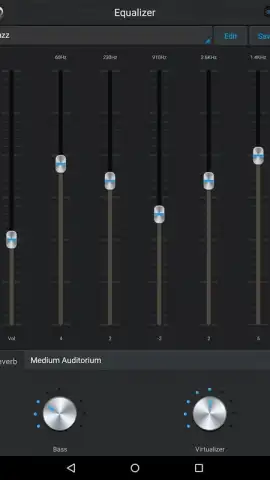
For Android users with extensive local music libraries, managing and enjoying a collection across multiple file formats can often be a fragmented experience. The Music Player app by Leopard V7 addresses this core problem directly, functioning as a unified audio hub. It eliminates the need for multiple specialized players by providing broad format compatibility, ensuring that every track in your personal collection is accessible and playable from a single, centralized application. This foundational capability transforms a device's storage into a seamlessly integrated personal music server.
Core Functionality and Customization
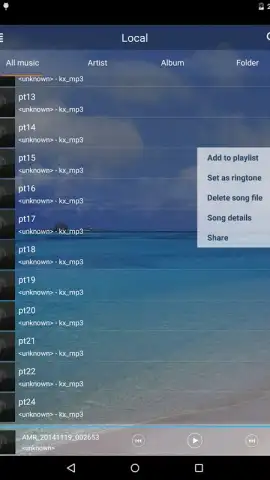
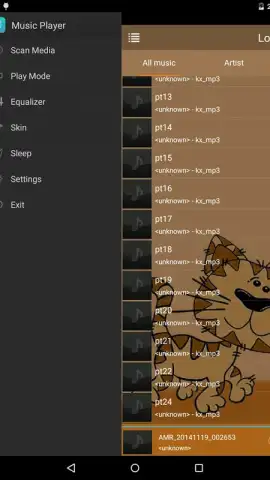
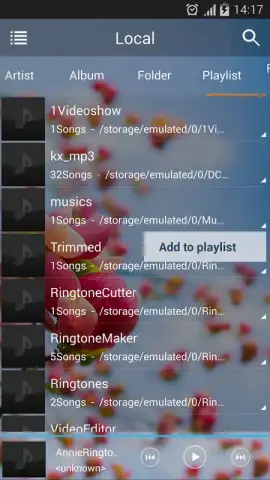
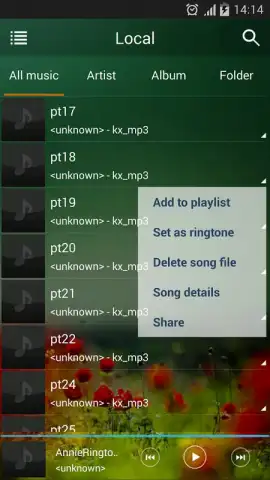
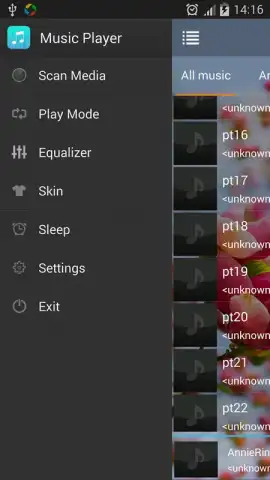
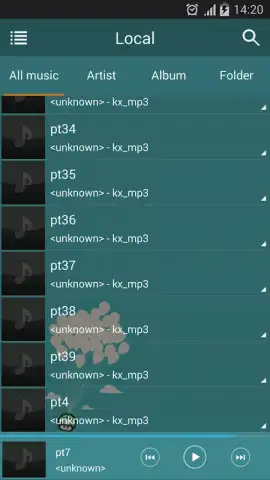
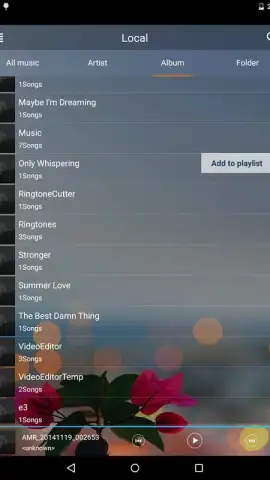
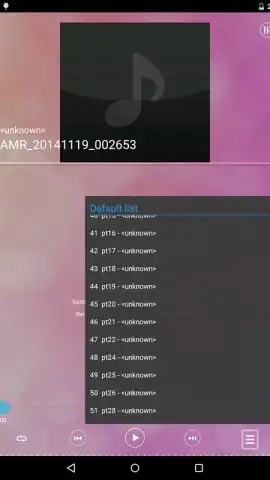
The application’s primary interface is built around efficient library management. Upon launch, it automatically catalogs all audio files, presenting them in a main tab where users can immediately begin playback. Navigation is structured intuitively, with dedicated filters for browsing by albums, artists, and individual tracks. Beyond these standard categories, it supports playback via user-created playlists and direct folder selection, offering both curated and file-system-based listening experiences. This dual approach caters to different organizational mindsets, whether you prefer thematic collections or a straightforward directory structure.
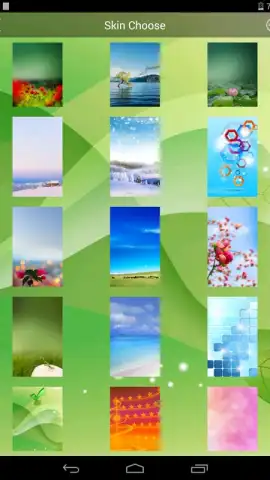
A significant aspect of this player is its emphasis on visual personalization. The developer provides over twenty distinct and refined themes, or 'skins,' that alter the app's complete aesthetic. This goes beyond simple color changes, often affecting button shapes, background textures, and menu animations. This level of customization allows users to tailor the interface to their personal style, making the act of browsing a music library a more visually cohesive part of the device experience. Furthermore, the app is designed to operate without advertising interruptions, with a premium 'Turbo' option cited for unlocking additional benefits and an ad-free environment.
Advanced Playback and Integration Features
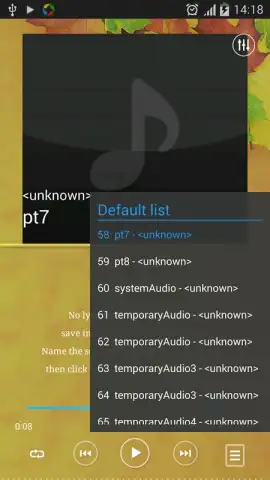
During playback, the app extends functionality to the lock screen in a meaningful way. It displays the album artwork and full lyrics of the currently playing song when the device screen is off. The lyrics feature is implemented dynamically, with real-time highlighting that syncs precisely with the vocal track. This creates an integrated karaoke-like experience, allowing you to follow along or sing without needing to interact with the device. For home screen access, the app includes three separate widgets. These widgets vary in size and information density, from a simple compact play/pause button to a larger widget displaying track details and album art, enabling direct playback control without opening the main application.
- Universal Format Support: Plays your entire music collection regardless of audio file type, consolidating your library.
- Dynamic Lyrics Display: Features real-time, highlighted lyrics on the lock screen for a synchronized karaoke experience.
- Extensive Visual Themes: Personalize the interface with over 20 sophisticated skins to match your aesthetic preference.
We suggest trying Music Player by Leopard V7 if you seek a highly customizable, feature-rich local audio player for your Android smartphone or tablet. Consider downloading it to manage and enjoy your personal music collection with greater depth and control.
Download the mobile app now.
Note: The application requires an internet connection for initial library metadata fetching and certain advanced features. Some functionalities or the removal of advertisements may be accessed via in-app purchases.
 GooglePlay


