
MyOffice® Documents
MyOffice® Documents screenshots (6)



Description MyOffice® Documents
Every Document, Anywhere — Fully Functional
Imagine opening a complex spreadsheet on your phone during a commute, making precise edits without losing a single formula, then seamlessly continuing on your tablet at the office. MyOffice® Documents transforms your Android device into a powerful, mobile-native office suite, engineered for professionals who demand full compatibility and control over their work without being tied to a desktop.
Core Functionality for Professional Workflows
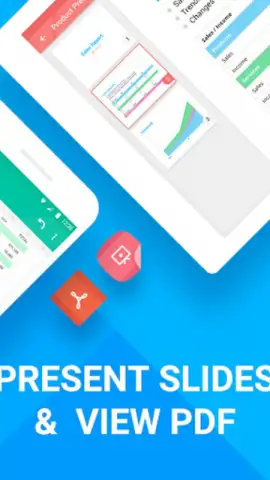
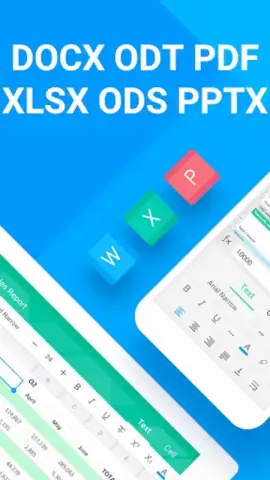
This application provides a comprehensive set of tools for creating, viewing, and editing text documents, spreadsheets, and presentations. It supports a wide array of formats, including native DOCX, XLSX, and PPTX files, ensuring you can work with documents received from any source. The interface is optimized for touch interaction, offering precise object selection, formatting toolbars, and intuitive navigation through multi-page files. Advanced spreadsheet capabilities include working with formulas, charts, and filters directly on your mobile device, while the presentation editor allows for slide management and speaker note viewing.
Engineered for Productivity and Precision
The app is built on a proprietary engine that guarantees high-fidelity rendering of document elements, from fonts and paragraph spacing to complex table layouts and embedded images. Performance is prioritized for handling large files smoothly, and the clean, adaptive interface minimizes clutter to keep the focus on your content. Direct integration with cloud storage services facilitates easy file management and collaboration, allowing you to save and open documents from your preferred cloud drive.
- Full-Format Editing: Edit DOCX, XLSX, PPTX files with support for styles, formulas, and slide elements.
- High-Fidelity Compatibility: Preserves original document formatting, layouts, and embedded objects perfectly.
- Touch-Optimized Interface: Use intuitive gestures, context menus, and zoom for precise editing on any screen.
- Advanced Spreadsheet Tools: Manage formulas, create charts, and apply filters in mobile-optimized spreadsheets.
- Cloud Storage Integration: Directly open and save files to and from major cloud services for seamless workflow.
Don't wait to equip your device with professional-grade document power. Get it immediately and turn every moment into a productive opportunity.
Download mobile app now!
An internet connection may be required for certain features and cloud services. The app may contain in-app purchases.
 GooglePlay


