

Naver Calendar
Naver Calendar screenshots (12)


Description Naver Calendar
A Closer Look at Organisational Tools
In the landscape of digital productivity, calendar applications serve as a fundamental hub for managing time and commitments. Naver Calendar, developed by NHN, positions itself within this category by integrating standard scheduling mechanics with specific ecosystem enhancements. This analysis examines its operational features, interface functionality, and data synchronisation protocols to assess its utility for users embedded in the Naver service environment.
Core Functionality and System Integration
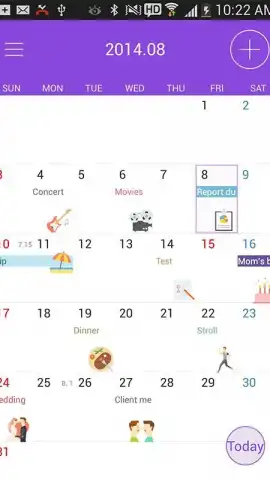
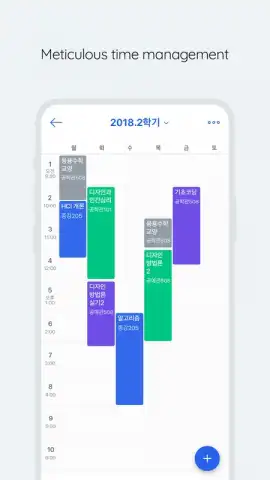
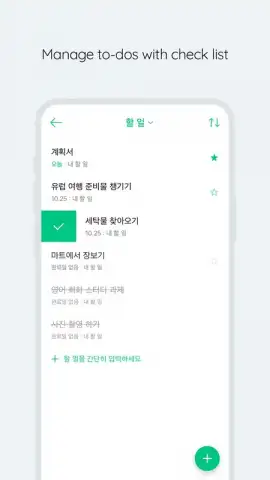
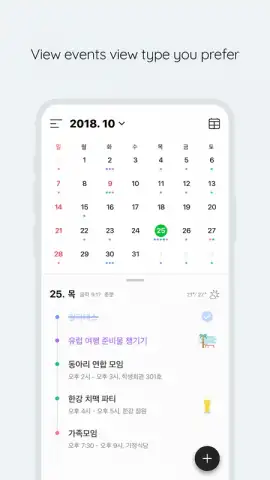
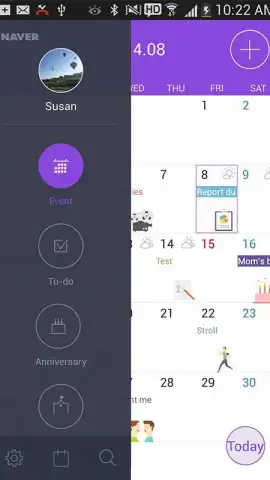
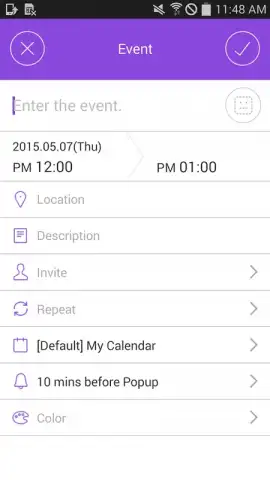
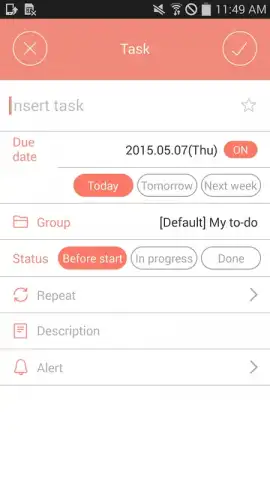
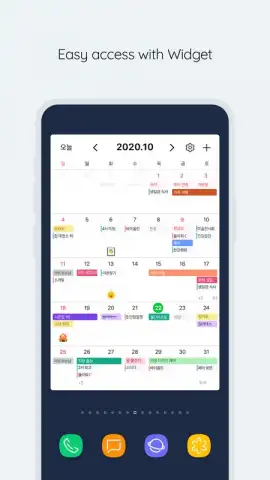
The application operates on a multi-view calendar engine, providing daily, weekly, and monthly overviews of scheduled events and reminders. A core mechanic involves lateral swiping gestures to navigate seamlessly between consecutive time periods. The platform supports the creation of detailed events, to-do lists with completion tracking, and integrates a widget system for direct home screen access to monthly agendas. A distinctive feature is the inclusion of over 700 graphical stickers, which function as visual tags for event categorisation and personalisation beyond standard colour-coding. Furthermore, the application initiates with a contextual dashboard displaying current weather conditions and a summary of the day’s scheduled tasks.
Connectivity and Operational Environment
Naver Calendar establishes data continuity through cloud synchronisation. This architecture allows schedules and task lists created or modified within the mobile application to be accessible and editable from linked desktop computers or other devices, maintaining a unified state across platforms. The application is noted for its absence of advertising placements within the core user interface. Its design suggests primary utility for users who already utilise other Naver services, as the synchronisation likely optimises connectivity within that specific ecosystem rather than offering universal cloud service compatibility.
- Multi-Platform Synchronisation: Schedules update in real-time across devices via cloud sync, ensuring data is current everywhere.
- Extensive Customisation Library: Access a collection of 700+ stickers to visually tag and personalise calendar entries and events.
- Integrated Contextual Dashboard: View daily task summaries and local weather forecasts immediately upon launching the application.
Download the Naver Calendar mobile app now to configure your synchronised scheduling system. Install it immediately to begin structuring your commitments!
Disclaimer: This application requires an internet connection for full synchronisation and initial setup. It may offer in-app purchases for additional content or features. Data usage applies during synchronisation and weather updates. Please check your device compatibility and relevant age ratings on the official app store before installation.
 GooglePlay


