
Network Audio Remote
Network Audio Remote screenshots (6)
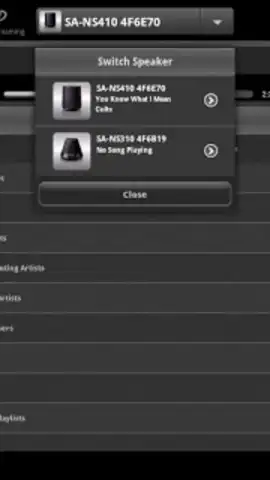
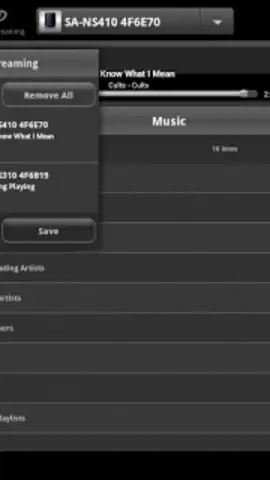
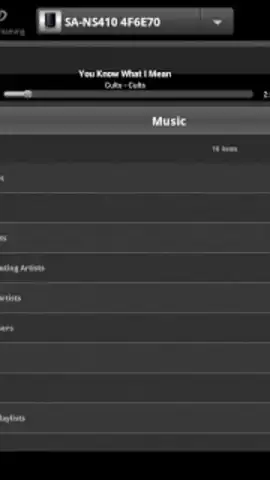
Description Network Audio Remote
What if your smartphone could become the universal remote for your entire home audio system?
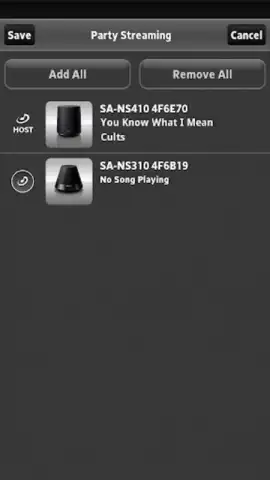
The Network Audio Remote application transforms a compatible Android device into a dedicated control interface for networked Sony audio products. It is designed to replace physical remotes and provide centralized management for music playback across a connected ecosystem. The core functionality hinges on establishing a Wi-Fi connection between your mobile device and supported Sony audio components, such as receivers, wireless speakers, and home theater systems. This allows for direct browsing and playback of content from both local network media servers and a wide array of streaming services integrated within the Sony hardware, all managed from a single, unified interface on your handheld screen.
Core Functionality and Control Mechanics
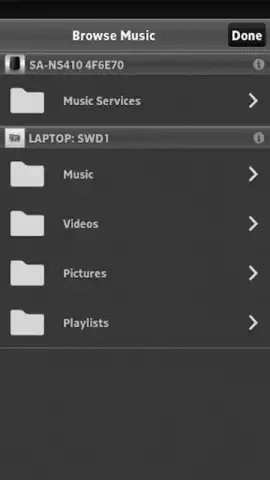
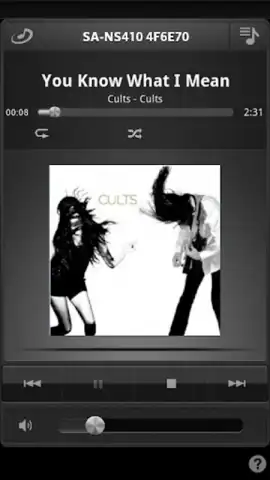
The app provides granular control over audio devices registered on the same network. Users can power devices on or off, adjust volume, and select input sources directly. A key feature is the content browser, which aggregates music libraries from connected DLNA-compatible servers and presents them in a structured format for navigation by artist, album, genre, or playlist. For supported models, the app also facilitates control of popular streaming services directly, allowing users to search, select, and queue music without needing to switch inputs on the main device. Playback management is comprehensive, offering play, pause, skip, and repeat/shuffle functions, with real-time feedback displaying track information and progress.
Operational Advantages and Interface Design
The primary advantage is the consolidation of control into an intuitive, graphical user interface that is often more responsive and informative than standard infrared remotes. The app typically offers quicker navigation through large music libraries compared to on-screen menus displayed on a television. Its visual design is clean and device-oriented, prioritizing clear status indicators and easily accessible transport controls. Performance is dependent on network stability, but when operating optimally, command latency is minimal. The interface layout is logically structured, separating device selection, source input, and playback controls into distinct, accessible sections.
- Centralized Device Management: Control multiple compatible Sony audio products from a single application interface.
- Network Media Browsing: Navigate and play music files stored on DLNA-compatible servers within your home network.
- Integrated Service Control: Operate streaming service functions directly through the app on supported audio devices.
- Direct Playback Command: Execute all standard transport controls including volume adjustment and track selection.
- Real-Time Status Feedback: View current track information, playback progress, and device status at a glance.
Download the Network Audio Remote app now to unlock exclusive, streamlined control of your Sony audio system. This utility transforms your phone into a powerful command center, offering a level of convenience that redefines your listening experience. Limited integration offers the most direct control path for supported devices—install today to access this enhanced functionality.
Disclaimer: This application requires a compatible Sony audio product and a stable Wi-Fi network connection. Functionality is limited to supported models and network conditions. The app may require specific device permissions to operate. Data usage applies when streaming via connected services. This is a utility application for control purposes; it does not directly play audio on the mobile device. Always refer to your audio product's manual for compatibility and feature support. The developer is not responsible for connectivity issues arising from network configuration or unsupported hardware.


