

Network Speed Booster
Network Speed Booster screenshots (3)
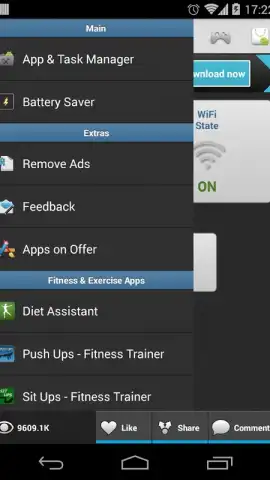
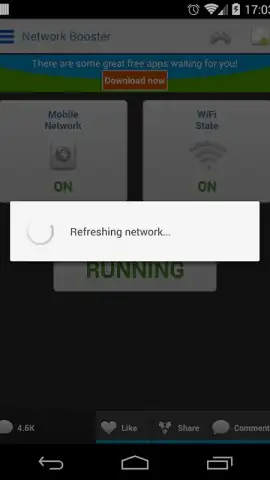
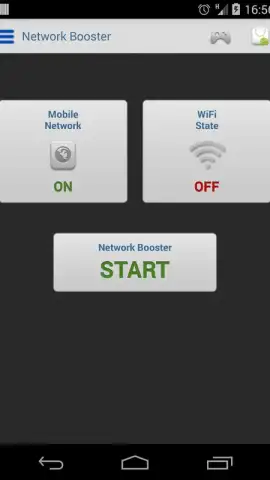
Description Network Speed Booster
Network Speed Booster: A Direct Tool for Social Media Performance
Social media platforms are inherently data-intensive, with high-resolution images, auto-playing videos, and live streaming becoming the standard. Network Speed Booster addresses the core technical bottleneck that can degrade this experience: inconsistent or congested local network performance. This utility does not promise to increase your ISP's bandwidth cap but focuses on optimizing the data pathway between your device and your router, as well as managing background processes that may be consuming bandwidth without your knowledge. For users who frequently engage in video calls, upload large media files, or browse content-heavy social feeds, even minor latency reductions can translate to noticeably smoother interactions and faster load times.
Core Functionality and Analytical Features
The application operates by executing a series of diagnostic and optimization protocols upon user initiation. It begins with a comprehensive network analysis, scanning for connected devices on your Wi-Fi network and identifying potential sources of congestion. A key feature is the one-tap optimization process, which works to clear local DNS caches, temporarily pause non-essential background services that may be requesting data, and suggest a cleaner wireless channel if the app detects interference from neighboring networks. For users seeking more granular control, the app provides a detailed real-time data usage monitor. This tracker breaks down bandwidth consumption by individual applications, allowing you to identify which social media or messaging app is using the most data during your current session, enabling informed decisions about which apps to restrict during critical usage periods.
Operational Advantages and User Interface
The primary advantage of Network Speed Booster lies in its focused, utility-driven design. The interface is stripped of unnecessary graphics, presenting data through clear charts, numerical readouts for ping (ms), download (Mbps), and upload (Mbps) speeds, and straightforward toggle switches for optimization features. This results in minimal performance overhead from the app itself. The speed test function is integrated directly, allowing for before-and-after comparisons to quantify the effect of an optimization cycle. Furthermore, the app provides scheduled optimization options, letting users automate the process to run during typical high-usage periods, such as before starting a work-from-home video conference or an evening of social media browsing.
- One-tap local network optimization
- Real-time per-app data monitor
- Integrated speed test with history
- Scheduled and automated optimizations
We suggest trying Network Speed Booster if your social media experience is frequently interrupted by buffering videos or delayed message sends, particularly in dense urban living spaces or shared households with multiple connected devices. Consider downloading it for a direct, analytical approach to managing your device's network performance.
This application requires an active internet connection to perform speed tests and access certain features. It is free to download and use, with optional premium features available via in-app purchase.


