

NFC Tools
NFC Tools screenshots (12)
Description NFC Tools
Ever wondered how a simple tap could automate your smartphone tasks or instantly share your contact details? NFC Tools transforms your Android device into a powerful NFC tag programmer, reader, and writer, putting the potential of Near Field Communication technology right in your pocket. After a straightforward setup, you can leverage any NFC tag to trigger actions or exchange data seamlessly, just by bringing it close to your phone's reader. This app demystifies NFC, turning it from a niche feature into a practical tool for everyday efficiency and smart connectivity.
Core Functionality and User Experience
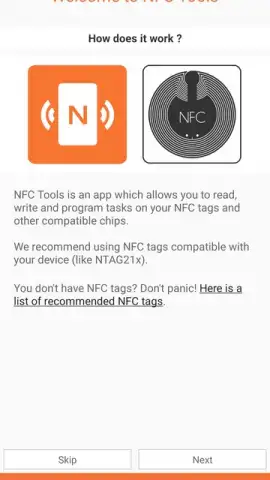
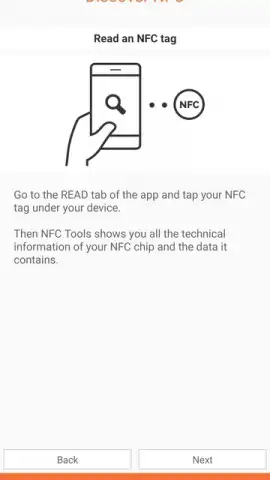
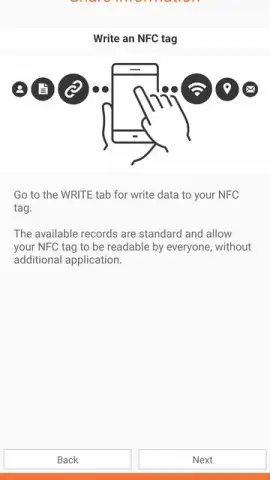
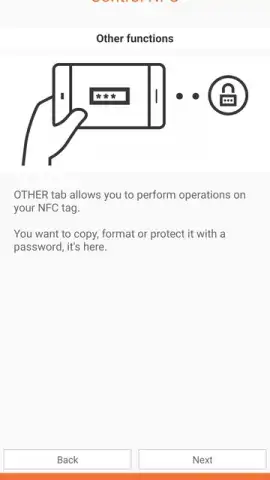
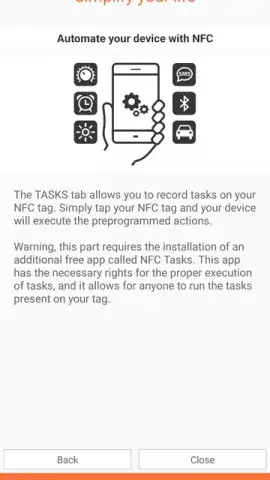
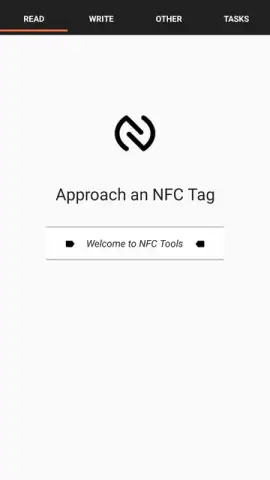
The application greets you with an intuitive setup wizard that clearly explains its operation, ensuring you start on the right foot. This initial guidance covers the essential capabilities, allowing you to immediately grasp how to automate routines. The interface is designed for clarity, separating tasks into distinct sections for reading, writing, and managing tags. For visual learners, supplementary tutorial videos are available to demonstrate advanced functions and creative use cases. The experience is streamlined to be approachable for beginners while offering the depth needed by tech enthusiasts.
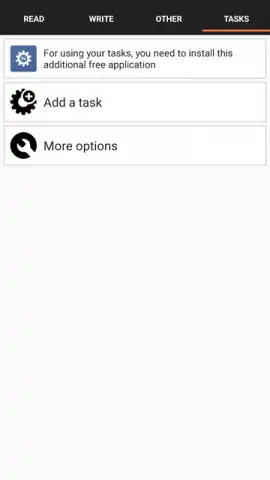
A significant advantage is the complete absence of advertisements within the core app experience. For users seeking enhanced performance and additional features, an optional Turbo upgrade is available. This premium tier unlocks faster processing speeds, advanced writing options, and expanded automation capabilities, providing a more powerful toolkit for frequent users.
Detailed Features and Practical Applications
NFC Tools excels by providing specific, actionable functionalities that integrate into daily life. It moves beyond basic concepts to offer tangible tools for personal and professional use.
- Create and program custom NFC tags with personal or professional contact information for instant sharing.
- Automate device settings like Bluetooth, Wi-Fi, volume, and alarms with a single tap on a pre-configured tag.
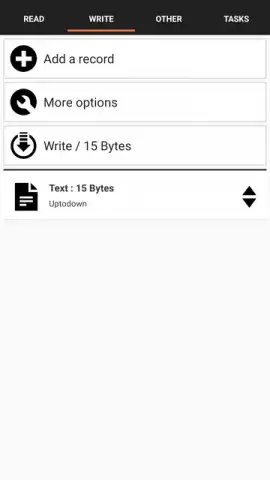
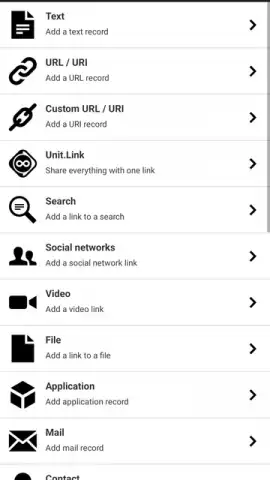
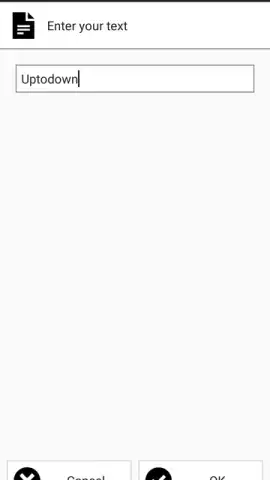
- Write various data types to tags, including web URLs, plain text, phone numbers, and geographic locations.
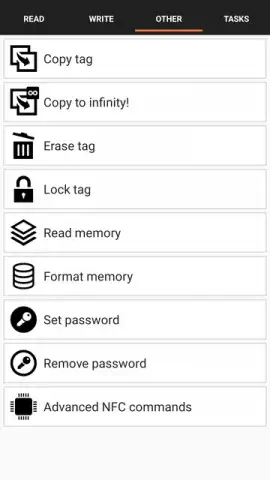
- Read and decode all information stored on any NFC tag to check its content or troubleshoot configurations.
- Enjoy cross-platform utility with Windows compatibility for programming and managing tags from a desktop computer.
The utility extends to setting up smart home triggers, creating interactive business cards, or launching specific app profiles. You can reprogram your tags at any time from the settings tab, allowing for easy updates to your contact details or automated routines without any specialized technical knowledge required.
We strongly recommend downloading NFC Tools for Android to unlock a new layer of convenience. It seamlessly bridges the gap between your digital information and the physical world, making everyday interactions faster and your device smarter. Consider installing it today to experience straightforward automation and effortless data sharing.
Disclaimer: This application requires an active internet connection for certain features and access to tutorial content. The app may contain in-app purchases for the optional Turbo upgrade. NFC functionality requires a compatible Android device with hardware support.
 GooglePlay


