

Node Video
Node Video screenshots (12)
Description Node Video
A Professional's Look at Node Video: Is This the Most Capable Mobile Editor?
For mobile video creators, the primary constraint has often been the software itself. Many editors offer simplicity at the expense of power, forcing a choice between convenience and professional-grade control. Node Video, developed by Shallway Studio, directly challenges this compromise. It positions itself not as a simplified tool, but as a portable, node-based editing suite that brings desktop-level compositing and color grading workflows to Android devices. This review examines whether its complex toolset is accessible and if it delivers on its promise of high-fidelity mobile production.
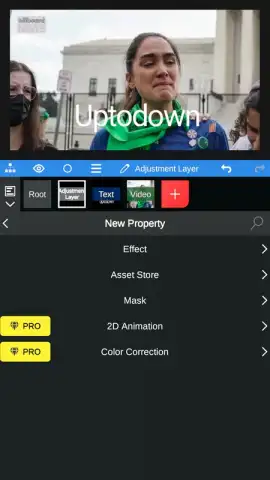
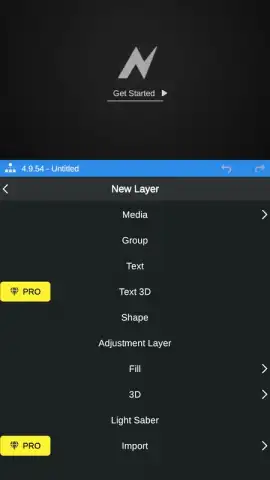
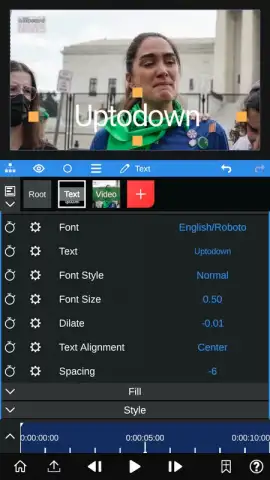
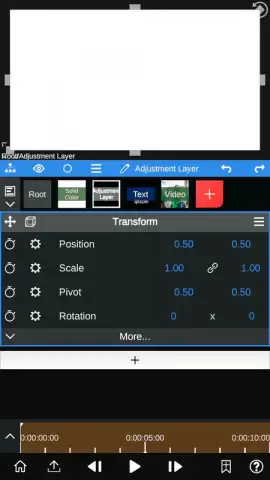
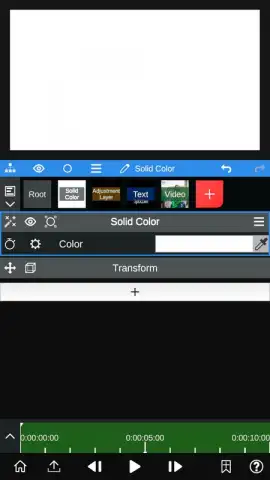
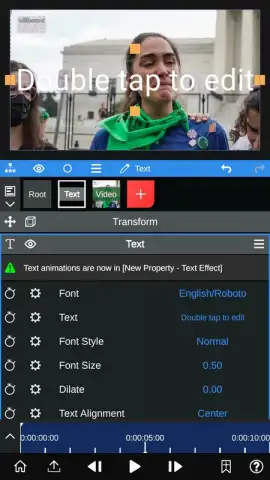
The application's core differentiator is its procedural, node-based editing interface. Unlike layer-based timelines, this system allows for non-destructive, intricate effect chains where the output of one adjustment becomes the input for another. This enables advanced techniques like motion tracking a specific object and then using that tracking data to drive color corrections or mask animations applied solely to that object. The color grading toolkit is extensive, offering precise manipulation of luminance, chroma, and individual color channels far beyond basic filters. For audio, a waveform overview function provides visual feedback on amplitude, making precise clipping and gain staging decisions straightforward. The Pro version unlocks significant computational features, including real-time human voice isolation from background noise and the ability to extract pseudo-3D depth maps from 2D images for advanced compositing.
Key Feature Analysis
- Node-Based Procedural Workflow: Construct complex visual effects through a modular interface, enabling non-destructive editing, advanced masking, and intricate animation via keyframes.
- Professional Color & Audio Tools: Access deep color grading with curve controls and a visual audio editor with waveform trimming for frame-accurate sound adjustments.
- Advanced Pro Capabilities: Utilize AI-powered voice isolation for clean audio and depth map extraction from images to create realistic 3D-like parallax effects.
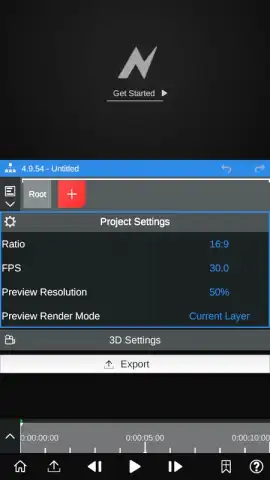
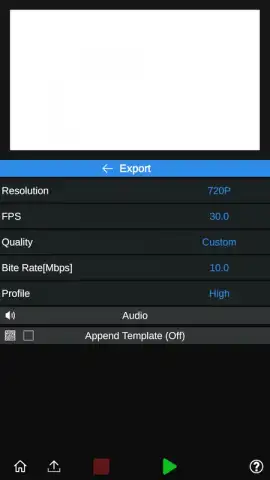
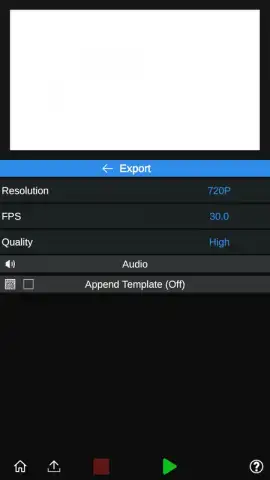
Export settings provide granular control, allowing you to select resolution up to 1080p, a customizable frame rate, and a quality parameter. Choosing high quality employs minimal compression, while manual bitrate selection offers further precision for balancing file size and visual fidelity. The absence of advertising, especially with the optional Turbo enhancement, creates an uninterrupted editing environment. While the node system has a learning curve, its logical structure becomes intuitive, making powerful editing genuinely accessible on a smartphone or tablet.
Download Node Video now—this limited-time offer grants new users exclusive access to explore its professional toolkit. Transform your mobile device into a serious editing station today.
A standard internet connection is required for initial download and certain Pro features. The app offers in-app purchases to unlock the Pro version and additional Turbo performance enhancements.
 GooglePlay


