

Nova Launcher
Nova Launcher screenshots (38)
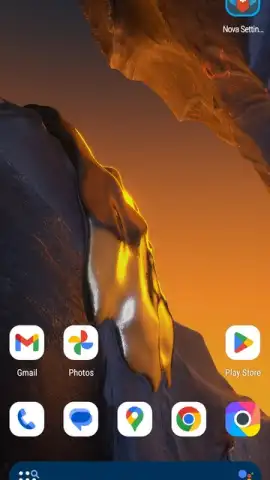
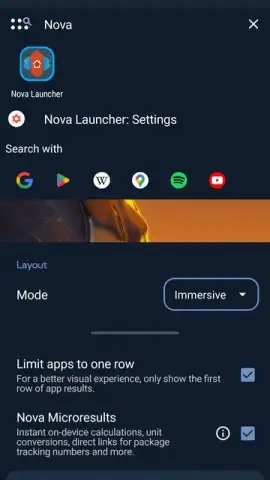
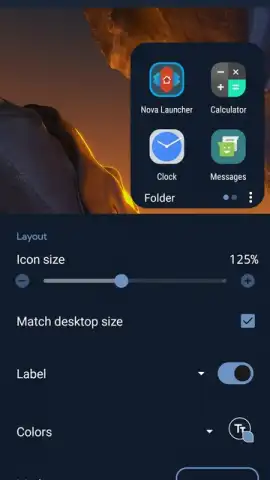
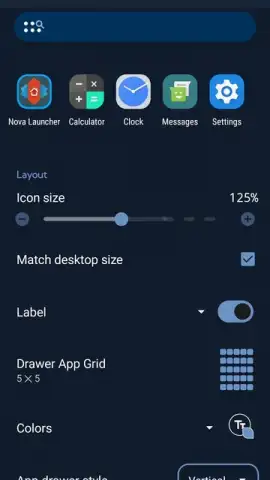
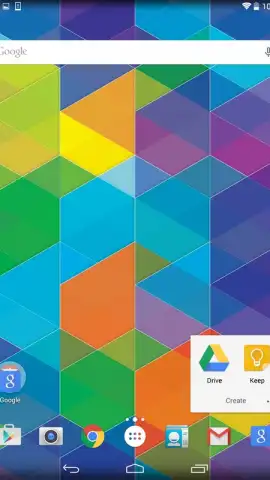
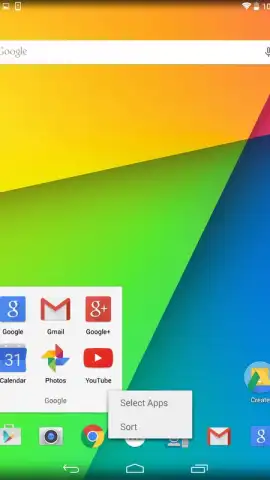
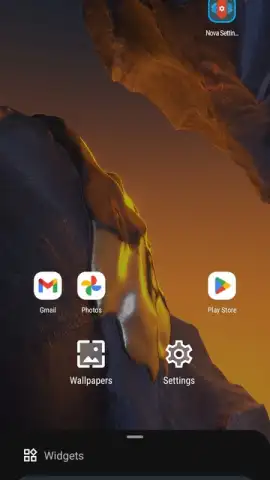
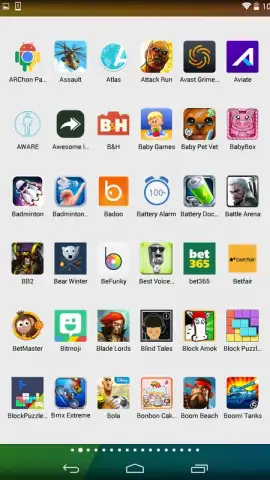
Description Nova Launcher
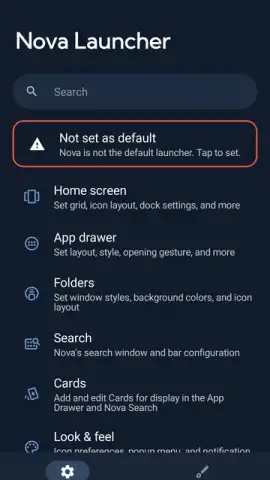
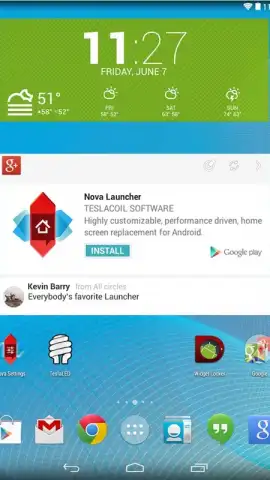
Ever feel like your phone's home screen is just a static grid of icons, the same as everyone else's? What if you could transform that familiar space into a fluid, responsive interface that truly reacts to your touch and adapts to your habits? Nova Launcher redefines the Android home screen experience, offering a depth of customization far beyond the standard launcher for devices running Android 4.0 and above.
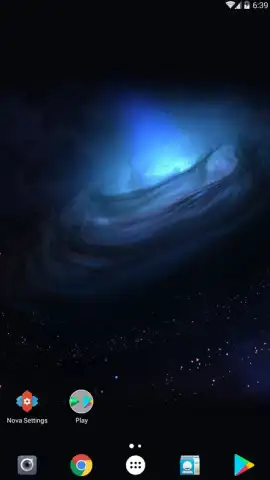
This isn't just about changing wallpapers. From the moment you begin interacting with Nova Launcher, you'll notice a profound difference in visual feedback and smoothness. Every action, from a simple swipe to scroll between home screens to opening your app drawer, is met with buttery-smooth animations that make the device feel more alive and directly responsive to your command. The aesthetic polish is immediately apparent, creating an environment that feels both premium and uniquely yours.
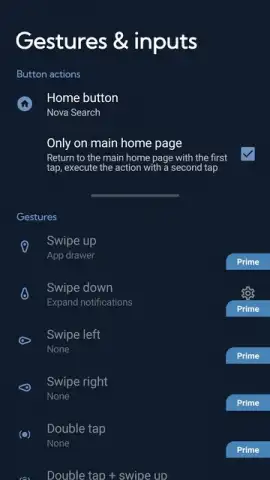
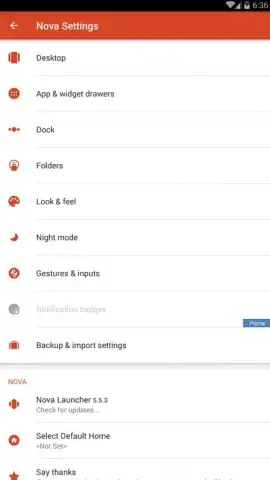
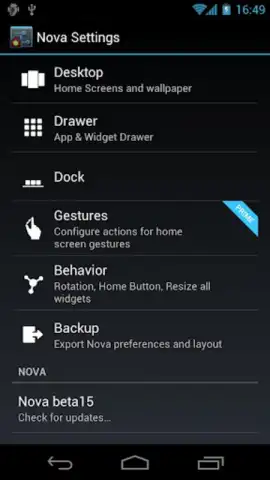
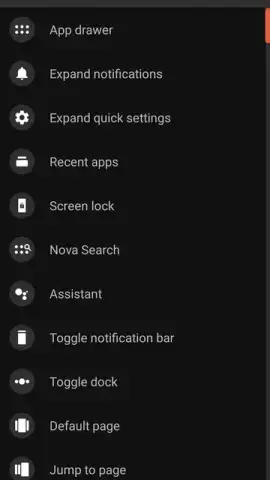
The true power, however, lies beneath that sleek surface. Nova Launcher grants you an unprecedented level of control over how you physically interact with your device. The configuration options extend far beyond taps, allowing you to assign specific actions to gestures like shaking the phone, twisting it, or swiping with two fingers. You can essentially teach your home screen to perform complex tasks with a simple, intuitive motion.
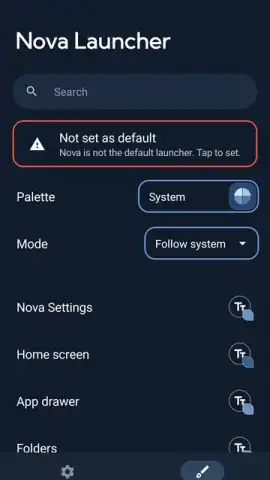
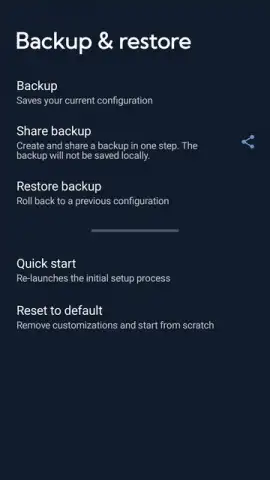
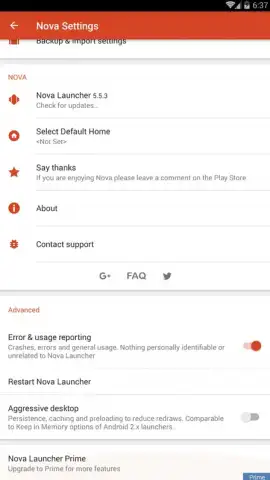
Personalization reaches its peak with the extensive theming and icon management system. You are not limited to a single look; you can create and manage multiple distinct home screen setups, each with its own layout, icon packs, and widget configurations. The powerful backup and restore function ensures your meticulously crafted setups are never lost, allowing you to seamlessly transfer your perfect home screen environment to any other Android device with ease.
Nova Launcher delivers a comprehensive toolkit that masterfully blends elegant design with immense flexibility.
- Gesture-Based Navigation: Assign actions like launching apps, toggling settings, or initiating searches to gestures including screen pinches, swipes, and even device motions.
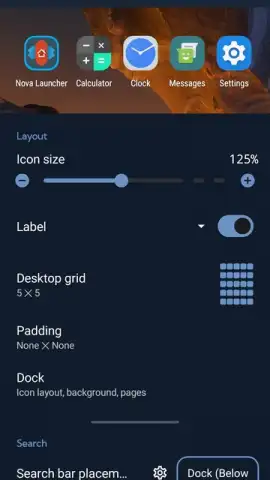
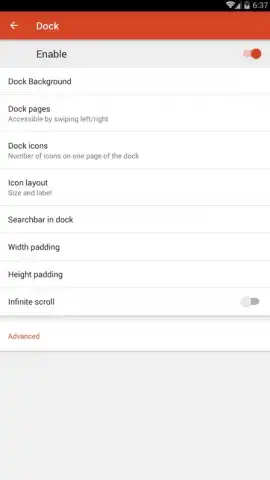
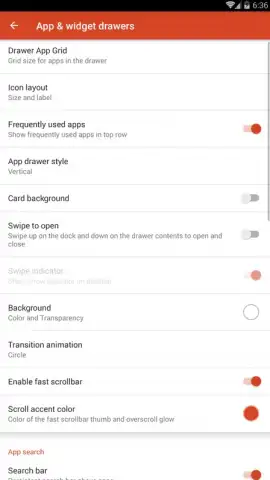
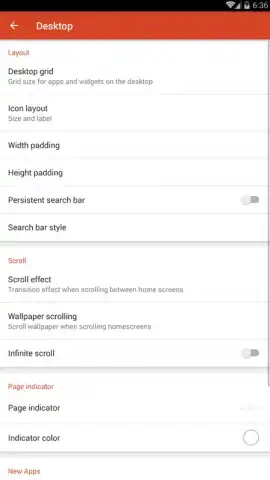
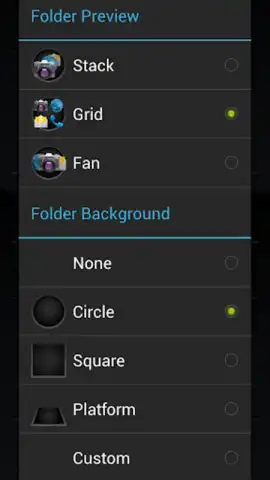
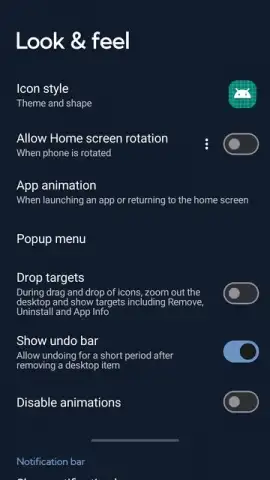
- Deep Visual Customization: Modify icon sizes, grid dimensions on home screens and the app drawer, folder styles, and notification badge appearance for complete visual control.
- Robust Backup & Sync: Create full backups of your entire launcher setup—layouts, settings, and all—to cloud services or local storage for safe keeping or cross-device deployment.
- Performance-Oriented Design: Built with efficiency in mind, the launcher operates smoothly, offering a responsive experience even on a wide range of hardware.
- Substratum and Icon Pack Support: Fully compatible with popular theming engines and thousands of community-created icon packs for endless aesthetic possibilities.
Stop settling for a default interface. Transform your Android device into a truly personal and powerfully efficient tool that works exactly the way you do. Download Nova Launcher now and claim your ultimate home screen advantage.
Disclaimer: This application requires an internet connection for certain features like backup sync and icon pack downloads. The app may contain in-app purchases for premium features. Use is subject to the terms of the service provider. Data charges may apply. Please be aware of your device's data usage policies. The developer is not responsible for any device compatibility issues or data loss. Users are advised to review the app's permissions before installation.
 GooglePlay


