

NSDSWebApp
NSDSWebApp screenshots (1)
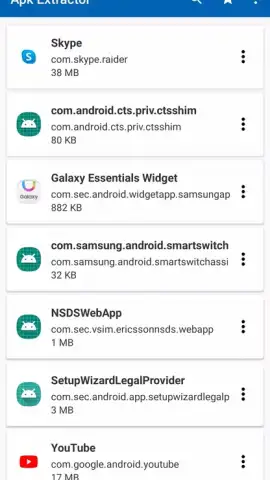
Description NSDSWebApp
Looking for a streamlined way to manage and interact with Samsung's network of smart devices and services from a single, unified interface?
Core Functionality & Tools
This application serves as a dedicated web-based portal for Samsung device ecosystems, providing centralized access to configuration panels, diagnostic reports, and service integrations. It functions as a technical hub, allowing for remote monitoring of device status, firmware update checks, and network service management. The interface is designed to parse complex system data into organized, actionable information, facilitating efficient troubleshooting and system optimization without requiring direct physical access to each device.
Key Technical Advantages
The platform prioritizes a clean, hierarchical layout that categorizes services and device controls into distinct modules for rapid navigation. It employs real-time data syncing to reflect current device states and service health, ensuring the information presented is accurate and up-to-date. Performance is optimized for low-latency interactions, even when handling multiple connected endpoints, providing a responsive administrative experience.
- Access real-time system diagnostics and detailed device health reports
- Remotely manage firmware updates and service configurations for multiple devices
- Navigate a structured dashboard with categorized control modules and settings
- View consolidated network status and connectivity logs for all linked services
- Initiate and monitor automated troubleshooting procedures and system scans
Get centralized command and deeper insight into your device ecosystem today.
Internet required. IAP available.


