
Office – Word, Excel, PDF, Docx, Slide
Office – Word, Excel, PDF, Docx, Slide screenshots (8)
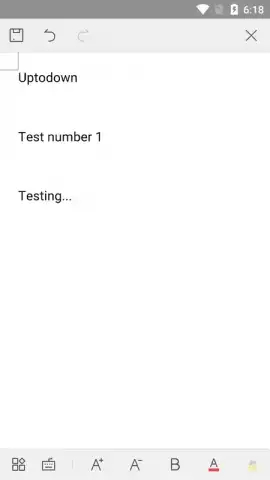
Description Office – Word, Excel, PDF, Docx, Slide
Navigating Mobile Document Management
The need to handle professional documents on a mobile device often presents a significant friction point. Users are caught between the desire for full functionality and the limitations of lightweight apps, leading to a fragmented workflow where opening, editing, and sharing files requires multiple tools. This review examines an all-in-one office suite designed to consolidate these tasks directly on your Android device, assessing its capability as a primary document hub for business and personal use.
Core Functionality and Feature Analysis
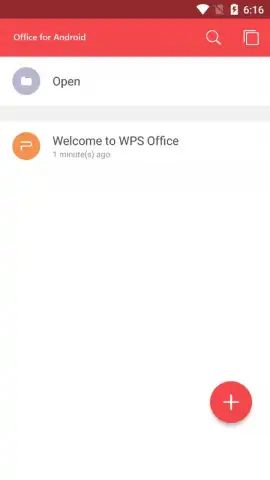
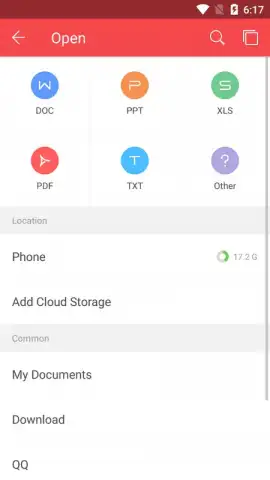
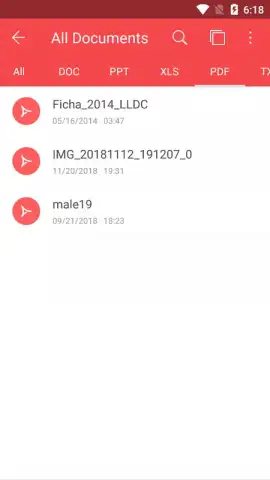
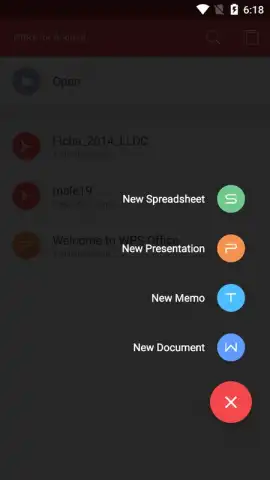
The application positions itself as a centralized processor for a wide array of document formats. Its primary operation is built around three core actions: opening, editing, and creating new files. The interface initiates this process from a clean home screen, where a prominent '+' symbol serves as the gateway to generating new spreadsheets, presentations, text documents, and notes. This direct access eliminates preliminary navigation, streamlining the initial document creation phase. For existing files, the app demonstrates broad compatibility, supporting legacy and modern formats including .doc, .docx, .xls, .xlsx, .ppt, .pptx, and .csv, alongside programming file types like .java and .bat.
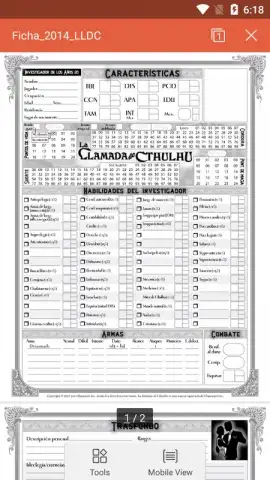
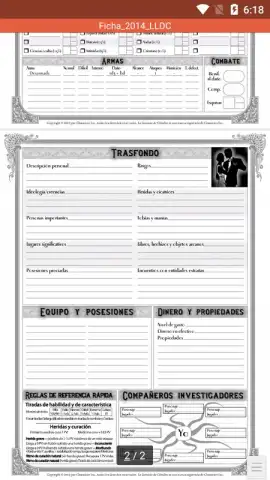
PDF handling is approached with a specific, utility-focused feature set. While the app cannot generate PDFs from scratch, it provides a robust toolkit for managing existing ones. This extends beyond basic viewing to include functionality for adding digital bookmarks, annotating with notes, and converting PDF files into other editable formats. File sharing is facilitated through multiple local and system-level protocols, including Wi-Fi Direct, NFC, and integration with other messaging and sharing applications installed on the device, providing flexible distribution channels for processed documents.
- Multi-Format Document Editor: Directly create and edit Word, Excel, and text files with support for complex formats like .dotx and .xltx.
- Advanced PDF Toolkit: Annotate, bookmark, and convert existing PDF documents for improved workflow and archival.
- Extensive File Compatibility: Open and manage dozens of formats, from presentations (.dps, .ppt) to code files (.asp, .bat) and compressed .zip archives.
The absence of intrusive advertising, particularly when utilizing its enhanced performance mode, contributes to a focused user environment. This allows for sustained concentration on document tasks without disruptive interruptions. The app’s design philosophy appears to prioritize utility and format breadth over deep, advanced editing features found in desktop counterparts, making it a competent companion for on-the-go adjustments and reviews rather than complex document origination.
Final Assessment
This suite functions effectively as a comprehensive document viewer and editor for Android, successfully consolidating operations that typically require several disparate applications. Its strength lies in format support and practical PDF tools, offering a streamlined solution for mobile professionals who need to access, modify, and share files across different standards. For users seeking a capable, ad-minimal environment to handle daily document tasks without transferring to a desktop, this package presents a viable and efficient option.
Get your bonus of streamlined productivity and claim your advantage now.
Download mobile app now
Disclaimer: This application requires an internet connection for certain functions and may offer in-app purchases. File compatibility for editing may vary based on original document complexity.



