

Package installer Google
Package installer Google screenshots (4)

Description Package installer Google
Struggling to Install Apps from Outside the Google Play Store?
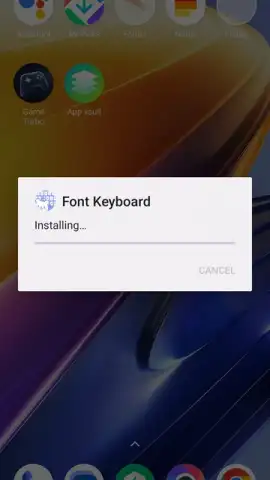
Package Installer by Google is the official system utility for managing APK file installations on Android devices. This core component handles the unpacking, verification, and final setup of applications downloaded from sources other than the Play Store. It operates as a background service, initiating automatically when you tap on an APK file from your browser or file manager. While pre-installed on most Android devices, ensuring its proper function is critical for sideloading apps, testing beta software, or installing region-locked applications not available in your local marketplace. The tool performs signature checks and parses package manifests to confirm compatibility with your specific Android OS version before proceeding with any installation.
Core Functionality for Advanced Android Management
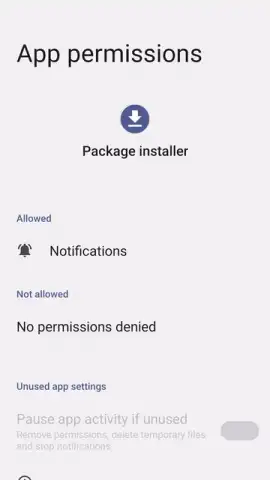
This installer provides a secure gateway for expanding your device's capabilities beyond standard app stores. It executes the necessary procedures to decompress application archives and register them with the Android system. The process involves allocating correct permissions and integrating the new app's data with your device's storage and security protocols. Its minimal interface focuses purely on the installation workflow, presenting clear prompts for user consent and detailing what system resources the APK requests access to, which is essential for security awareness when installing from third-party sources.
- Direct APK Integration: Processes installation files sourced from web browsers, email attachments, or local file managers, converting them into fully functional applications on your device's home screen and app drawer.
- System-Level Compatibility Verification: Scans each APK's internal manifest to check for minimum Android version requirements and hardware dependencies, preventing installation of software that would fail to run on your specific device model.
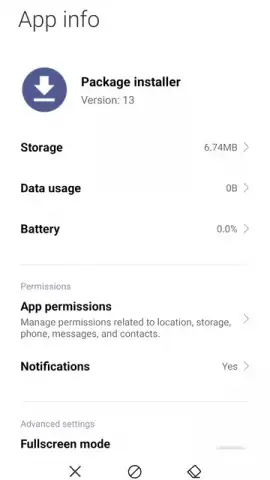
- Minimal Resource Footprint Operation: Functions as a lightweight background service consuming approximately 3MB of storage, executing installations typically within a 5 to 30-second window depending on the application package size and complexity.
Gain immediate control over your device's software ecosystem. This tool is indispensable for developers testing builds, enthusiasts accessing early app releases, or anyone needing to restore an app from a backup APK file. Its role is fundamental; disabling or removing it can severely limit your device's functionality for managing applications outside of curated stores. Ensure your system can handle any valid Android package by verifying this installer is active and updated.
Download Package Installer Now – Exclusive access to seamless APK management is available for a limited time to users who activate this essential system service today.
Disclaimer: This system tool requires an active internet connection for downloading APK files from external sources, though the installation process itself occurs locally. It facilitates the installation of applications which may themselves contain in-app purchases (IAP). Use is subject to your device's Android version compatibility and age restrictions set by the APK files you install. The installer may process personal data during the app installation sequence as per the permissions requested by each APK. It is intended for use with legally obtained software packages.


