
Pages
Pages screenshots (10)


Description Pages
Your Personal Library, Unbound
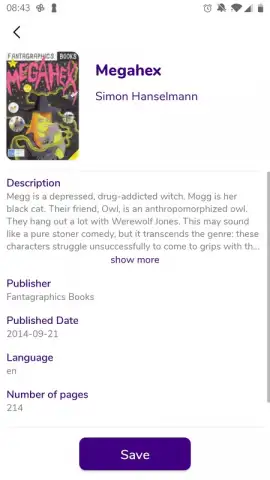
Transform your Android device into a comprehensive reading hub with Pages. This application centralizes your entire digital library, providing a streamlined interface to manage, read, and discover books and reference materials without the clutter of multiple platforms. It solves the problem of fragmented reading by offering a single, powerful environment for all your texts.
Core Functionality and Features
Pages delivers a robust set of tools designed for serious readers and researchers. The app supports a wide array of document formats, including EPUB, PDF, and MOBI, ensuring compatibility with virtually any ebook you own. Its integrated cloud sync feature automatically backs up your library progress and custom collections across devices linked to your account. A built-in dictionary and translation tool provides instant definitions and language support without leaving the reading view. For research, the advanced annotation system allows you to highlight text, add margin notes, and compile all your notes into a single, exportable document.
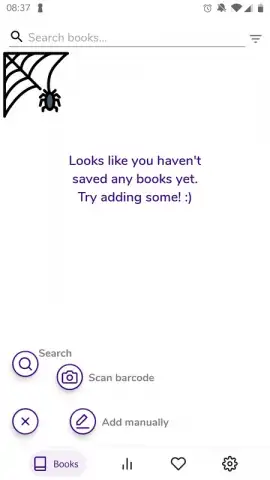
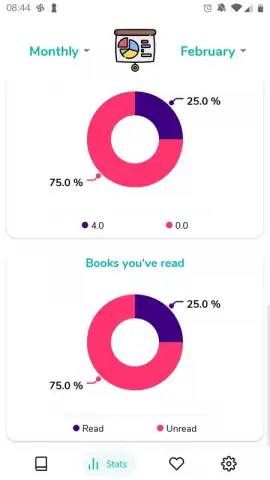
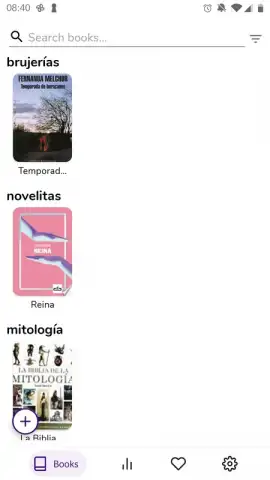
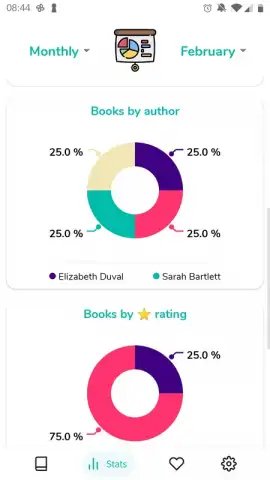
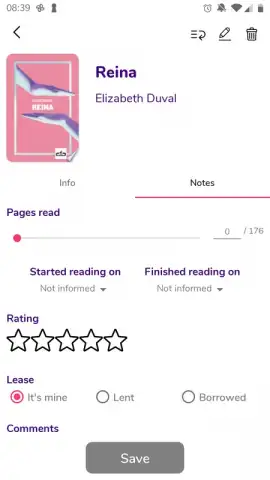
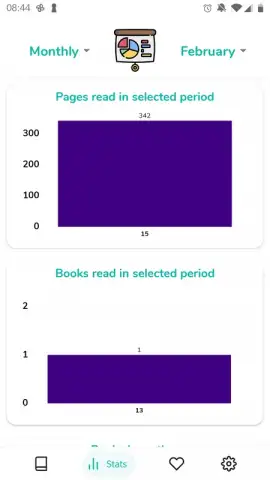
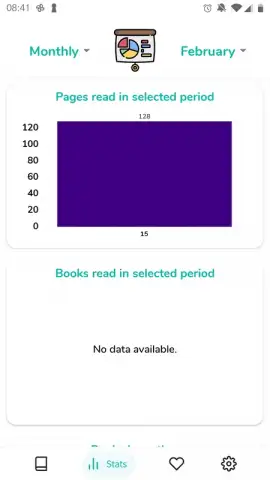
The user experience is built around customization and performance. You can fully tailor your reading environment with adjustable font styles, sizes, background colors, and spacing to reduce eye strain. A sophisticated categorization system lets you create custom shelves, tag books by genre, and track your reading progress with detailed statistics. The app operates efficiently, ensuring quick file imports and smooth page turns even on larger documents, maintaining performance on devices running Android 8.0 and above.
- Multi-format ebook support
- Cloud sync across devices
- Advanced annotation tools
- Customizable reading modes
- Integrated dictionary lookup
- Detailed reading statistics
Download the App Now
Gain exclusive, early access to a redefined reading experience. For a limited time, new users can explore the full suite of organizational and reading tools. Transform how you interact with texts today—install Pages and unlock your personal unlimited library.
Requires an internet connection for cloud synchronization, initial setup, and access to online dictionary features. The app may contain optional in-app purchases for premium organizational themes or extended cloud storage capacity.


