

Painter Mobile
Painter Mobile screenshots (6)
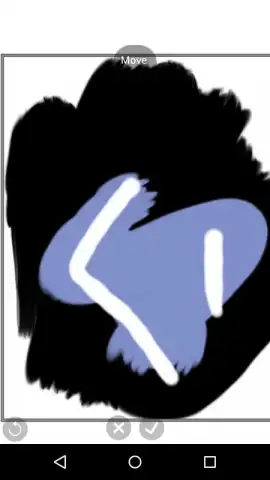
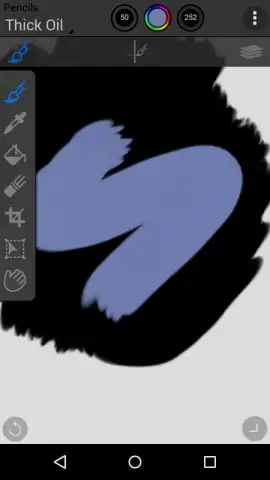
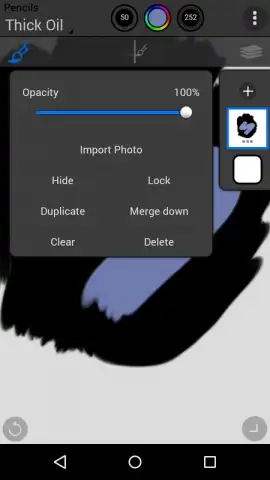
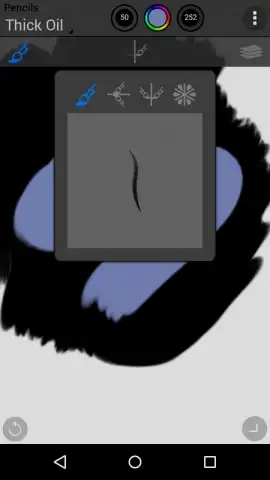
Description Painter Mobile
What if your smartphone held a professional-grade digital studio, capable of rendering everything from a quick sketch to a gallery-ready painting?
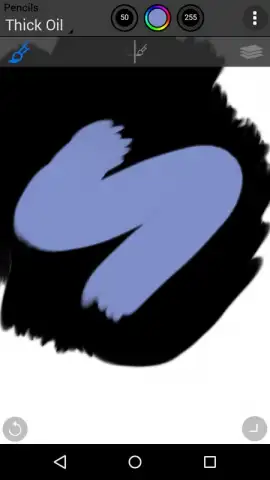
Painter Mobile translates the formidable power of Corel's desktop legacy into a touch-centric interface. The app provides a comprehensive suite of professional-grade brushes, each with customizable settings for size, opacity, and texture flow, responding directly to stylus pressure and tilt on supported devices. Artists can work on layers with full blending mode support, applying effects and adjustments non-destructively. The core experience is built around a versatile canvas system, supporting high-resolution exports suitable for print. Whether you're using a finger or a precision stylus, the engine minimizes lag to create a natural, immediate drawing feel that mirrors traditional media.
Core Features & Workflow
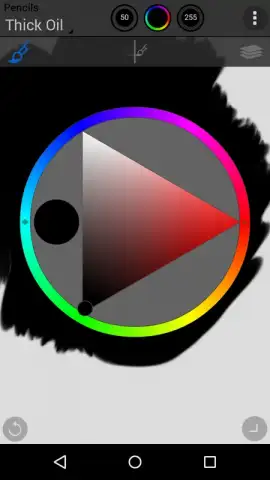
The application distinguishes itself through a balance of depth and accessibility. The interface, while feature-rich, is designed to be navigated intuitively, with customizable quick-access menus for your most-used tools. Performance is optimized for mobile hardware, ensuring smooth brush strokes even on complex, multi-layered compositions. The color selection system goes beyond simple wheels, offering harmonies, palettes, and the ability to sample from reference images directly. Visual feedback is precise, with brushes that visibly wear and blend colors in a physically plausible manner, providing a deeply immersive and tactile creative session.
- Pro Brush Library: Access hundreds of realistic brushes, from oils and watercolors to custom texture stamps.
- Advanced Layer Engine: Work with multiple layers, clipping masks, and professional blend modes.
- Precision Color Tools: Utilize harmonies, palettes, and a powerful eyedropper for perfect color selection.
- High-Fidelity Canvas: Create and export artwork in high resolution with support for various aspect ratios.
- Customizable Workspace: Tailor your toolbars and menus for a streamlined, personal workflow.
We suggest trying Painter Mobile to experience a truly professional painting toolkit that fits in your pocket, ideal for both concept work and finished pieces.
Heads up: you'll need wifi for initial download and some cloud sync features. Access to the full, advanced brush library and certain export options requires a subscription or one-time purchase.


