
Partial Screen
Partial Screen screenshots (11)
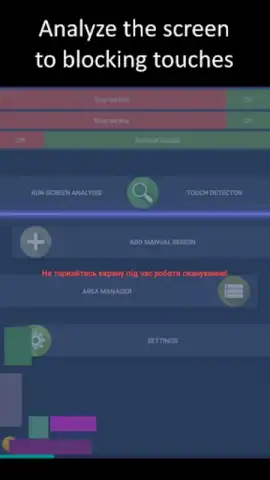
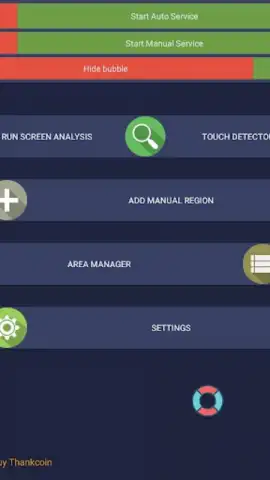
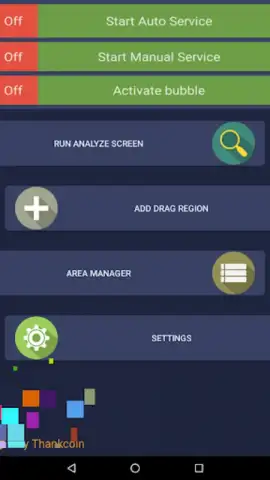
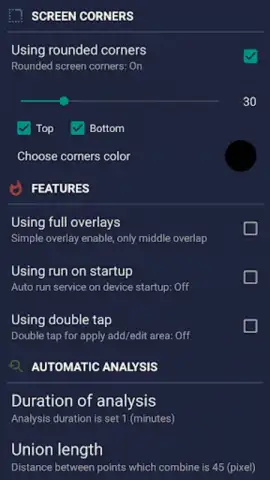
Description Partial Screen
Ever wish you could focus on just one part of your screen, like a spotlight on the information that truly matters? What if you could keep a video playing in the corner while browsing, or have your notes float over a map without constantly switching apps?
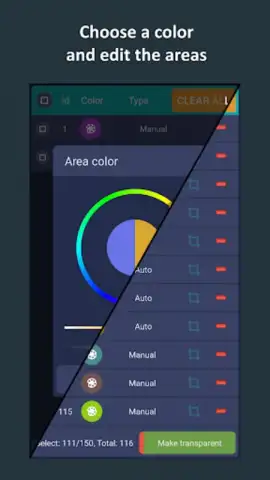
Partial Screen transforms how you interact with your device by letting you create a customizable, resizable window from any application. Imagine watching a tutorial that stays perfectly visible while you follow the steps in another app, or keeping a live sports score ticker neatly tucked in the corner of your screen. You simply select the area you want to isolate, and Partial Screen turns it into a persistent, movable overlay that stays on top of everything else. This isn't just multitasking; it's creating your own personalized, multi-layered workspace where you control what gets your attention.
A New Way to See Your Phone
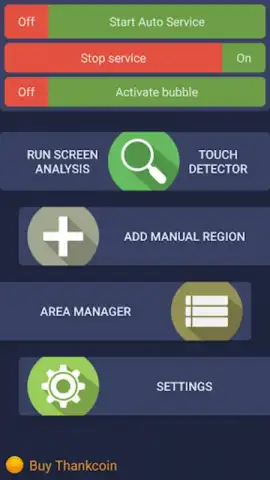
The core experience is all about seamless control and clarity. You activate Partial Screen with an easy toggle, then use intuitive pinch and drag gestures to capture exactly the rectangle of screen real estate you need. The resulting overlay window is fully interactive, so you can still scroll through that article or pause that video directly within the floating window. It feels like you've unlocked a hidden layer of productivity and convenience on your device, making everything from research to entertainment more fluid.
Why You'll Keep Using It
- Ultimate Multitasking Freedom: Keep your chat, navigation, media player, or calculator always visible and accessible over any other app. No more frustrating app switching.
- Pixel-Perfect Customization: Resize your partial screen overlay to any dimension. Make it a slim sidebar, a compact square, or a large rectangle—it adapts to your immediate task.
- Smooth & Lightweight Performance: Designed to be efficient, it runs smoothly without draining your battery or slowing down your phone, even on older Android versions.
- Clean, Unobtrusive Interface: The controls are minimal and fade away when not needed, giving you a clean view of your content without distracting clutter.
- One-Touch Activation: Set up your preferred screen area once and recall it instantly whenever you need it, turning a powerful feature into a simple habit.
Stop juggling apps and start layering them intelligently. Consider downloading Partial Screen to experience a smarter, more focused way to use your Android device today.
Internet required. IAP available.
 GooglePlay


