

Passcode Photo Lock Screen
Passcode Photo Lock Screen screenshots (15)
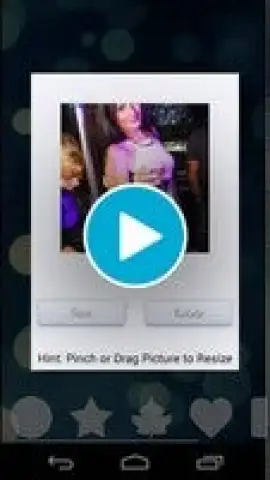
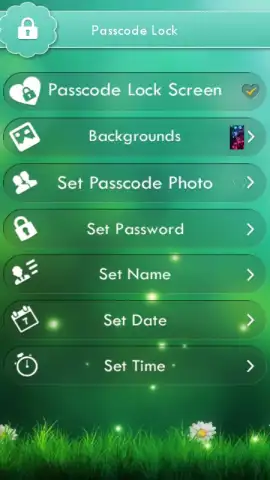
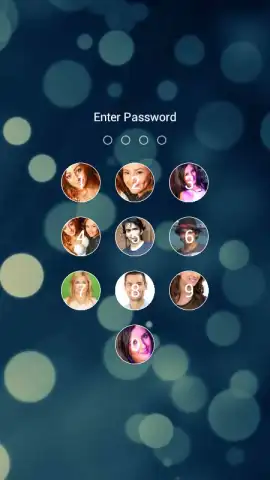
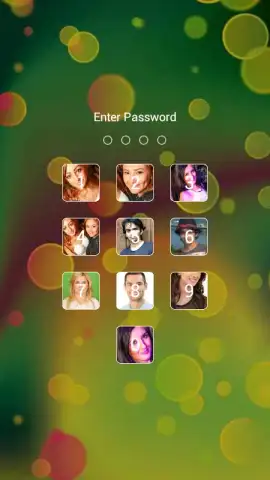
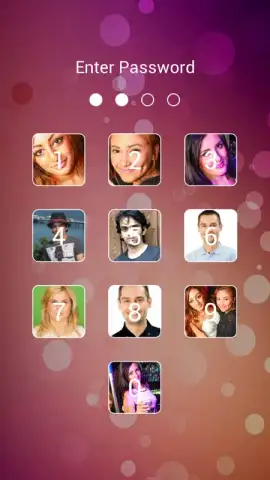
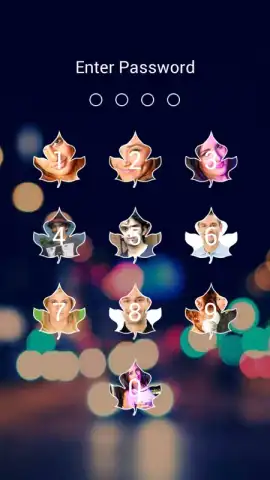
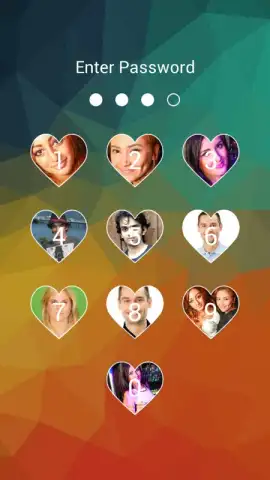
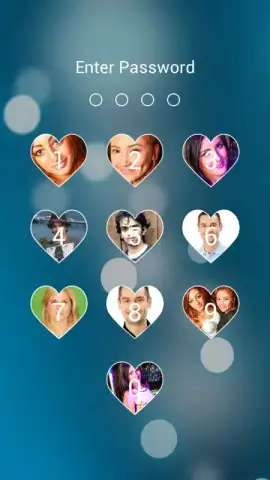
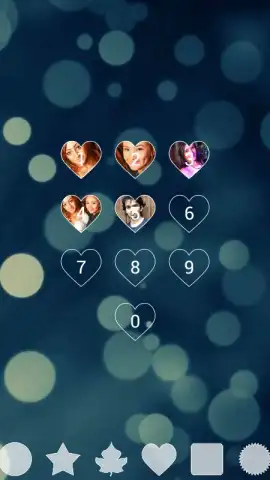


Description Passcode Photo Lock Screen
Your Photos Deserve a Private Vault, Not a Public Gallery
Every time you hand your phone to a friend to show them one picture, you risk them accidentally swiping into your entire personal photo library. That moment of vulnerability is gone. This tool transforms your lock screen into a secure, personalized gateway, where only you hold the key to your private memories and sensitive documents. It’s about taking definitive control over your digital privacy without compromising on style or convenience.
A Seamless Shield for Your Personal Moments
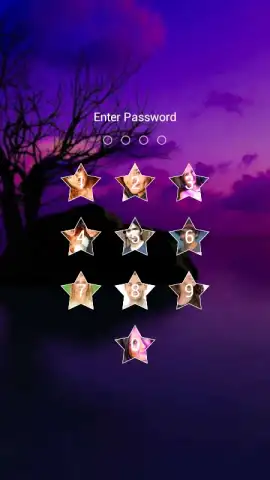
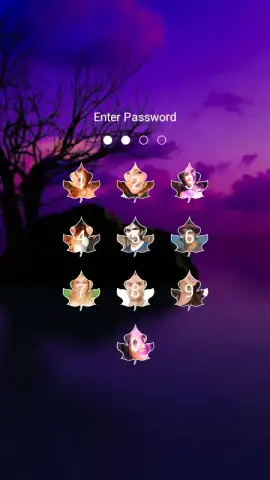
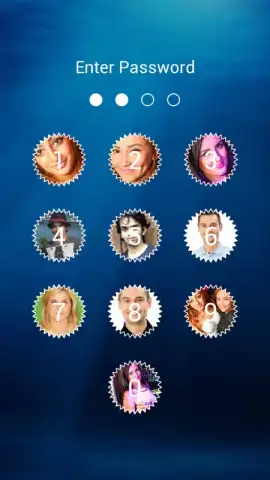
Imagine unlocking your phone not just to a generic clock, but to a beautiful, full-screen display of your chosen photo, protected by a secure passcode or pattern. This is your new first line of defense. The app integrates directly with your device’s security, allowing you to select specific albums or images you want to keep behind this extra layer. The process is intuitive: set a PIN, choose your protected photos, and they become accessible only through your custom lock screen. The interface is designed for clarity, making it easy to manage your vault and change settings on the fly, ensuring your private gallery remains exactly that—private.
Engineered for Discretion and Daily Use
This isn’t about bulky, complicated security; it’s about elegant, everyday protection. The app operates with a focus on reliability and a lightweight footprint, ensuring it doesn’t drain your battery or slow down your device. The visual experience is clean and customizable, letting you match the lock screen theme to your style. It’s the perfect balance—robust security that feels simple and integrated, not like a separate, cumbersome app. You get peace of mind from a solution that works silently in the background, activating precisely when you need it.
- PIN & Pattern Lock Security
- Hide Private Photos & Videos
- Customizable Lock Screen Themes
- Intruder Snapshot Capture Feature
- Fast, Lightweight Performance
- Decoy Vault for Ultimate Privacy
Stop leaving your personal life exposed on your home screen. Transform your device into a fortress for your memories.
Download the app now and claim your privacy.
Internet required. IAP available.


