
PDF Converter
PDF Converter screenshots (3)
Description PDF Converter
Tired of juggling multiple apps just to handle your documents? What if one powerful tool on your phone could instantly transform any file into a professional PDF and back again? PDF Converter is your all-in-one mobile office, designed to streamline your workflow and eliminate document frustration directly from your Android device.
Professional-Grade Document Conversion at Your Fingertips
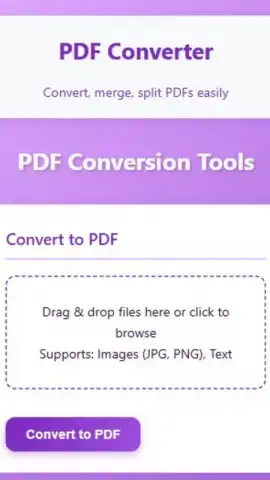
This app turns your smartphone into a versatile document hub. Instantly convert a wide range of file formats—including Word documents, Excel sheets, PowerPoint presentations, images (JPG, PNG), and even web pages—into clean, universally compatible PDF files. The process is remarkably straightforward: select your file, choose your output format, and let the powerful engine do the rest. Need to edit a PDF? Convert it back to an editable Word or Excel format with impressive layout preservation. Beyond conversion, the toolkit includes essential functions like merging multiple PDFs into a single file, compressing large documents for easy sharing, and adding password protection to secure sensitive information. All processing is done locally on your device for speed and privacy, giving you complete control over your documents anytime, anywhere.
Why This Is Your Essential Business Tool
The interface is built for efficiency, allowing you to accomplish complex tasks in just a few taps. It works seamlessly offline for core conversion features, so you're productive whether you're in the office or on the go. The output maintains high quality and formatting integrity, ensuring your documents always look professional. It's the perfect companion for students, entrepreneurs, and professionals who need reliable document management without the complexity of desktop software.
- Convert to & from PDF: Transform Word, Excel, PPT, images, and HTML to PDF and vice versa.
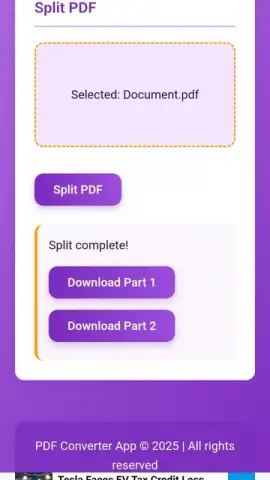
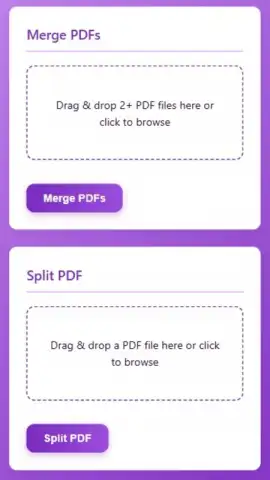
- Merge & Compress Files: Combine multiple PDFs into one and reduce file size for sharing.
- Secure Your Documents: Add password encryption to protect confidential PDF files.
- Intuitive File Manager: Easily browse, organize, and manage all your documents within the app.
- High-Quality Output: Preserve original formatting, images, and fonts during every conversion.
Stop wasting time with clunky workarounds. Unlock a smoother, more professional document workflow today. Download PDF Converter now and handle any file with confidence!
An internet connection may be required for certain features. The app may offer optional in-app purchases.


