

PDF Document Scanner
PDF Document Scanner screenshots (11)

Description PDF Document Scanner
Imagine needing a digital copy of a signed contract, a receipt for an expense report, or a page from a textbook, but the nearest physical scanner is miles away. This scenario is precisely where the PDF Document Scanner app by Ape Entertainment transforms your Android device from a simple camera into a portable, high-functionality document digitization tool. It operates on a straightforward principle: leveraging your device's built-in camera to capture, process, and export physical documents as polished PDF files directly from your pocket.
Core Functionality and Editing Process
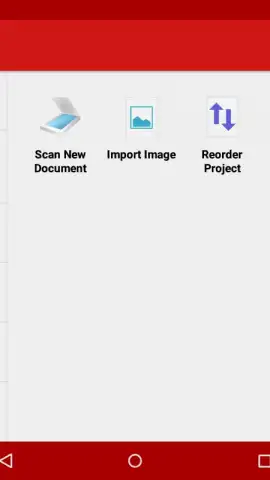
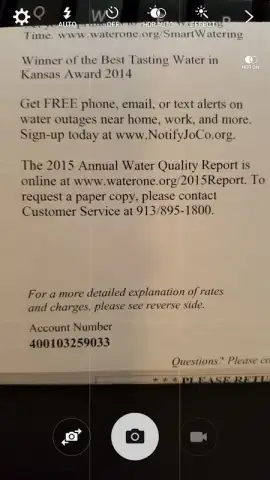
The app's workflow is engineered for efficiency and precision. The scanning process initiates by positioning your document on a flat, well-lit surface. The camera interface provides manual focus control; a single tap on the screen adjusts the focus point, and a subsequent tap captures the image. This two-step method ensures the document is perfectly framed and legible before the scan is committed.
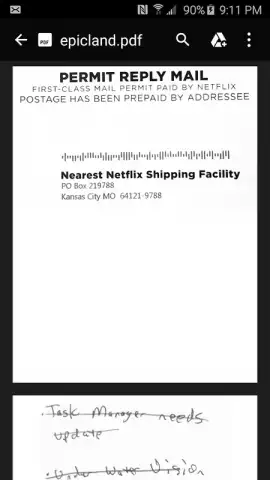
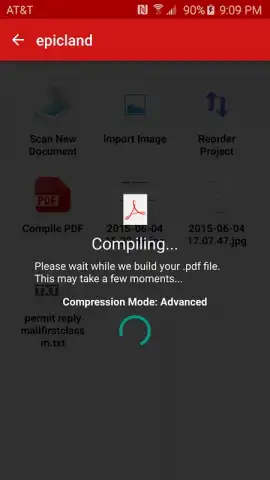
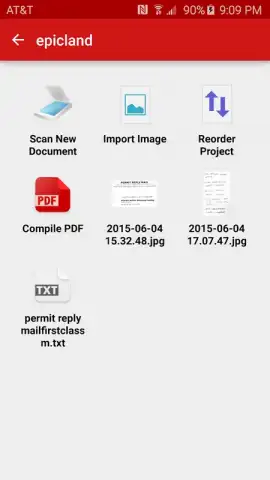
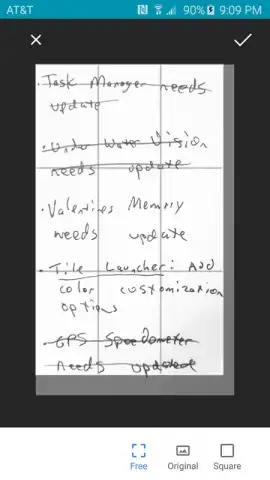
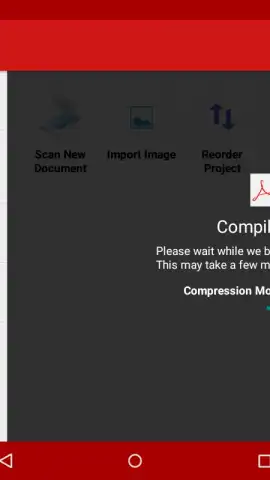
Once captured, the application provides a suite of post-processing tools to enhance the final output. The primary function is automatic border detection and cropping, which isolates the document from its background. Beyond this, the software includes correction filters designed to eliminate visual noise, improve contrast, and rectify perspective distortions caused by angled shots. The final step is seamless conversion and export. The edited image is processed and saved directly as a standard PDF file, creating a universally compatible digital duplicate of the original physical document ready for archiving, emailing, or printing.
Key Features and Practical Advantages
The utility of this tool extends beyond basic scanning. Its design prioritizes a clean, ad-free user experience, particularly for users who opt for the enhanced performance mode. The ability to create secure digital backups of critical paperwork—from identification documents to financial records—in under a minute, without specialized hardware, represents a significant practical advantage for both personal and professional organization.
- Transforms your Android camera into a portable, on-demand document scanner.
- Utilizes a precise two-tap capture system for optimal focus and image clarity.
- Features automatic edge detection and intelligent cropping for clean results.
- Applies correction filters to remove shadows, glare, and background noise.
- Exports scans directly as standard, high-quality PDF files for universal use.
This tool is more than a convenience; it's a modern necessity for digitizing paperwork. For a limited time, new users can access its full suite of scanning and editing tools. Download the PDF Document Scanner app now to start creating professional digital archives today.
Disclaimer: Application requires an internet connection for initial download and certain functions. Some advanced features may be available via in-app purchases.
 GooglePlay


