

PDF to Word Converter
PDF to Word Converter screenshots (4)
Description PDF to Word Converter
The Definitive Tool for Document Fluidity
In a professional landscape where document formats are rigid and workflows demand flexibility, the inability to edit a PDF can halt progress entirely. This application directly addresses that critical bottleneck, transforming static PDF files into fully editable Word documents with precision. It serves as a digital bridge, converting received reports, scanned forms, and locked-in contracts into malleable material for immediate revision, data extraction, or repurposing, thereby restoring fluidity to document management.
Core Conversion Mechanics and Functionality
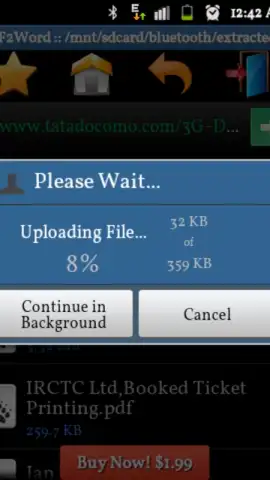
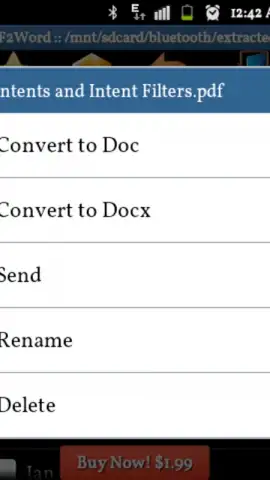
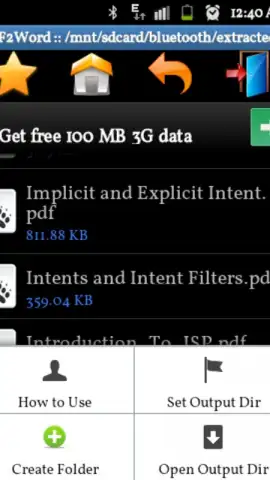
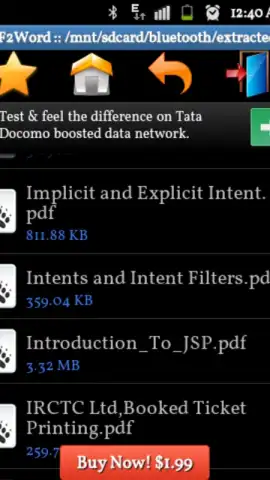
The application operates on a streamlined, three-step principle: import, process, and export. Users initiate a conversion by selecting a PDF from their device's local storage, cloud services like Google Drive or Dropbox, or directly via the share menu from another application. The core processing engine then meticulously analyzes the PDF's structure, distinguishing between text layers, embedded images, and complex formatting to reconstruct a faithful .doc or .docx file. The output preserves original fonts, paragraph alignment, tables, and image placement where possible, aiming for a near-seamless transition between formats. For scanned documents, the integrated OCR (Optical Character Recognition) capability is engaged, converting images of text into selectable and editable characters, turning physical documents into digital assets.
Key Operational Advantages
The utility of this converter is defined not just by its primary function but by the thoughtful execution surrounding it. Performance is prioritized for speed, handling multi-page documents without unnecessary delays, and all processing is performed locally on the device to ensure document privacy and security—no files are uploaded to external servers. The user interface is deliberately minimalistic, eliminating clutter and guiding the user through the conversion process with intuitive taps, making advanced document manipulation accessible to users of all technical levels. Furthermore, batch processing support allows for the conversion of multiple PDFs in a single operation, a critical efficiency for handling project documentation or archived materials.
- Precision Format Retention: Converts PDFs to Word while meticulously preserving original layouts, fonts, tables, and image positioning.
- Advanced OCR for Scans: Unlocks text within scanned documents and images, transforming them into fully editable and searchable content.
- Offline & Batch Processing: Operates entirely without an internet connection for security and supports converting multiple files simultaneously to save time.
Get your bonus of time and control by integrating this essential converter into your mobile toolkit today.
An internet connection may be required for initial download and accessing cloud storage options. The app may offer optional premium features via in-app purchases.


