

PDFelement - PDF Reader and Annotator
PDFelement - PDF Reader and Annotator screenshots (16)

Description PDFelement - PDF Reader and Annotator
A Comprehensive PDF Management Tool for Mobile Devices
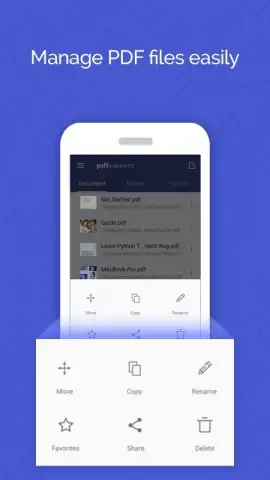
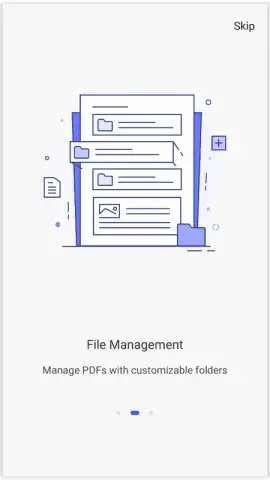
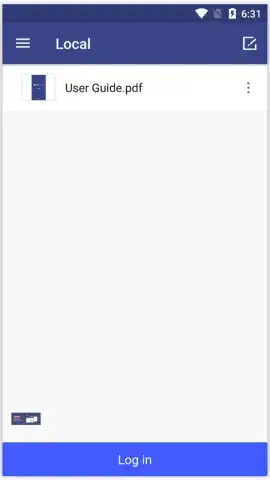
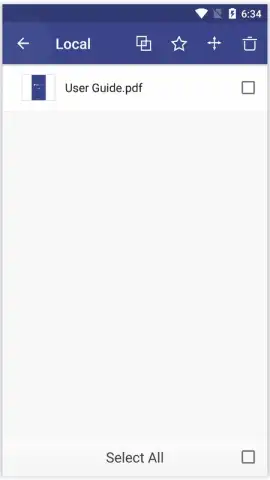
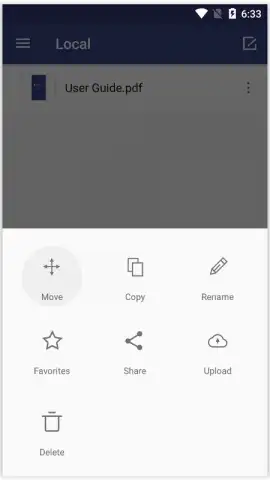
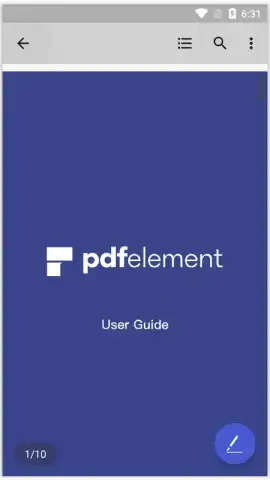
PDFelement - PDF Reader and Annotator provides a systematic approach to handling PDF documents directly from a smartphone or tablet. The application's primary function is to serve as a centralized hub for PDF files, automatically detecting compatible documents stored on the device. This automation facilitates initial organization by presenting users with a unified view of available files on the main screen. The interface is designed around core document management actions, including the ability to rename files, mark them as favorites, and consolidate them for streamlined future access, effectively reducing the time spent searching for specific documents.
Core Functionality and Integrated Ecosystem
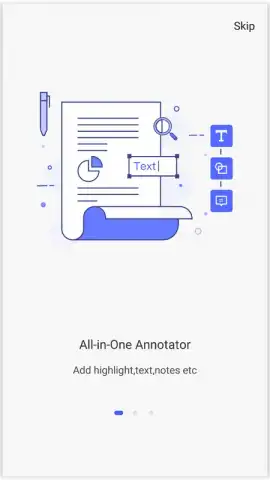
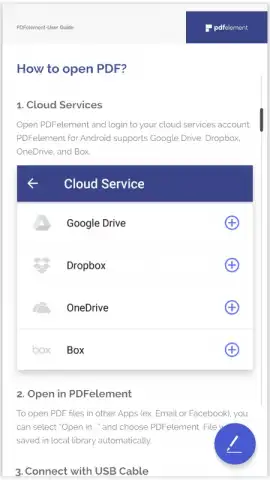
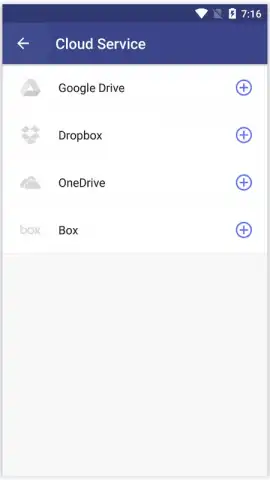
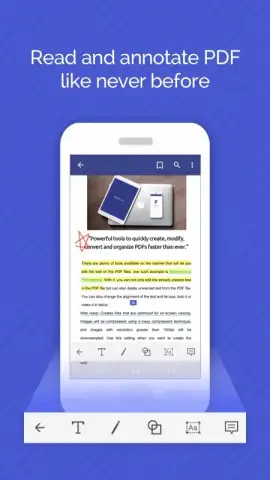
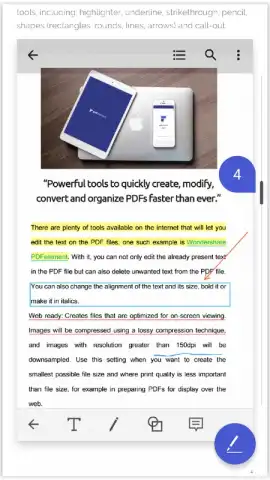
Beyond basic reading, the application includes a suite of annotation tools. Users can select any PDF and employ features for adding notes, underlining text, and highlighting specific sections. For those unfamiliar with the tools, contextual guidance is integrated to explain the function and optimal use case for each annotation option. This positions the app as a practical solution for reviewing contracts, studying materials, or marking up reports. A significant operational feature is its direct integration with major cloud storage services, including Google Drive, Dropbox, OneDrive, and Box. This connectivity allows for seamless import of files for editing and provides a reliable method for saving work back to the cloud, which also acts as a backup solution for preventing data loss.
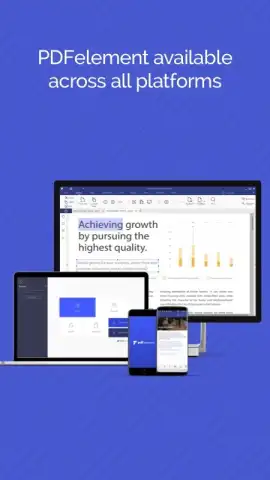
The experience is structured around a tiered access model. The core application is functional for fundamental tasks, while a subscription-based tier, referred to as Turbo, unlocks advanced capabilities and removes advertising. This model grants access to a more powerful set of editing utilities, some of which are comparable to desktop-grade software like Adobe Acrobat DC, but optimized for a mobile workflow. The focus remains on providing essential PDF manipulation tools—such as annotation, cloud synchronization, and file organization—within a single, mobile-optimized environment.
- Automatic PDF detection and centralized library management for immediate file access.
- Robust annotation toolkit featuring notes, text underlining, and highlight functions.
- Integrated guidance system that provides clear instructions for all editing tools.
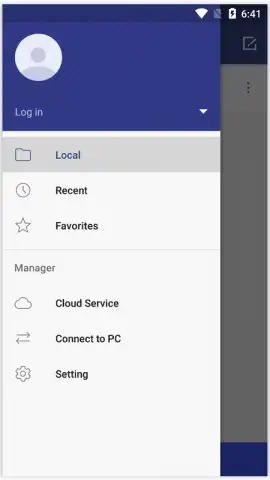
- Direct cloud sync with Google Drive, Dropbox, OneDrive, and Box for backup and retrieval.
- Turbo subscription tier that removes advertisements and provides advanced editing features.
Download the mobile app now to access professional PDF tools—this limited-time offer ensures exclusive early access to the latest feature set for new users.
Disclaimer: This application requires an internet connection for cloud service integration and account management. It offers in-app purchases for a subscription ("Turbo") to unlock premium features and remove advertisements. Users should review the age rating in their respective app store. Data usage applies when syncing documents with cloud storage providers, and standard data charges may be incurred. It is advisable to review the developer's privacy policy for details on data handling.
 GooglePlay


