

Phone Manager
Phone Manager screenshots (10)


Description Phone Manager
Looking for a way to unlock the full, optimized potential of your OPPO or realme smartphone? Phone Manager is the official, pre-integrated toolbox designed specifically for ColorOS, offering a comprehensive suite of maintenance, security, and performance features that go far beyond standard Android tools. This isn't just another utility app; it's the central nervous system for managing your device, ensuring it runs smoothly, securely, and efficiently with every use.
Core Functionality & Performance Tools
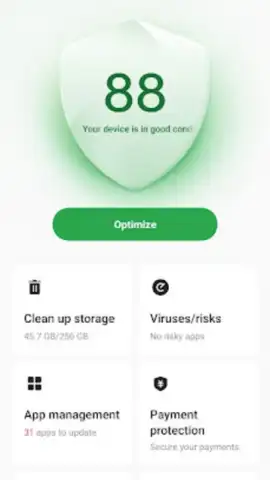
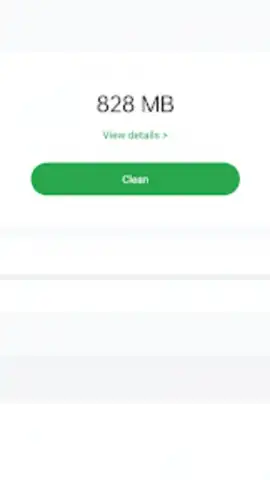
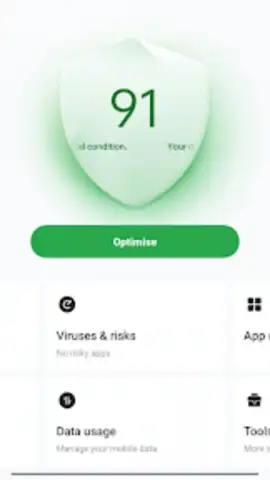
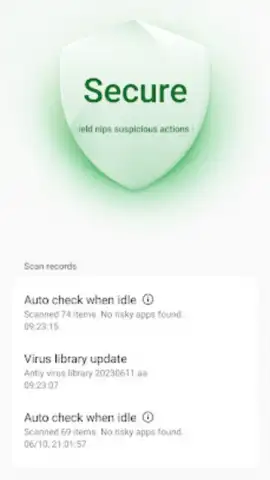
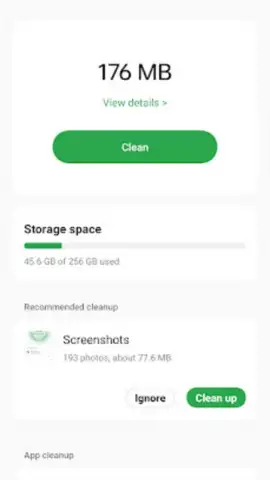
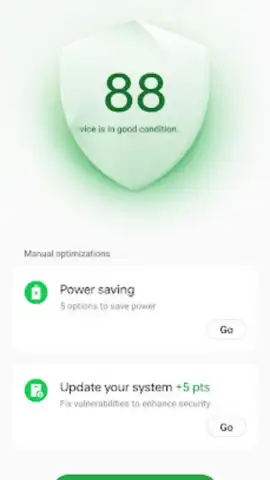
Phone Manager delivers a robust set of utilities focused on proactive device care. The cornerstone is the one-tap optimization feature, which performs a multi-stage system cleanse. With a single press, it intelligently scans for and removes residual cache files, junk data, and obsolete installation packages clogging your storage. It simultaneously force-stops unnecessary background processes and apps that drain battery life, conducts a real-time security vulnerability scan, and provides a detailed analysis of all installed applications. This analysis highlights rarely used apps and suggests safe removals to free up significant space, effectively decluttering your device's memory for peak responsiveness.
Advanced Privacy & Security Controls
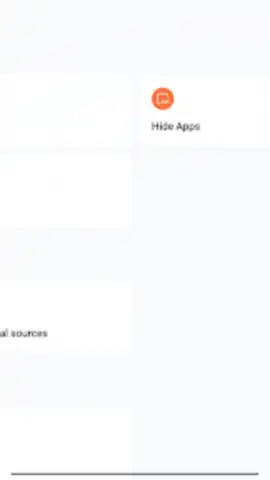
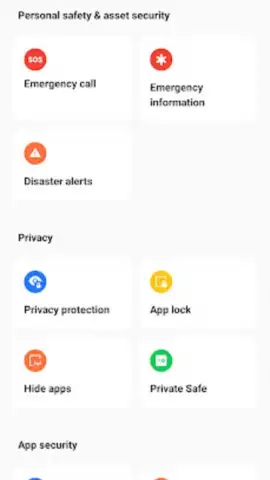
Beyond performance, Phone Manager provides a dedicated layer of privacy and security customization. You can apply individual password, PIN, or pattern locks to any application, preventing unauthorized access to sensitive apps like messaging or banking. The app hiding feature allows you to completely conceal chosen applications from your device's app drawer for added discretion. For your most private media, the app includes a virtual safe function, creating a password-protected encrypted space to store photos, videos, and other files separately from your main gallery, shielding them from prying eyes.
Exclusive ColorOS System Integration
As the native application for the ColorOS interface, Phone Manager offers deep system-level access and stability not found in third-party alternatives. It is engineered to work seamlessly with the device's hardware and firmware, ensuring that cleanup and optimization processes are both safe and effective. This deep integration means the app can manage system resources, battery consumption, and network data with greater authority and precision, leading to tangible improvements in daily performance and longevity. It's important to note that for guaranteed functionality and to avoid potential system issues, Phone Manager is officially designed for and compatible with OPPO and realme devices running Android 11 or higher.
- One-Tap Deep Optimization: Cleans junk files, halts background apps, scans for vulnerabilities, and suggests app removals.
- Granular App Lock & Hide: Password-protect any application and hide apps entirely from your home screen and drawer.
- Private Encrypted Safe: Securely stores sensitive photos and videos in a separate, password-protected virtual vault.
Ready to experience a cleaner, faster, and more secure phone? This essential system tool is your key to unparalleled device management. Download Phone Manager now for exclusive, ad-free access to premium optimization features—available today for compatible OPPO and realme users!
Disclaimer: Phone Manager is officially compatible only with OPPO and realme devices using ColorOS and Android 11 or above. Functionality on other devices is not guaranteed and may cause instability. An internet connection may be required for certain security features and updates. This system application manages sensitive permissions and data; use is subject to OPPO's terms and privacy policy. It is not intended for users under the age of 4 due to system-level access.
 GooglePlay


