

Photopea
Photopea screenshots (6)
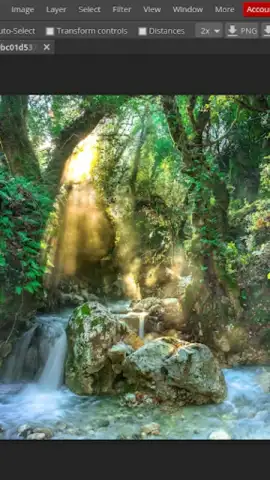
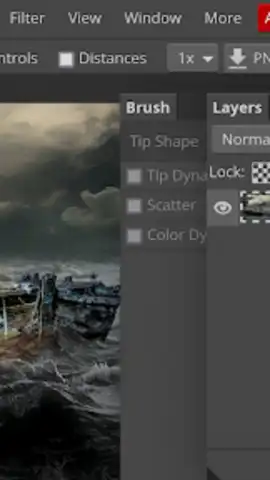

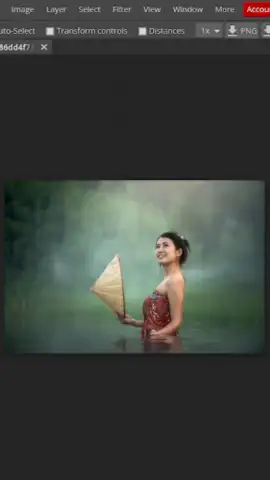
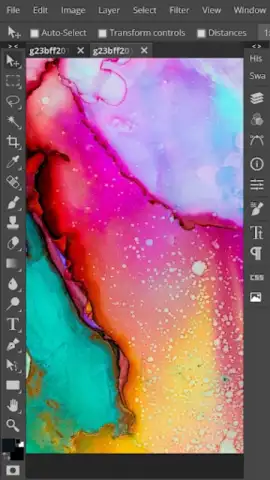
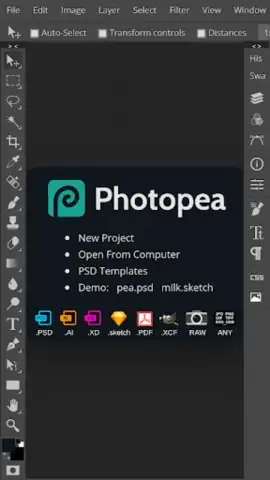
Description Photopea
Transform Your Images with Professional-Grade Editing on Mobile
Photopea delivers a full-featured raster graphics editor directly to your Android device, providing tools comparable to desktop software for photo correction, graphic design, and digital art creation. It solves the problem of needing complex, subscription-based software by offering a powerful, accessible alternative for on-the-go editing, compositing, and design work.
Core Functionality and Editing Modes
The application operates as a comprehensive image manipulation suite. It supports a wide array of file formats including PSD, XCF, Sketch, and raw camera files, allowing users to open and edit layered projects from other platforms. Core mechanics revolve around non-destructive editing with layers, masks, and adjustment tools. Users can work in multiple modes such as detailed photo retouching, creating vector graphics with pen and shape tools, and designing web graphics with precise typography controls. The interface provides direct access to professional tools like clone stamp, healing brushes, content-aware fill, and advanced selection options including quick select and magic wand.
Key Technical Advantages
The primary strength lies in its extensive toolset and file compatibility, eliminating the gap between mobile and desktop workflows. The user experience is built around a familiar, layer-based panel system that is both powerful and navigable on a touchscreen, with support for pressure-sensitive styluses. Performance is optimized for mobile devices, handling complex multi-layered documents efficiently. The visual output maintains high fidelity, supporting advanced color spaces and export options in formats like PNG, JPG, SVG, and PDF.
- Advanced Layer System: Work with layers, layer groups, blending modes, and masks for non-destructive, complex compositions.
- Extensive File Support: Open and edit native PSD, AI, XCF, Sketch, and raw image files directly within the application.
- Professional Toolset: Utilize precise tools like pen paths, shape vectors, clone stamp, healing brushes, and content-aware fill.
- Typography & Vector Graphics: Create and edit text layers with character controls and draw scalable vector shapes with anchor points.
- Comprehensive Adjustments: Apply curves, levels, hue/saturation, color balance, and other professional image corrections.
Download the Mobile App Now
Gain exclusive access to professional-grade editing tools without subscription fees. Transform your mobile device into a portable design studio—install Photopea today and start creating with power previously reserved for desktop.
Requires an internet connection for full functionality. The app is free to use with optional features or enhancements available via in-app purchases.


