

Pixel icon pack
Pixel icon pack screenshots (6)
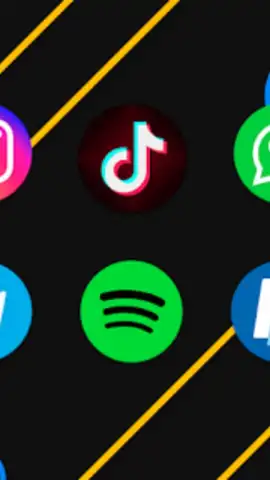
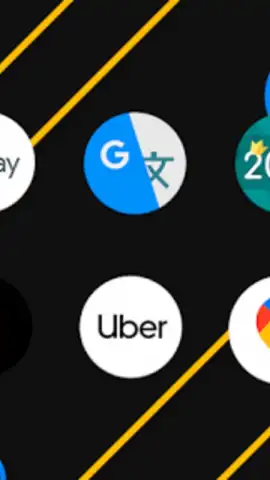
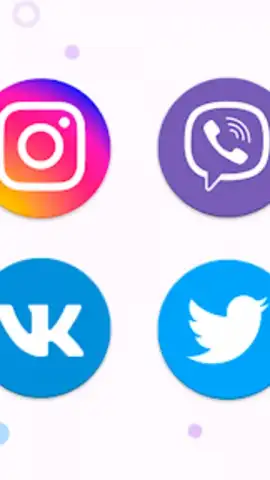

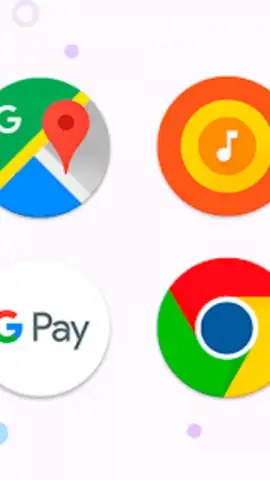
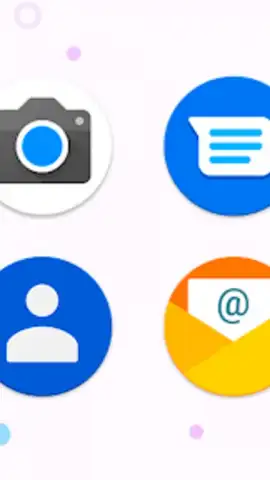
Description Pixel icon pack
Looking for a method to achieve a cohesive, modern aesthetic across your smartphone's interface without relying on generic system icons? The Pixel Icon Pack by iEvil Dev provides a systematic solution for advanced home screen customization, focusing on a unified linear design language across a substantial library of graphical assets.
Core Functionality and Design Philosophy
This personalization tool operates as a resource pack for compatible third-party launchers, not a standalone application. Its primary function is to replace default application icons with a curated set exceeding 10,000 individual icons. The design is characterized by consistent linear outlines, vibrant color palettes, and rounded geometric forms. The objective is to eliminate visual clutter and inconsistency between app designs, creating a streamlined and intentional visual flow across your device's home screen and app drawer.
Technical Features and Customization Depth
The pack integrates through a dedicated application that serves as a browser and management hub. A categorized organizational system allows for efficient icon sorting and retrieval. Key technical features include a dynamic calendar icon that updates daily, a material-themed dashboard for navigation, and specialized folder icons that maintain the pack's aesthetic. For launchers with app drawer theming support, such as Nova Launcher, the pack offers specific settings to customize this area independently. A built-in request system allows users to submit icons for missing applications, with updates frequently released to expand coverage.
Implementation and Compatibility Requirements
To function, the Pixel Icon Pack requires a compatible third-party launcher installed. It is tested and confirmed to work with launchers including Nova, Action, ADW, Apex, and Smart Launcher. For launchers like Microsoft Launcher or Poco Launcher, application typically occurs within the launcher's own theme or icon settings menu. It is important to note that default system launchers like Google Now Launcher are not supported. For optimal visual results, particularly with Nova Launcher, it is recommended to disable icon normalization and adjust icon size to a range between 100% and 120% within the launcher's settings. The accompanying app also provides a streamlined "Apply" section for batch operations and offers a rotating selection of complementary wallpapers.
Summary of Key Features
- Over 10,000 linearly designed, vibrant icons
- Dynamic calendar and material design dashboard
- Custom folder and app drawer icon options
- Regular updates with new icons and wallpapers
This icon pack is available for immediate configuration. Exclusive early access to the latest icon expansions is often granted to new users upon initial download.
Download the Pixel Icon Pack now to install the complete set and begin your home screen overhaul today.
Disclaimer: This product requires a compatible third-party launcher application and an internet connection for initial download and updates. It is offered free of charge with optional premium features.
 GooglePlay


