

Pixel Screenshots
Pixel Screenshots screenshots (7)
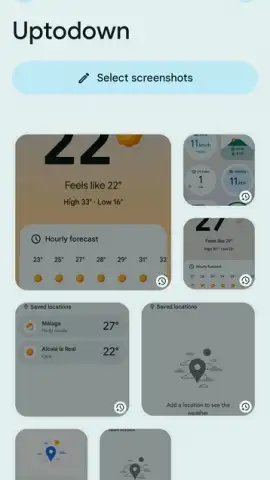
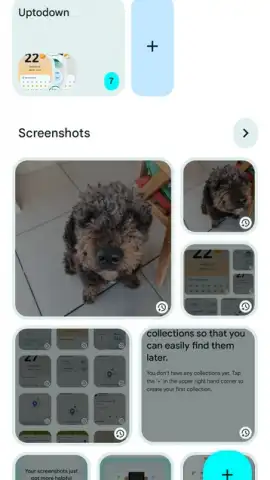
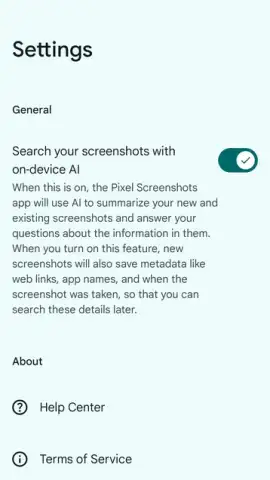
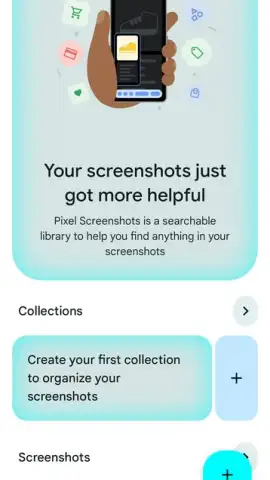
Description Pixel Screenshots
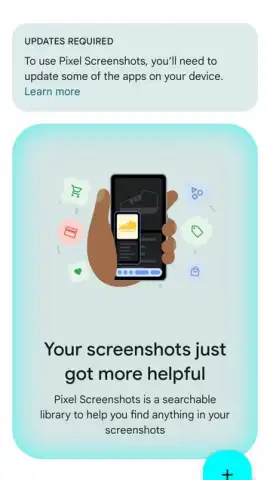
Ever wish your screenshots could do more than just sit in your gallery? What if they could instantly become searchable, editable, and packed with useful information the moment you capture them?
Unlock the Hidden Power of Your Screenshots
Welcome to Pixel Screenshots, where every screen capture becomes a smart, interactive document. Imagine taking a screenshot of a restaurant's address and having it instantly transform into a tap-to-navigate link. Or capturing a flight confirmation and watching the app pull out your flight number, airline, and times, ready to add to your calendar. This isn't just about saving an image; it's about capturing actionable data. The app works seamlessly in the background, intelligently recognizing text and context from whatever is on your screen. You'll feel like you have a personal assistant built right into your phone's most basic function, turning a simple snapshot into a powerful starting point for your next task.
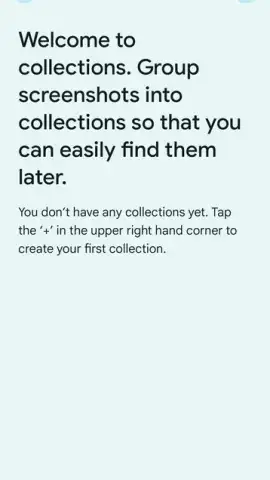
Your Smarter, More Organized Visual Library
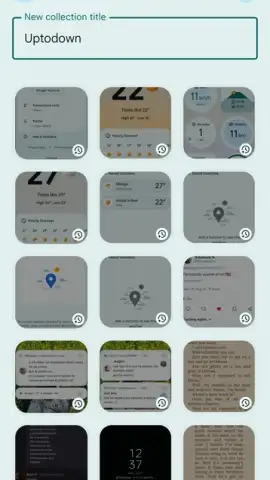
The magic happens with Google's advanced on-device AI. The moment you take a screenshot, it's analyzed for useful information. Phone numbers, email addresses, web URLs, and event details are automatically highlighted and made interactive. You can search through all your past screenshots using keywords found in the text, making that one important receipt from months ago suddenly easy to find. The intuitive editing tools let you quickly crop, annotate, and blur sensitive information without ever leaving the preview, giving you complete control over your shared content. It feels effortless, like your phone is finally understanding the why behind your screenshots and helping you take the next step.
- Smart Text Recognition & Actions: Automatically detects and makes text interactive. Tap to call, navigate, email, or search without tedious copying and pasting.
- Powerful In-App Search: Instantly find any old screenshot by searching for words that appeared in the image. Never lose important information again.
- Quick & Private Editing: Crop, annotate with text or drawings, and blur sensitive details like personal info or credit card numbers right in the seamless preview window.
- On-Device Privacy: Advanced processing happens directly on your phone, keeping your screenshot data private and secure.
- Seamless Android Integration: Works flawlessly with your native screenshot function, requiring no extra steps to activate its powerful features.
Stop letting valuable information get lost in a cluttered gallery. Transform every screen capture into a dynamic tool that saves you time and hassle.
Download Pixel Screenshots now and experience the future of screen capture!
Requires an internet connection for some features. This app may contain in-app purchases. Requires Android 14 or later.
 GooglePlay


