
Polarr
Polarr screenshots (10)
Description Polarr
Imagine you’ve just captured a perfect moment, but the photo doesn’t quite match the memory. You try a basic filter, but it feels flat and generic. What if you could transform that image with the precision of a professional editing suite, tailored completely to your creative workflow? Polarr isn't just another photo editor with simple sliders and presets. It’s a dynamic, fully-customizable toolkit designed to give you granular control, turning everyday snapshots into stunning, gallery-ready artwork with a truly professional finish.
A Fully Personalized Editing Experience
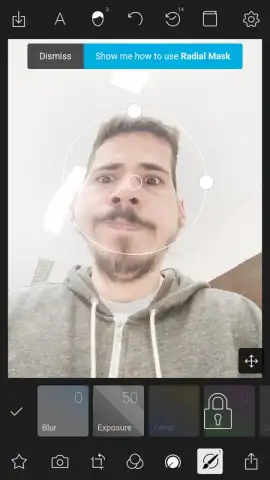
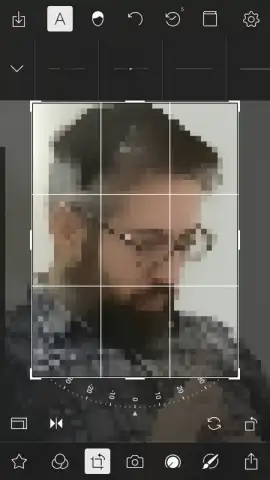
Polarr fundamentally changes how you interact with a photo editor by putting the interface itself in your hands. Instead of being locked into a fixed layout, you can drag, drop, and rearrange every tool icon on the screen. This means you can build a personalized dashboard that places your most-used adjustments—like color grading or detail enhancement—right at your fingertips, streamlining your process from the first edit.
Professional-Grade Tools at Your Command
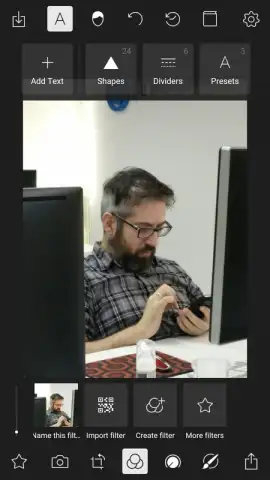
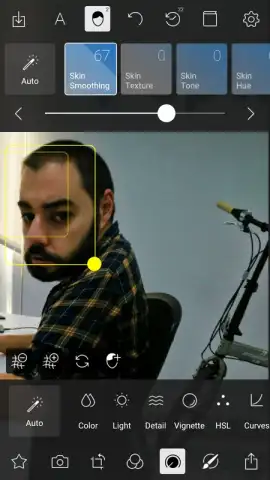
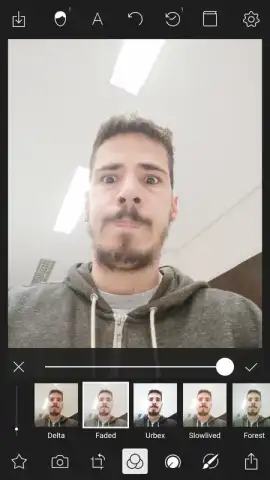
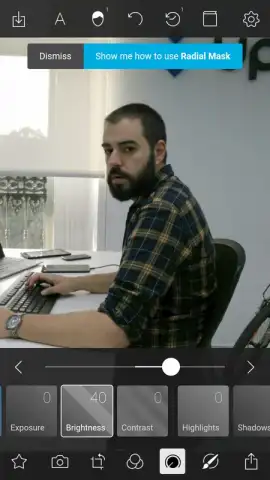
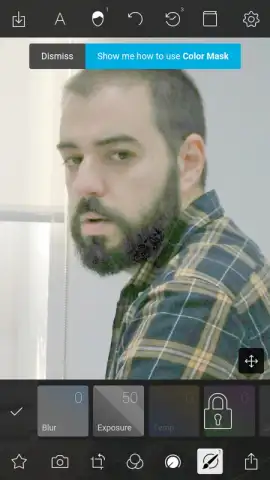
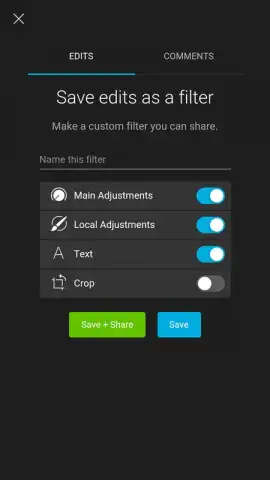
Moving beyond basic contrast and brightness, Polarr provides a deep suite of advanced adjustments. You gain precise control over individual color channels, lighting dynamics, texture clarity, and even geometric perspective corrections. The application’s standout feature is its powerful filter creation engine, which allows you to craft, save, and apply your own unique signature looks by combining multiple adjustment layers into a single, reusable preset.
An Intuitive Path to Complex Edits
Despite its professional capabilities, Polarr is built for efficiency. The logical layout and customizable workspace mean you can achieve complex edits without a steep learning curve. Within minutes, you’ll be performing advanced manipulations typically reserved for desktop software, all within a streamlined mobile interface designed for both quick touch-ups and in-depth creative projects.
The core features that make Polarr a powerhouse include:
- A Customizable Editing Interface: Rearrange tool panels and create a personalized workspace that fits your unique editing style and frequent actions.
- Advanced Color & Lighting Controls: Manipulate luminance, saturation, and hue for specific colors, and independently adjust highlights, shadows, and overall scene lighting.
- Pro Filter Creation Studio: Design, save, and manage your own custom filter presets by layering and fine-tuning multiple adjustment parameters for a consistent brand or style.
Ready to transform your photo gallery? For a limited time, new users can access Polarr’s premium editing toolkit. Download the mobile app now and unlock professional-grade editing—this exclusive offer is for the first wave of creative users only!
Disclaimer: This application requires an internet connection for certain features and potential updates. The app may contain in-app purchases for advanced functionality and subscription plans. Please review the in-app purchase details and terms of use before completing transactions. Data usage may apply depending on your sync and cloud backup settings. User discretion is advised regarding age-appropriate content.
 GooglePlay


