

PowerDVD Remote FREE
PowerDVD Remote FREE screenshots (5)
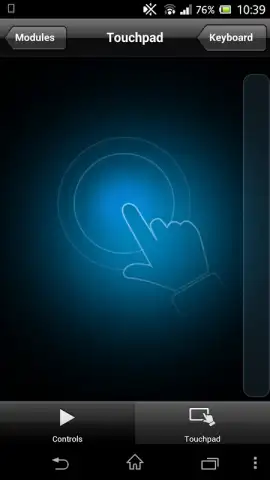
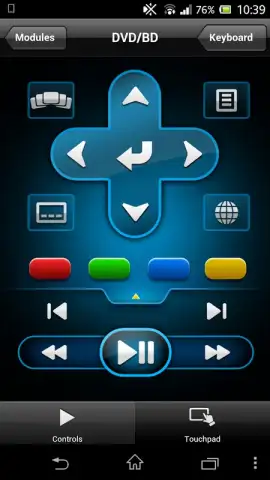
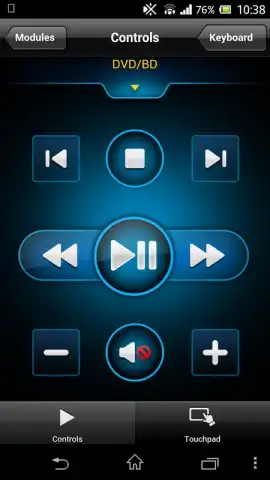
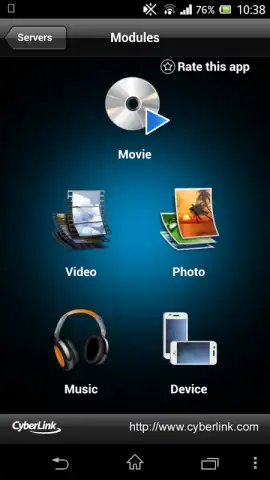
Description PowerDVD Remote FREE
Effortless Media Control from Your Android Device
Managing a media library from a traditional keyboard or TV remote can be inefficient, often requiring you to be directly in front of the screen. This disrupts the viewing experience, especially in group settings or when relaxing at a distance. PowerDVD Remote FREE addresses this by transforming your Android smartphone or tablet into a dedicated, wireless remote control for the PowerDVD media player on your PC or compatible Smart TV.
The application establishes a seamless connection between devices over a shared Wi-Fi network, eliminating the need for line-of-sight or physical proximity. Once paired, it provides granular control over playback, including precise volume adjustment, subtitle management, and chapter navigation. The interface is designed for functionality, replicating core remote functions without unnecessary clutter. For users who regularly utilize CyberLink's PowerDVD software, this app effectively extends its ecosystem, allowing for comfortable management of video playback from anywhere in the room.
Core Functionality and Integration
This is the official remote utility developed by CyberLink, ensuring full compatibility and reliable performance with the PowerDVD client software. It operates on a straightforward principle: both the host computer (or Smart TV) running PowerDVD and the Android device running the remote app must be connected to the same local wireless network. This setup enables a stable, low-latency control link.
- Comprehensive Playback Management: Execute all essential commands including play, pause, stop, skip, and volume control directly from your mobile device’s screen.
- Advanced Media Navigation: Access and control subtitle tracks, audio streams, and chapter selections for a fully customized viewing experience.
- Stable Wireless Operation: Utilizes your existing Wi-Fi network for a responsive connection, removing the hassle of Bluetooth pairing or IR line-of-sight limitations.
This tool is particularly valuable for users who consume media in a living room environment, as it consolidates control into a single, always-available device. The absence of advertisements in the core remote function interface contributes to an uninterrupted user experience.
Download the PowerDVD Remote FREE app now to unlock exclusive, streamlined control of your media center. This limited-time offer provides full access to the official remote—claim your upgrade today.
Note: A persistent internet connection over Wi-Fi is required for initial pairing and operation. The app is free to use; certain advanced features may require in-app purchases or be tied to specific PowerDVD product tiers.


