

PowerTunnel
PowerTunnel screenshots (8)
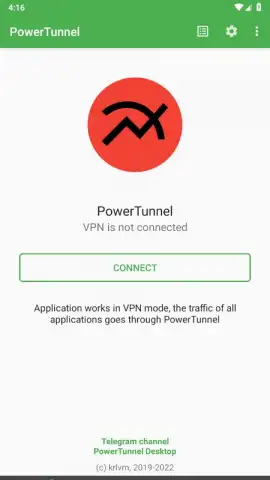
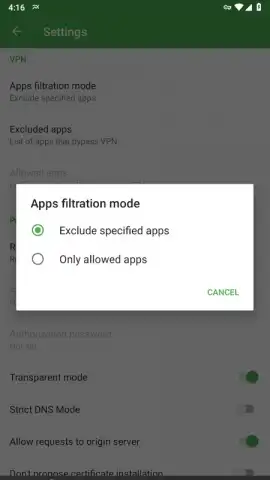
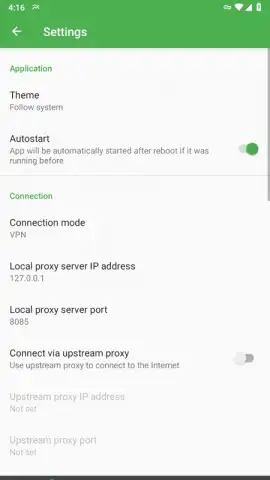
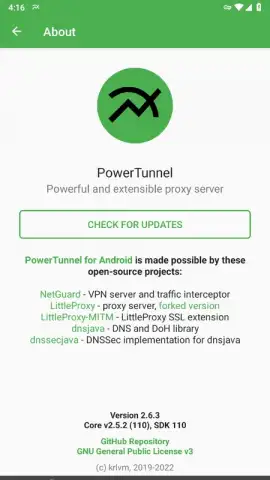
Description PowerTunnel
Unlock the True Internet on Your Android Device
Imagine an internet without borders, restrictions, or intrusive tracking. Your Android device holds that potential, but often, gatekeepers stand in the way. PowerTunnel redefines what a mobile privacy tool can be, moving beyond a simple VPN to become a comprehensive shield and key for your digital life. Built on the robust foundation of Netguard servers, this application intercepts all traffic from your device and intelligently reroutes it through a local proxy, offering granular control without ever requiring superuser permissions. This is not just about changing your virtual location; it's about reclaiming your fundamental right to access information and browse securely, enhanced by a modular plugin system that lets you customize your protection layer by layer.
Core Features That Redefine Mobile Privacy
Your journey begins with a fundamental bypass of the most common digital barriers. Authoritarian regimes and restrictive networks often employ Deep Packet Inspection (DPI) systems at the ISP level to monitor and block content they deem undesirable. PowerTunnel is specifically engineered to target the vulnerabilities in these very systems. By creating a local proxy that strategically modifies your traffic packets, the app allows you to slip past these sophisticated filters, effectively dismantling censorship at its core. This is achieved without the complexity of root access, making powerful anti-censorship tools available to every user.
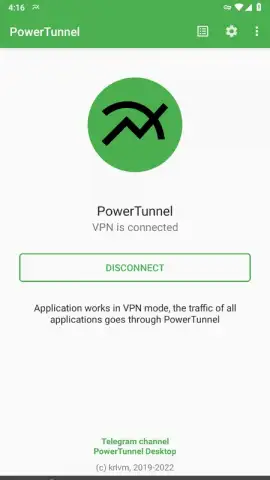
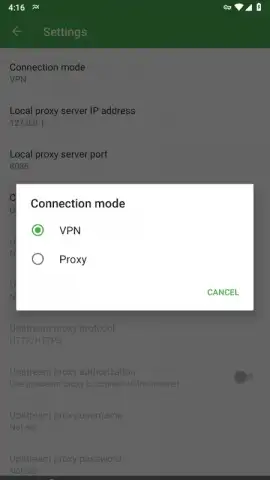
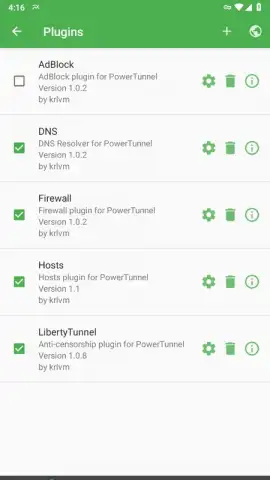
Beyond breaking down walls, PowerTunnel builds a fortress for your everyday browsing. A single tap activates a streamlined VPN mode, instantly securing and redirecting traffic from your other applications. This seamless integration means you gain protection without navigating complex device settings. The experience is kept clean and focused, entirely free from advertisements, with performance enhancements ensuring your connection remains stable and responsive. The true power, however, lies in the customization. The dedicated plugins tab transforms the app from a tool into a toolkit.
- AdBlock Plugin: Activate this plugin to strip away intrusive advertisements, pop-ups, and trackers from your browsing experience, leading to faster page loads and a cleaner interface.
- DNS & Firewall Plugins: Take command of your network traffic. Customize your DNS resolver for better speed and security, and use the firewall to set precise rules for which apps can access the network and when.
- Hosts Plugin: Gain advanced control by modifying your device's hosts file directly through the app, allowing you to block specific domains or redirect traffic at a fundamental level.
- LibertyTunnel Plugin: This specialized plugin works in tandem with the core anti-censorship engine, providing additional methods to obfuscate traffic and ensure reliable access in highly restrictive environments.
Each plugin comes with its own set of configurable parameters, letting you fine-tune everything from block lists to connection rules. By default, most protective plugins are enabled, giving you robust security from the moment you start, while AdBlock remains an optional switch for you to flip based on your preference.
Browse Without Borders or Fear
Whether you are navigating government-imposed firewalls, securing your data on public Wi-Fi, or simply demanding a private and ad-free online experience, PowerTunnel provides an indispensable layer of agency. It empowers you to view the internet in its entirety, not just the curated slice someone else permits. This application adds a critical level of security and confidentiality to your digital routine, proving itself as one of the most versatile and powerful traffic management tools available for Android.
Download PowerTunnel now and experience the internet as it was meant to be—open, secure, and entirely yours. This is exclusive, unrestricted access reserved for proactive users who take their digital freedom seriously.
Heads up: You'll need a stable Wi-Fi or mobile data connection for all features to function. Some advanced plugin configurations and capabilities are considered extra and may require additional setup for optimal use.


