

Projectivy Launcher
Projectivy Launcher screenshots (7)


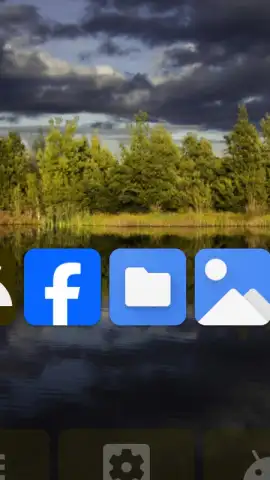
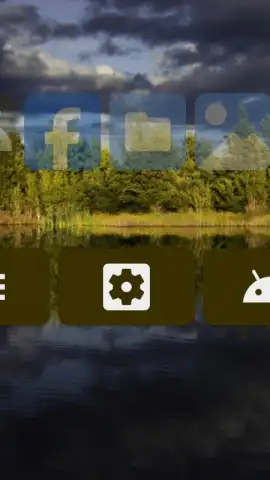

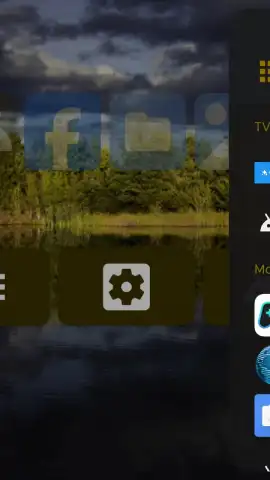

Description Projectivy Launcher
Looking for a way to reclaim control over your smart projector or Android TV interface?
Does the default launcher on your streaming device feel cluttered, restrictive, or simply not tailored to your media consumption habits? Projectivy Launcher by Spocky presents itself as a sophisticated alternative, engineered specifically for large-screen Android environments like smart projectors, Android TV boxes, and set-top devices. This review examines its core proposition: replacing the often inflexible stock interface with a highly customizable, user-centric shell designed to streamline your entire entertainment workflow. It moves beyond simple aesthetics, positioning itself as a utility that offers granular control typically reserved for advanced users, all while maintaining an intuitive front-end.
A Deep Dive into Functionality and Customization
Projectivy Launcher operates on the principle of deep system integration and user empowerment. Its architecture is built to serve as a central hub, seamlessly unifying your disparate streaming apps, live HDMI inputs, and gaming platforms into a single, coherent dashboard. The launcher categorizes content intelligently, eliminating the need to dig through disjointed app drawers or system menus. This organizational logic is not merely cosmetic; it directly reduces navigation time, creating a more fluid and immediate access point to all your media. The interface itself is a canvas for personalization, supporting custom sections, adjustable grid layouts, and icon presentation styles, allowing you to structure the home screen around your actual usage patterns rather than conforming to a manufacturer's preset.
The application distinguishes itself through a suite of advanced settings often absent in stock firmware. Users gain access to parameters for resolution management, home screen behavior configuration, and the ability to create direct shortcuts for toggling between different device states or inputs. This level of control effectively transforms a standard streaming device into a more versatile and purpose-driven entertainment center. Whether your setup involves a primary projector, a secondary television, or even using a phone in a desktop mode, the launcher adapts its functionality to provide a consistent and enhanced interaction layer across these scenarios.
- Unified Content Hub: Aggregates all streaming apps, games, and live HDMI sources into a single, categorically organized home screen for instant access.
- Granular System Control: Offers advanced toggles for display resolution, home screen edits, and custom shortcuts, providing control typically hidden in stock interfaces.
- Ad-Free Customization Environment: Delivers a clean, user-focused experience without advertisement interruptions, focusing purely on utility and interface personalization.
We suggest trying Projectivy Launcher if you are dissatisfied with the limitations of your device's default interface and seek a tool that prioritizes efficiency, organization, and deep customization for a superior large-screen Android experience. Consider downloading the APK to directly assess how its feature set can optimize your specific entertainment ecosystem.
Download Projectivy Launcher now.
Please note: This application may require an internet connection for initial setup and certain features. It is distributed as a free APK; always ensure you download from a trusted source. Some advanced functionalities or future updates might involve in-app purchases.
 GooglePlay


