
Projector: HD Video Cast
Projector: HD Video Cast screenshots (6)
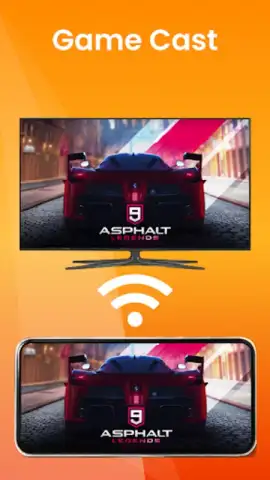
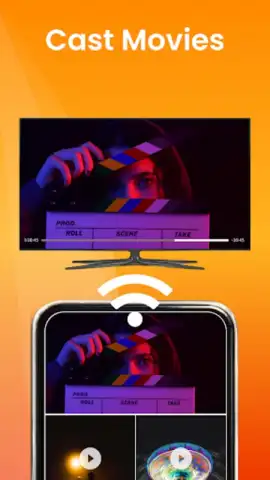
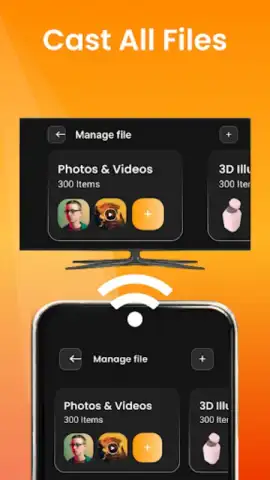
Description Projector: HD Video Cast
Transform Your Phone into a Universal Media Hub
Stop struggling with incompatible formats and clunky cables. Projector: HD Video Cast turns your Android device into a powerful, wireless streaming center, designed to cast your entire media library to any screen with precision and ease.
Core Functionality and Casting Tools
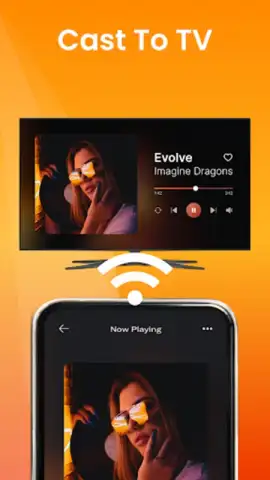
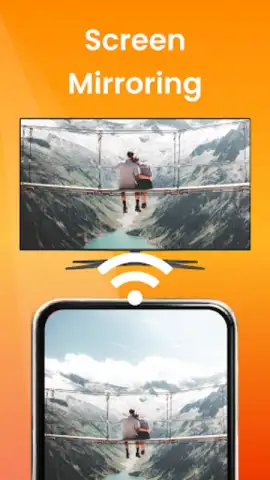
This application provides a comprehensive suite for local media playback and network casting. It scans your device for all stored video, audio, and image files, organizing them into an intuitive library. The built-in media player supports a wide array of formats (including MKV, AVI, MP4, MOV) for direct on-device viewing. Its primary function is seamless casting via DLNA, Chromecast, and Miracast protocols, allowing you to stream content to smart TVs, streaming sticks, and other compatible receivers on the same Wi-Fi network. You can browse your phone's gallery and playlists directly, selecting files to send to the big screen with a single tap. The app also functions as a remote control for playback once casting is initiated.
Key Technical Advantages
The interface is built for speed and utility, prioritizing fast file indexing and stable connection management. It handles high-definition and Full HD video streams with minimal latency, ensuring a smooth viewing experience. The app operates as a self-contained system, requiring no intermediate servers, which can enhance local network performance and privacy. Visuals are clean and functional, with clear indicators for device discovery, connection status, and active playback.
- Cast local videos, music, and photos directly to your TV or projector wirelessly.
- Supports major casting standards: Chromecast, DLNA/UPnP, and Miracast for broad compatibility.
- Built-in player handles numerous video formats like MKV, AVI, MP4, FLV, and MOV.
- Browse and stream media from your device's storage with a clean, categorized library view.
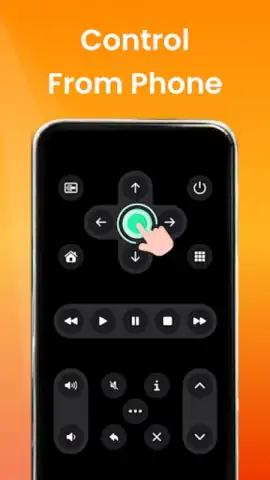
- Use your phone as a remote to control playback, volume, and casting after connection.
Download the mobile app now and start streaming your media in high definition to any screen in your home!
Disclaimer: This application requires an internet connection for initial device discovery and certain casting protocols. It functions primarily over a local Wi-Fi network. The developer may offer in-app purchases for additional features. Use of this app must comply with your local copyright laws. Data usage may apply depending on your network configuration. Compatible with Android 5.0 and above.
 GooglePlay


