

QuickShortcutMaker
QuickShortcutMaker screenshots (17)
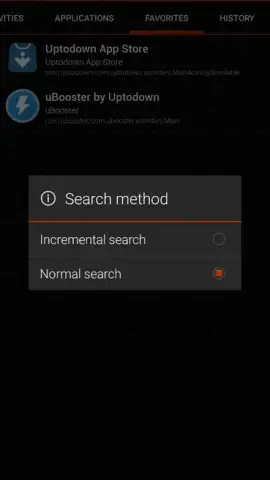
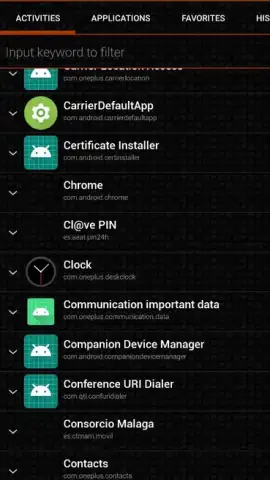
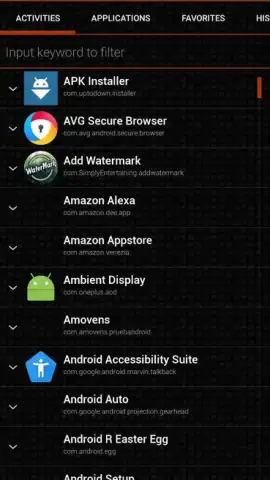
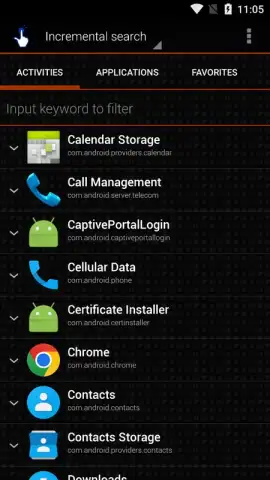
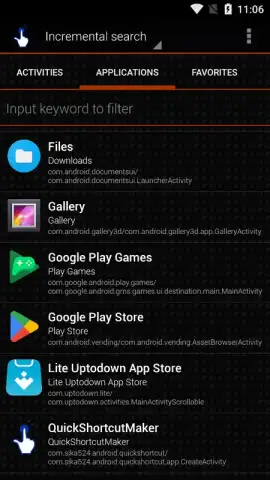
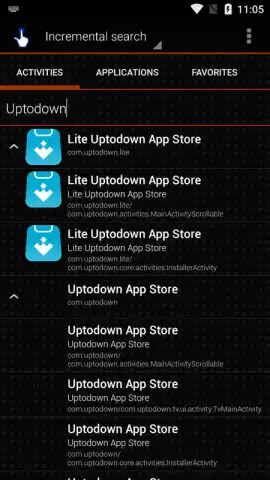
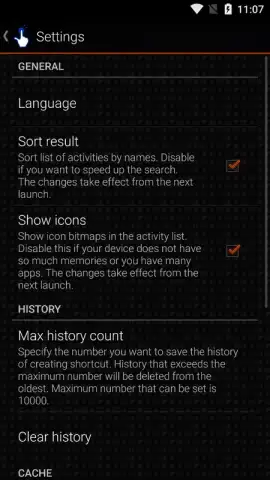
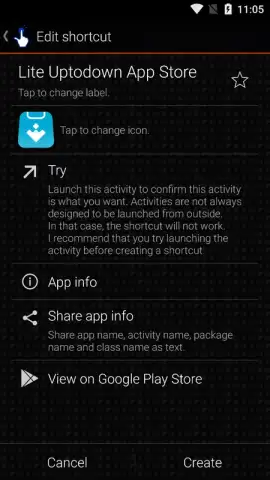
Description QuickShortcutMaker
Tired of digging through endless menus just to reach your favorite app's hidden settings or a specific system function? What if you could place a direct shortcut to anything on your home screen, just like your most-used apps?
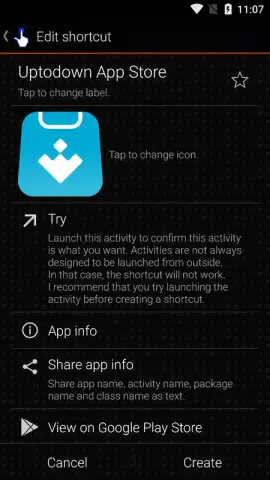
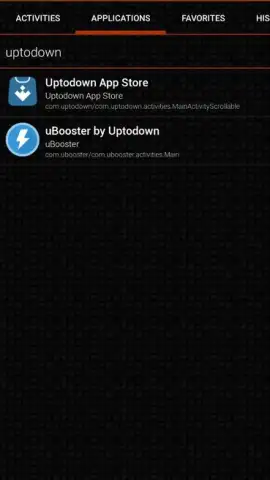
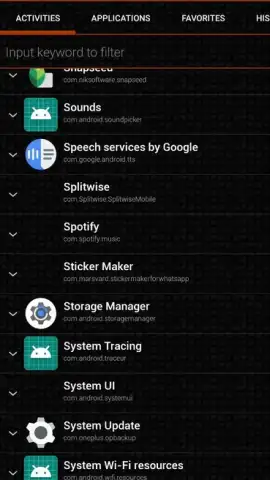
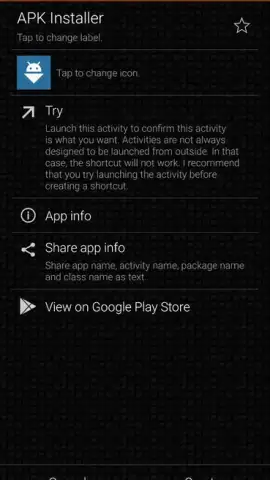
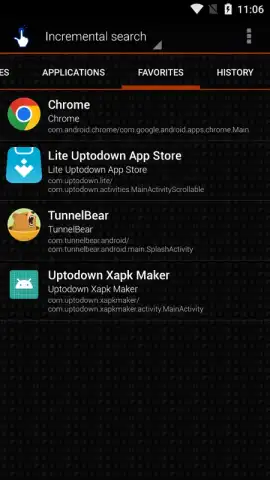
QuickShortcutMaker transforms your Android device into a truly personalized command center. This incredibly straightforward tool does exactly what its name promises: it crafts custom shortcuts for virtually anything. Go beyond launching apps; create instant desktop icons for deep-linking into specific activities, hidden system processes, and settings panels that are normally buried. Imagine having a one-tap shortcut to your WhatsApp chats, your camera's night mode, or a specific battery optimization menu. The power to streamline your phone is literally at your fingertips.
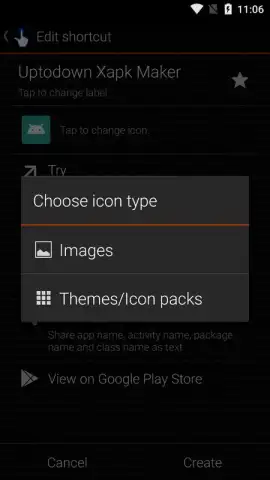
The magic deepens with full customization. You are in complete control of how each shortcut looks and feels. Choose a custom icon from your gallery or a built-in set and rename the shortcut to anything you like. This level of personalization means you can organize your shortcuts clearly or even disguise them for a cleaner, more private home screen layout. It’s about creating an interface that works for you, not the other way around.
Why QuickShortcutMaker Becomes Essential
- Direct Access to Everything: Create desktop shortcuts not just for apps, but for specific activities, settings, and hidden system functions you use daily.
- Total Customization: Personalize every shortcut with your own icons and labels for perfect organization or discreet placement.
- Streamlined Workflow: Eliminate tedious navigation. Your most-needed actions are always one tap away on your home screen.
- Clean, Ad-Free Experience: Enjoy a focused tool without disruptive advertisements, allowing you to create and manage shortcuts without distractions.
- Unlock Advanced Potential: Discover quicker ways to access developer options, specific app sections, and system tools you never knew were so accessible.
Stop accepting the default navigation of your device. Take control and build the most efficient home screen you've ever had. This is the utility that changes how you interact with your phone every single day.
Download QuickShortcutMaker now and customize your Android experience in minutes!
Internet required. IAP available.


