
RefCanvas
RefCanvas screenshots (15)
Description RefCanvas
Tired of Creative Chaos? Imagine a Perfectly Organized Visual Library at Your Fingertips
You know that feeling. Your inspiration is scattered across a dozen browser tabs, your camera roll is a graveyard of unsorted screenshots, and that brilliant color palette you found last week is lost forever. Starting a new art or design project feels less like creation and more like an archaeological dig through your own digital clutter. What if you could change that in an instant? What if every reference image, every mood, every spark of inspiration had its own dedicated, beautiful space where you could not just store it, but actively work with it? Your creative process is about to get a serious upgrade. Stop imagining and start organizing with RefCanvas, the dynamic visual reference board designed to transform how artists and designers collect, curate, and create.
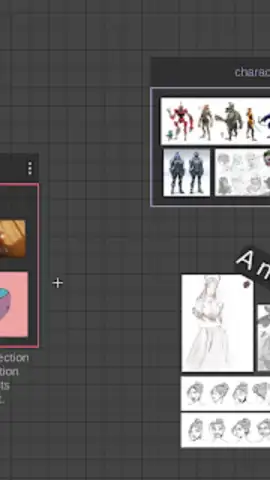
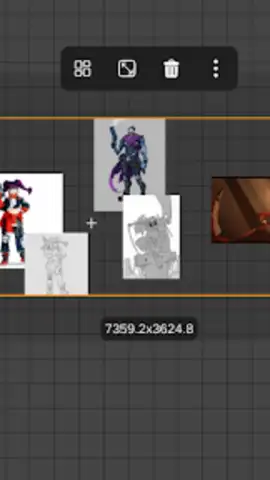
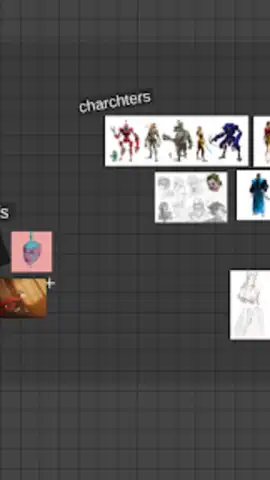
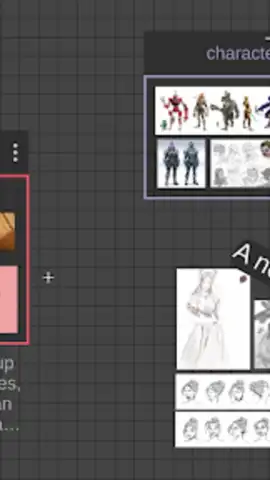
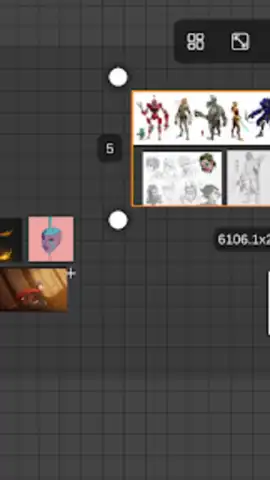
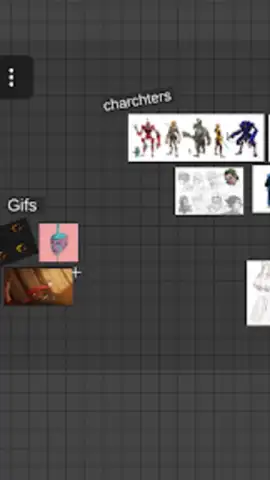
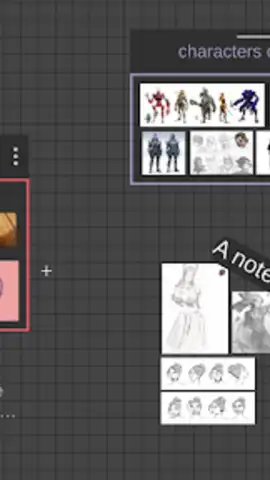
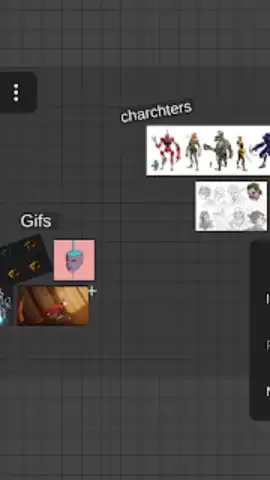
RefCanvas isn't just another gallery app; it's your active creative command center. Think of it as a digital pinboard that understands exactly what you need. That intuitive interface means you’re importing images and GIFs within seconds, dragging them directly from your other apps or pasting from your clipboard with seamless ease. But here’s where the magic happens: you don’t just look at your references, you interact with them. Need to compare two concepts side-by-side? Activate split-screen mode and keep RefCanvas floating over your favorite drawing app, so your inspiration is always in view, never hidden behind another window. Working on a complex project with layers of ideas? The innovative node system lets you visually group and connect related images, creating a map of your creative thinking that’s as logical as it is inspirational.
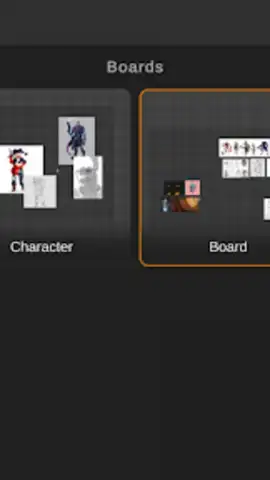
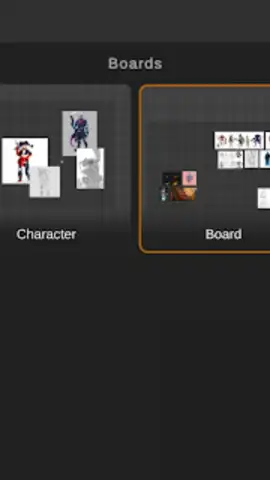
The feature set feels like it was built by artists, for artists. Ever tried to color-match from a low-res image? The built-in color picker tool lets you grab the exact hex code from any pixel on your reference board with pinpoint accuracy. Need to focus on form without the distraction of color? Toggle your entire board or individual images into grayscale with a single tap. And for those working on character design or symmetrical concepts, the horizontal and vertical mirroring tools are an absolute game-changer, allowing you to analyze and perfect balance in real-time. Your curated boards aren’t just saved; they’re preserved with auto-generated thumbnails, turning your past projects into a searchable, visual portfolio of inspiration you can revisit anytime.
Why Your Creative Workflow Needs RefCanvas Today
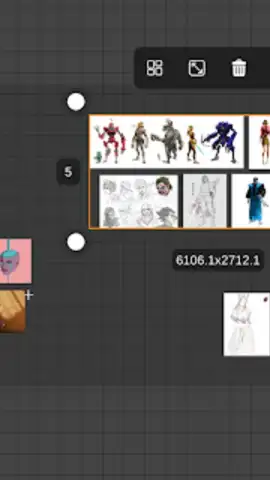
- Master Your Multi-Reference Workflow: Manage multiple visual boards simultaneously. Use multi-select to group-edit, resize, rotate, and reposition entire sets of images at once, saving you countless manual adjustments.
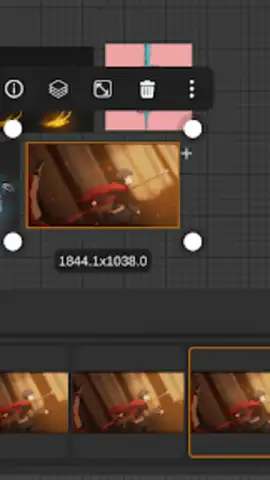
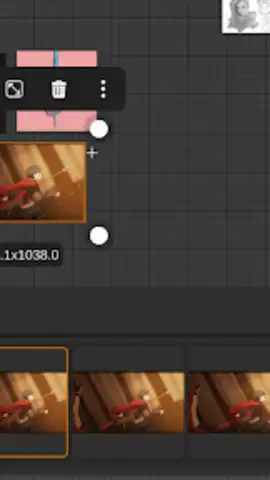
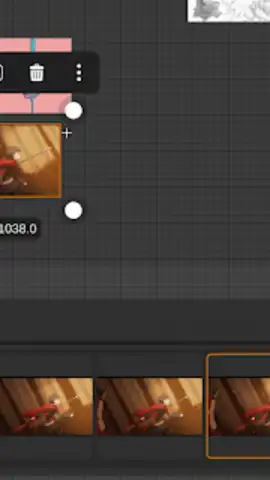
- Animate Your Inspiration: Go beyond static images. Integrate animated GIFs directly onto your boards. Pause them, scrub through frame-by-frame on an interactive timeline, and study motion and detail like never before.
- Uninterrupted, Turbo-Charged Creation: Experience a completely ad-free environment. This clean, focused space is powered for performance, ensuring smooth dragging, instant loading, and seamless operation so your flow state is never broken.
- Universal Compatibility & Control: Drag-and-drop files from virtually any other app on your device or paste images directly from your clipboard. The app supports pop-up view and split-screen, making it the perfect companion for Procreate, Adobe Fresco, and other major drawing applications.
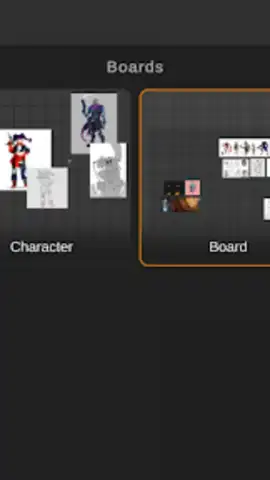
- Intelligent Organization & Future-Proofing: The unique node-based system helps you organize related visuals efficiently. Every board you save automatically generates a thumbnail, building a powerful, easy-to-navigate library of all your past creative research and mood boards.
This is more than an app update; it's a revolution in how you handle visual inspiration. The clutter ends now. Your most organized, productive, and inspired creative sessions are waiting. Don't let your next great idea get lost in the shuffle. Download RefCanvas now and claim your exclusive, ad-free creative command center today—your future projects will thank you.
Disclaimer: This application requires an internet connection for initial download and potential updates. The app may contain in-app purchases for premium features or subscriptions. Please be aware of any age restrictions set by the digital storefront. User data may be collected in accordance with the developer's privacy policy to improve app functionality and experience.
 GooglePlay


