
Remote PC Share
Remote PC Share screenshots (8)

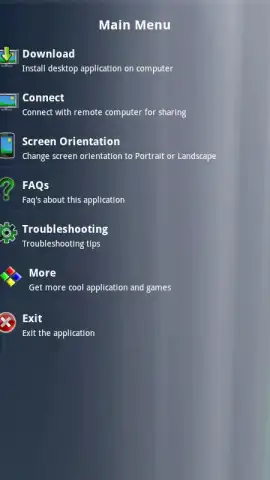
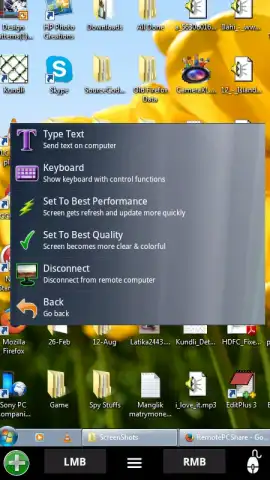
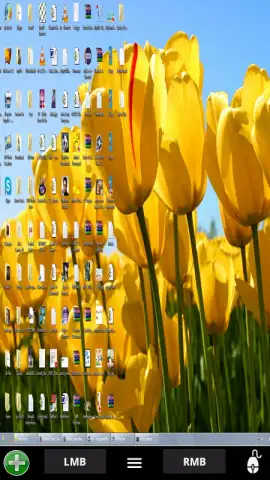
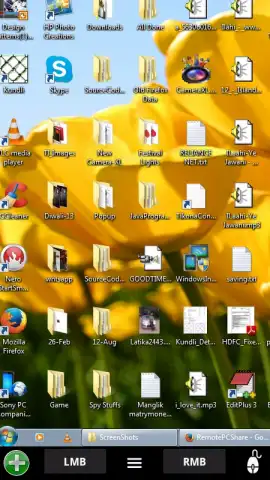
Description Remote PC Share
Access Your Desktop From Anywhere, Anytime
Managing files or running software trapped on your home or office computer can halt your workflow. Remote PC Share provides a direct, secure bridge to your Windows or macOS desktop, turning your mobile device into a portable control center for your primary machine. This eliminates the need to be physically present at your computer for urgent tasks, data retrieval, or system checks.
Core Functionality and Remote Control Tools
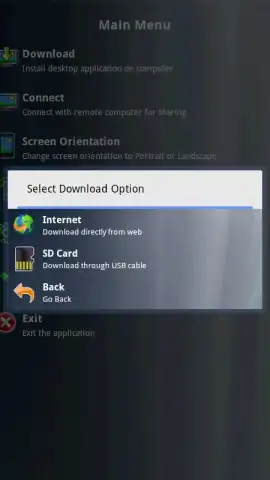
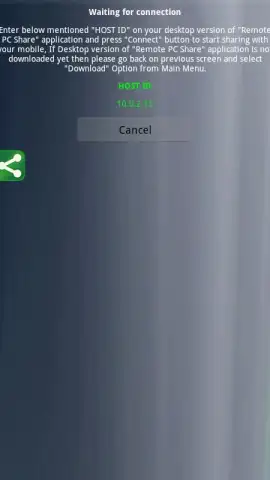
The app establishes a persistent, low-latency connection between your Android device and a host computer running the companion desktop client. Once paired, it mirrors the desktop interface on your mobile screen with high fidelity. Core interaction is handled through intuitive touch gestures: tap to click, two-finger scroll, and pinch-to-zoom for detailed areas. A persistent, customizable toolbar provides quick access to essential input modes, including a virtual keyboard optimized for mobile entry and the ability to lock the remote cursor to either touch or trackpad simulation. For administrative tasks, the connection supports elevated privilege sessions, allowing for software installation and system configuration remotely.
Operational Advantages and User Experience
The utility is defined by its operational efficiency and robust performance. The video stream is optimized dynamically based on available network bandwidth, prioritizing clarity for text or fluid motion for video playback. Security is handled through end-to-end encryption for all data transmission, ensuring that remote sessions are private. The interface is strictly utilitarian, minimizing on-screen clutter to maximize the viewable desktop area, with all controls retractable. It maintains connection stability even on cellular networks, and background operation on the mobile device allows you to momentarily switch apps without dropping the session.
- High-Definition Desktop Streaming with adjustable quality and frame rate controls for optimal performance.
- Comprehensive Touch Gesture Support including right-click, drag-and-drop, and multi-finger scrolling.
- Secure Encrypted Tunnels for all data, requiring authentication for every new connection attempt.
- File Transfer Manager integrated directly into the session for bidirectional file browsing and transfers.
- Session Recording Capability to capture remote desktop activity for tutorials or record-keeping.
Start managing your digital workspace without boundaries. Download Remote PC Share now and turn your phone into a universal remote for your computer.
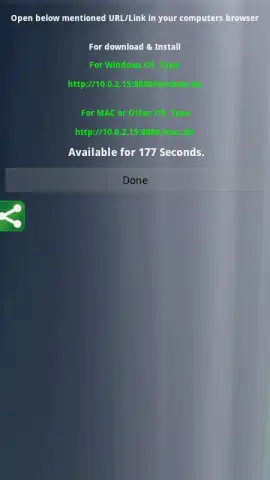
Heads up: you'll need a stable wifi or mobile data connection for optimal performance. The companion desktop agent software must be installed and running on the host PC. Some advanced features like wake-on-LAN may require specific hardware support.


